




InCloud Manager
InCloud Manager is an AI-driven network platform for chain stores and SMEs, offering smart monitoring and management of routers, access points, and switches to accelerate digital retail and smart office transformation.
Cloud-Based Network Management Platform
Centralized cloud management
Simple and straightforward management interface with multiple graphical data.Easily configuration and upgrades.
AI-driven, efficient network operations
Semantic configuration and intelligent diagnostics enable efficient, always-on operations and ensure stable network performance.
Remote access
It enables remote access and maintenance of devices and ensures continuous data delivery to data centers.
SD-WAN for faster branch connectivity
Integrating SD-WAN technologies, InCloud Manager renovates traditional WANs with agile deployment, lower costs, and enhanced access experience.
Mobile App, control business in hand
Use the mobile app to scan and connect devices to the cloud, with anytime, anywhere monitoring and management.
-
The O&M Challenge: Staffing Constraints and Efficiency Bottlenecks
Customers are geographically dispersed, making on-site visits expensive Signal quality requires manual lookup and comparison against standardsExperienced network engineers are scarce and costly Troubleshooting an offline device means jumping through multiple pages — slow and tediousOne person can only manage a limited number of devices — scaling up means falling behind Routine inspection of dozens of devices requires hours of clicking through Web UIs
-
Fault Diagnosis
1. Check device status Confirm offline timestamp2. Review online history Analyze recent disconnect patterns3. Check signal records Analyze RSRP trend4. Review system logs Search for key events5. Conclusion —
-
Signal Analysis
Excellent > −85 dBmFair −100 ~ −110 dBmGood −85 ~ −100 dBmPoor < −110 dBm
-
AI-Powered O&M: Across-the-Board Efficiency Gains
Batch config deployment Manual filtering, device-by-device executionBulk firmware upgrade Manual device-by-device operation, manual progress trackingMonthly device inspection Log into each device's Web UI individually — takes daysOffline device troubleshooting Browse multiple pages manually, make your own judgmentSignal quality audit Manually look up data and compare against standards
-
Transparent and Controllable — Every Step Visible
Yes Operations tied to user account Every action is logged with the operator's identity; complete activity audit trailYes Read-only operations unrestricted Query status, view alerts, analyze signal — zero risk, use anytimeYes Standardized execution flow Each operation follows the same process every time, regardless of who performs it — reducing human error riskYes Write operations require confirmation Modify config, upgrade firmware, reboot — changes displayed in full before execution, awaiting user confirmation
-
Industry Applications
ATM / Financial Bank branches, payment terminalsIndustrial / Energy Production lines, power stations, mining sitesMSP / System Integrator Multi-customer managed servicesRetail Chain Convenience stores, cafes, pharmaciesTraffic Monitoring Highways, urban traffic systems
-
Store outage — manager reports network down
Store outage — manager reports network down Remote page-by-page investigation, time-consuming
-
Monthly inspection — days of device-by-device review
Monthly inspection — days of device-by-device review Manual device-by-device audit
-
Pre-event network check — ahead of major promotion
Pre-event network check — ahead of major promotion Manual monitoring, ad hoc
-
New store rollout — push standard config to all new devices
New store rollout — push standard config to all new devices Manual device-by-device configuration
Verwandte Produkte
Enterprise-Router
Cloud-verwaltete SD-WAN-Edge-Router
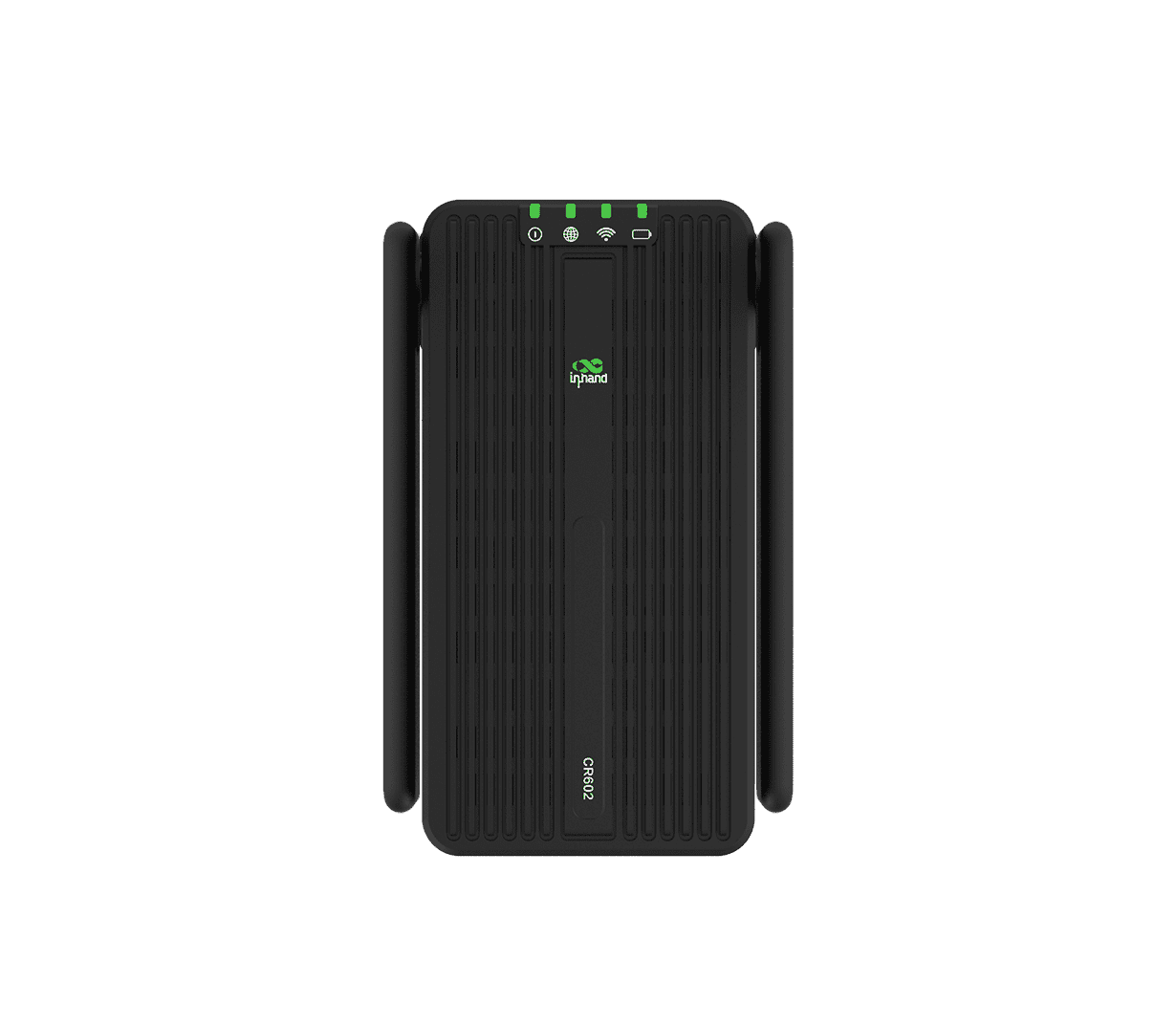
Mobilfunkrouter
Sofortige Konnektivität für unterwegs
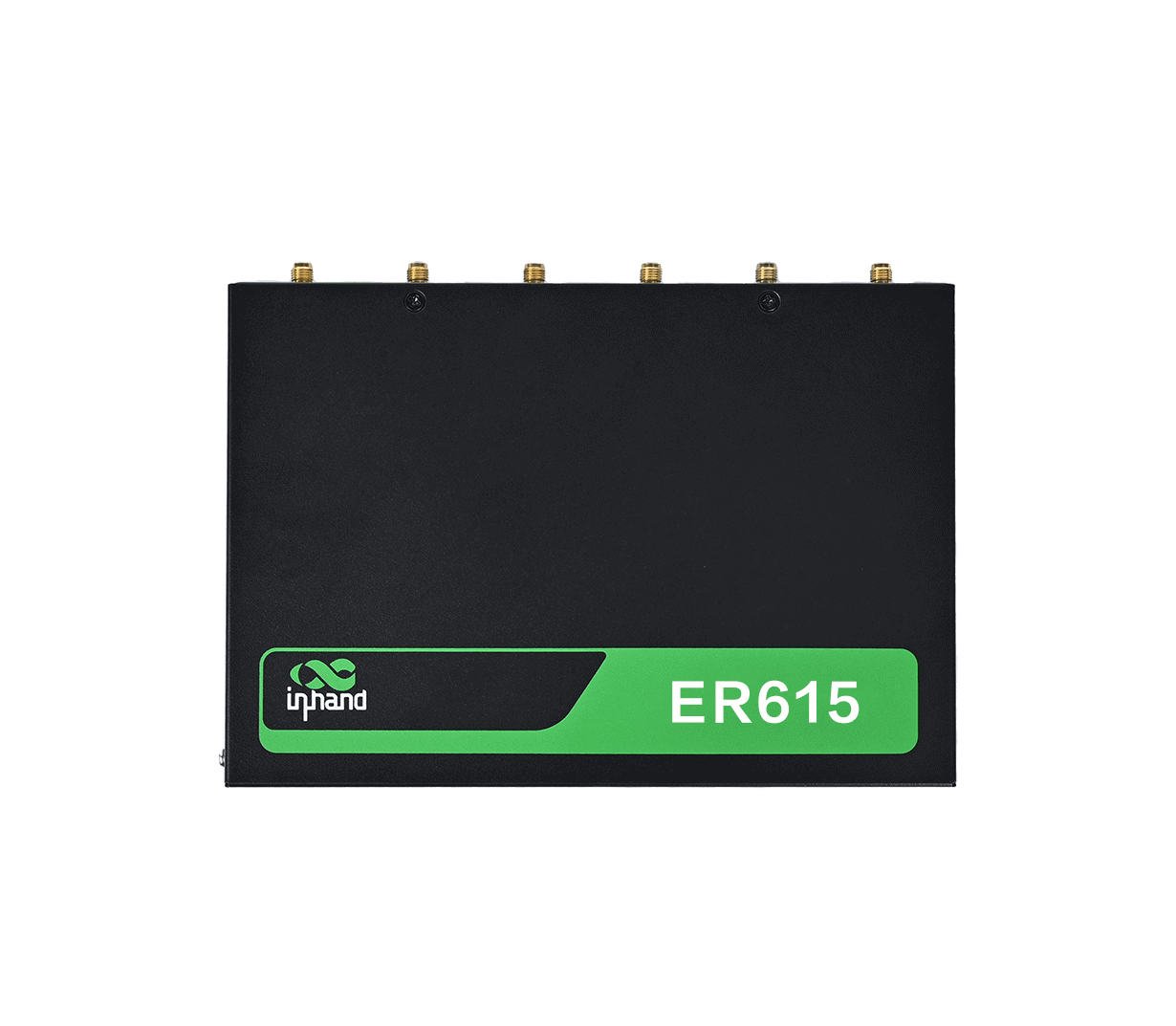
Indoor Router
High-Performance Indoor 5G Network
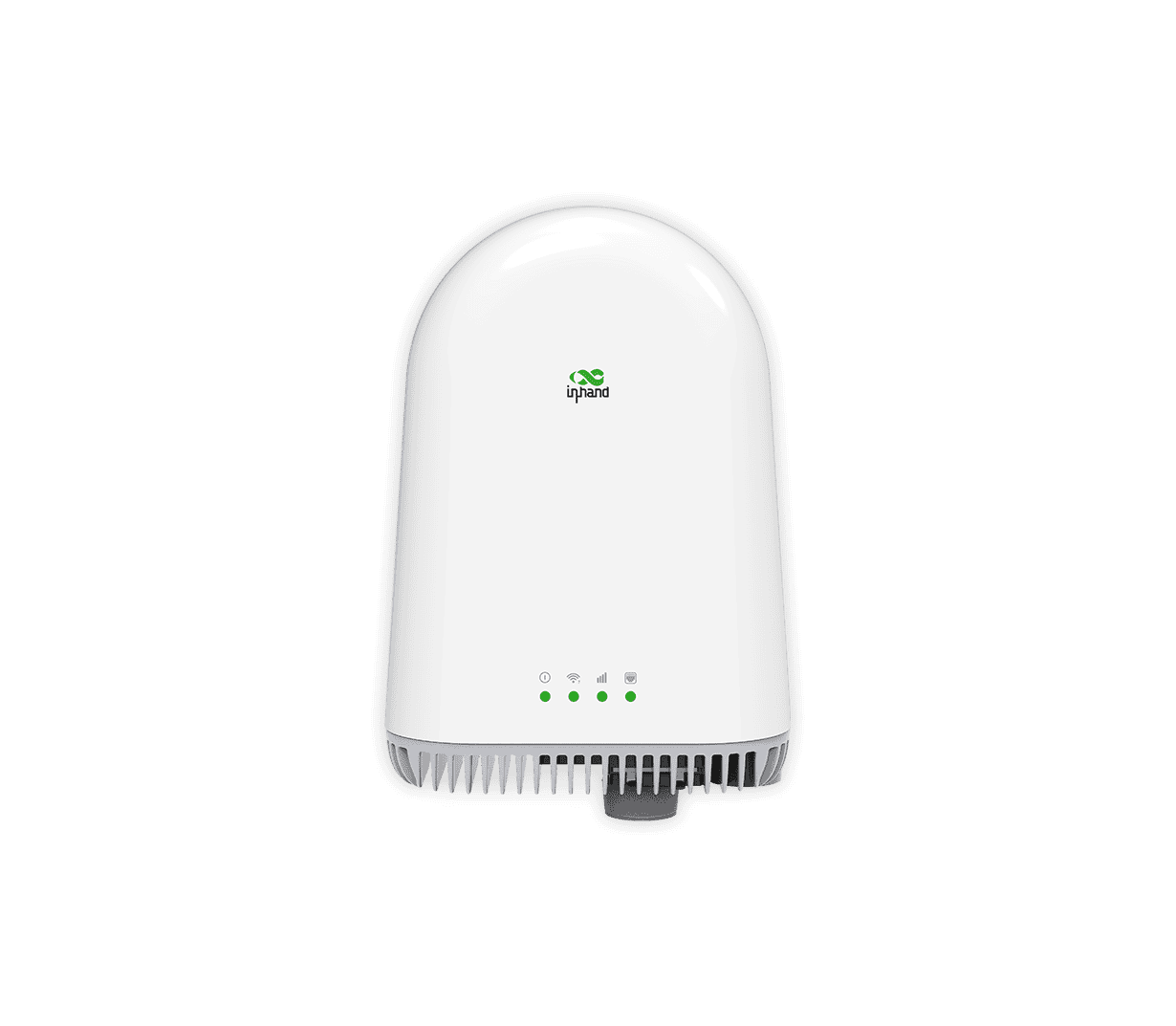
Outdoor Router
Durable Outdoor 5G For Wide Coverage
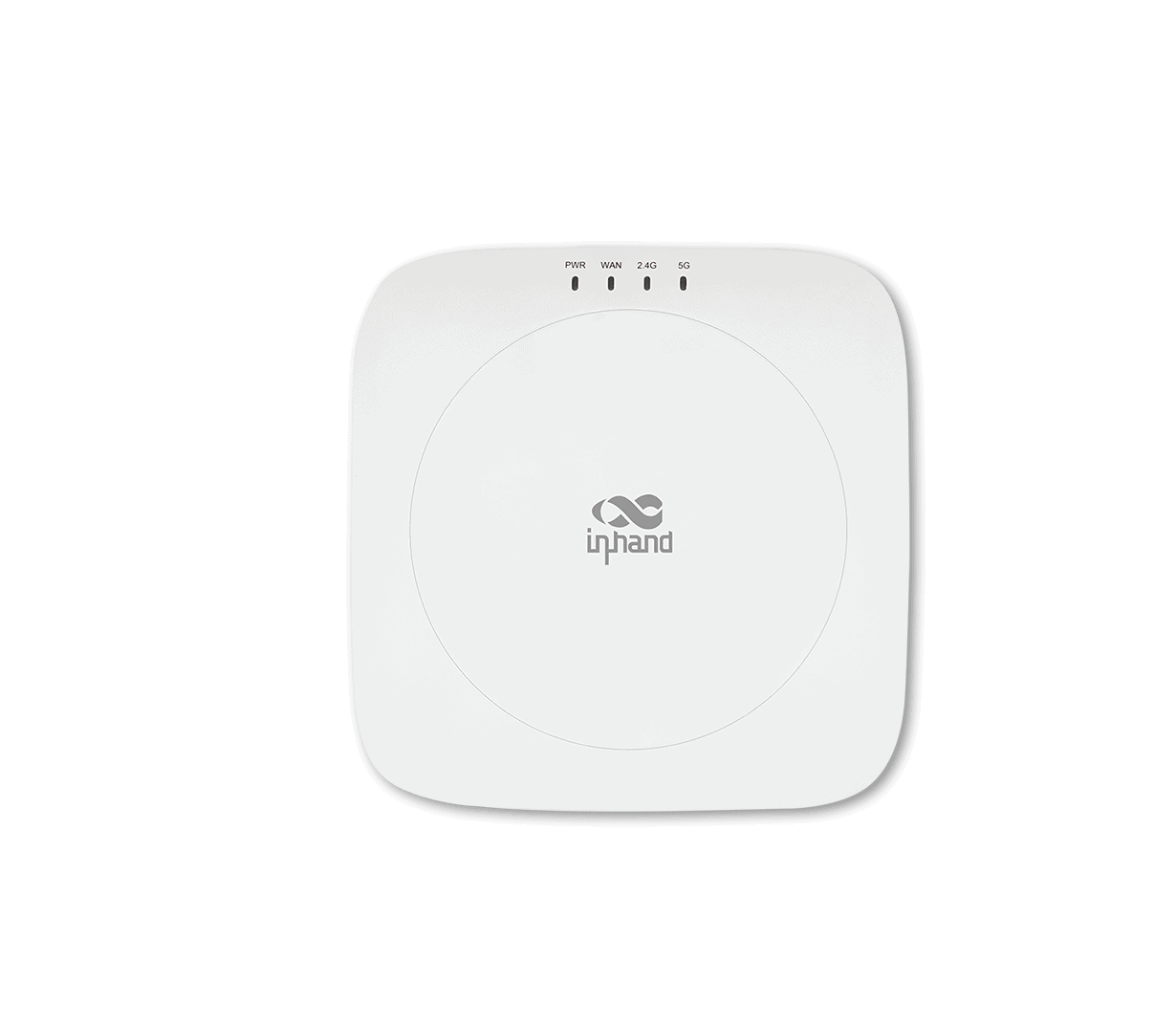
Enterprise Wireless AP
Seamless Wireless for SMB
Ähnliche Fälle
Komplettlösung für ein Netzwerk im Einzelhandel
One-stop Network Solution for a Retail Chain Stores Applications and Cases Key…
Mehr erfahren →5G-Failover: Integrierte Ausfallsicherheit für Supermarktnetze
5G Failover: Built-In Resilience for Supermarket Networks Applications and Cases Key Takeaways…
Mehr erfahren →Secure Seamless Connectivity with Cellular Failover Solution
Secure Seamless Connectivity with Cellular Failover Solution Applications and Cases Key Takeaways…
Mehr erfahren →Wireless Connectivity for Business Travels
Wireless Connectivity for Business Travels Applications and Cases Key Takeaways Wireless Connectivity…
Mehr erfahren →SD-WAN Hybrid Networking Solution
SD-WAN Hybrid Networking Solution Applications and Cases Key Takeaways SD-WAN Hybrid Networking…
Mehr erfahren →Revolutionizing Public Safety Communication with 5G FWA Solution
Revolutionizing Public Safety Communication with 5G FWA Solution Applications and Cases Key…
Mehr erfahren →Drahtlose Netzwerklösung für Spielhallenketten
Applications and Cases Wireless Network Solution for Chain Gaming Arcades Key Takeaways…
Mehr erfahren →Uninterrupted 5G Network for Enterprise Branches
Uninterrupted 5G Network for Enterprise Branches Applications and Cases Key Takeaways Uninterrupted…
Mehr erfahren →Häufig gestellte Fragen
What does InCloud Manager offer?
InCloud Manager is InHand’s cloud-based network management platform for business branches and hybrid workplaces. It integrates InHand edge routers, access points, and switches into a single cloud-managed solution covering branch networking, SD-WAN, and centralized device operations. Highlights from the v3.1 brochure:
| Portal URL | star.inhandcloud.com |
| Three pillars | Network Visualization, SD-WAN, Simplified Management |
| Hardware families | 5G SD-WAN Edge Routers (ER series), Wi-Fi 6 AP (EAP series), Cloud-Managed Enterprise Switches (ES series), 5G FWA, High-Performance Enterprise Routers (ER2000), 5G ODU |
| Tiers | Essential (core management) and Professional (adds Connector remote access + SD-WAN Overlay Networking) |
Application targets: retail stores, chain branches, digital leisure arcades, healthcare, enterprise offices, hybrid workplaces.
How do I add a new device to InCloud Manager?
Devices are added in two steps: ensure the device has internet connectivity, then add the device on the portal by serial number.
1. Make sure the device has internet connection (Ethernet WAN with DHCP/static/PPPoE, cellular, or Wi-Fi STA — configured from the device’s local web GUI).
2. Add the device on the portal:- Sign in at
https://star.inhandcloud.com. - In the Devices menu, click Add.
- Enter the device name, serial number, and MAC address (all from the device label).
- Click Save.
How do I remotely access devices and their downstream endpoints?
InCloud Manager offers two complementary networking modes for remote access (Professional tier):
A. Connector Network — VPN tunnel between the cloud and a device, so an engineer can reach the router’s web GUI and any downstream endpoint (PLC, HMI, IP camera, IP phone, etc.) without going on site.
To configure:
- Create a Connector network — click Add under Networks, enter the network name, Save.
- Add devices — pick the devices to include and assign each a subnet address (Auto or Manual, range
10.16.32.0/24–10.31.255.0/24). The platform automatically assigns each device a virtual IP and establishes a VPN tunnel. - Add endpoints — enter endpoint name + LAN IP, pick the parent device, and assign the endpoint’s virtual IP (Auto or Manual). Up to 243 endpoints per device.
- Configure accounts — assign engineer accounts a Float or Static virtual IP.
- Install the Connector client (MacOS / Windows / iOS / Android), import the account config, and click CONNECT to bring up the VPN.
- Open the router’s web GUI remotely via its virtual IP — exactly as if you were on-site (per the user manual: *”users can use this virtual IP to remotely access the local web management interface of the router device”*).
- Access endpoints behind the router (PLCs, HMIs, IP phones, cameras, controllers, VoIP, IPCs) for maintenance, program downloads, or fault diagnosis.
Once the tunnel is up:
What monitoring and management features are available?
These features are on both Essential and Professional tiers:
| Feature | Description |
| Individual/Bulk Device Configuration | Remote configure devices through GUI |
| Individual/Bulk Device Upgrade | Remotely upgrade firmware with flexible scheduling |
| Device Management by Group | Classify devices by business needs |
| Remote Control Command | Remote reboot, factory reset |
| Connection Status Statistics | Device connection status, network type |
| Network Status Analysis | Interface and link status, traffic consumption |
| Network Quality Monitoring | Cellular signal, delay, jitter, packet loss, throughput |
| Client Statistics | Per-client information, connection status, traffic consumption |
| Remote Diagnostic Tool | Diagnostic logs, Ping, Traceroute, packet capture, event analysis |
| Geolocation Management | GPS / base-station / manual positioning; map view |
| Alert Policy | CPU, link, cellular-traffic alarms with SMS / email / app notifications |
| MFA | Account multi-factor authentication |
| InCloud Manager APP | Scan-code device configuration, mobile network-status monitoring |
Security strategies (per the brochure): data encryption in transit, unified identity authentication, access control, threat identification — with privacy policies ensuring core business data is not uploaded to the cloud.