


InBOX710
4G ARM
Industriecomputer
InBOX710 ist eine lüfterlose, industrielle Edge-Box für stabile lokale Rechen- und Konnektivitätslösungen. Sie integriert 4G, WLAN und BLE und unterstützt 4K-HDMI-Displays mit seriellen und USB-Schnittstellen für unbeaufsichtigte Terminals und schlanke Edge-Bereitstellungen.
InBOX710
4G ARM
Industriecomputer
InBOX710 ist eine lüfterlose, industrielle Edge-Box für stabile lokale Rechen- und Konnektivitätslösungen. Sie integriert 4G, WLAN und BLE und unterstützt 4K-HDMI-Displays mit seriellen und USB-Schnittstellen für unbeaufsichtigte Terminals und schlanke Edge-Bereitstellungen.
FOTO
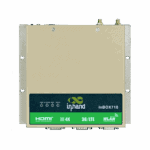
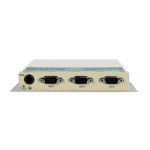
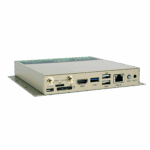
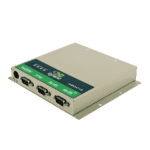
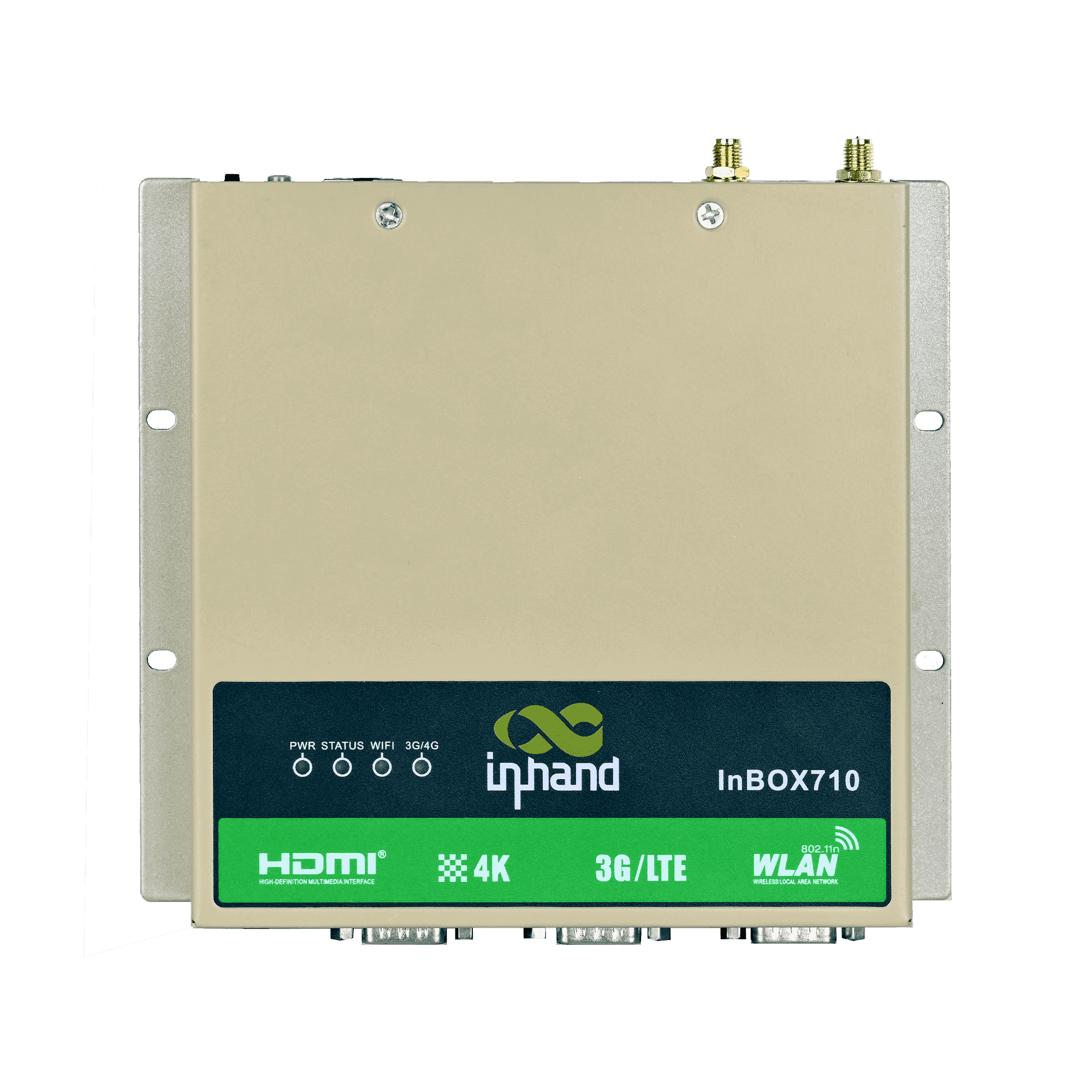
Kompaktes, zuverlässiges Edge-Computing für industrielle Terminals





Selbstdiagnose- und Wiederherstellungsmechanismen reduzieren Ausfälle vor Ort und den Wartungsaufwand und verbessern so die Betriebseffizienz unbeaufsichtigter Systeme.

-
Kernspezifikationen
Bluetooth Bluetooth 4.2CPU RK3399, 6 Kerne, 1,8 GHzAbmessungen 170 × 150 × 26 mm (6.69 × 5.91 × 1.02 in)Ethernet 1 × 10/100 Mbit/sBetriebssystem Android / Linux (Debian 9)Leistungsaufnahme 12 V GleichstromRAM / Speicher 2 GB / 16 GB eMMCSeriennummer 2 × RS-232, 1 × RS-232/RS-485USB 2 × USB 2.0, 1 × USB 3.0Videoausgang HDMI 2.0, bis zu 4K bei 60 Bildern pro SekundeW-lan 802.11b/g/n, Client/AP-ModusBetriebstemperatur -20 °C ~ 70 °C (-4 °F ~ 158 °F)
-
Prozessor
CPU RK3399, 6 Kerne, 1,8 GHzBLITZ 16 GB eMMCRAM 2 GB
-
Schnittstellen
Antenne 1 × SMA (3G/4G); 1 × RP-SMA (WLAN)Tasten 1 × Ein-/Ausschalter; 1 × ModustasteDebuggen 1 × Typ-CEthernet 1 × 10/100 Mbit/s, WAN/LANHDMI 1 × HDMI 2.0, bis zu 4096 × 2160 (4K), mit AudioSD 1 × Schubladen-SD-KartenhalterSeriennummer 2 × RS-232 (DB9); 1 × RS-232/RS-485 (DB9)SIM 1 × Schubladen-SIM-KartenhalterUSB 2 × USB 2.0; 1 × USB 3.0
-
Konnektivität
Bluetooth Bluetooth 4.2Mobilfunk 4G LTEW-lan 802.11b/g/n, Client/AP-Modus
-
Leistung
Stromverbrauch < 10 W (ohne Peripheriegeräte)Stromzufuhr 12 V DC (selbstverriegelnde vieradrige Rundsteckdose)
-
Mechanisch
Kühlung LüfterlosAbmessungen (B × T × H) 170 × 150 × 26 mm (einschließlich Montageteile)Gehäuse MetallInstallation WandmontageSchutzklasse IP40
-
Umwelt
Luftfeuchtigkeit 5 ~ 95% (nicht kondensierend)Lagertemperatur -40 °C ~ 85 °C (-40 °F ~ 185 °F)Betriebstemperatur -20 °C ~ 70 °C (-4 °F ~ 158 °F)
-
Zuverlässigkeit
RTC Eingebaute Echtzeituhr mit Knopfzelle
-
EMV
EFT Stufe 3ESD Stufe 3Anstieg Stufe 3
-
Indikatoren
3G/4G LED Im Normalbetrieb immer eingeschaltet.Betriebsanzeige-LED Leuchtet dauerhaft nach dem EinschaltenStatus-LED Blinkt im NormalbetriebWi-Fi-LED Im Normalbetrieb immer eingeschaltet.
-
Zertifizierung
Zertifizierung CCC, CE, FCC, IC
-
Betriebssystem
Betriebssystem Linux (Debian 9) / Android
-
Netzwerk
Bluetooth Bluetooth 4.2Netzwerk 4GW-lan 802.11b/g/n, Client/AP-Modus
-
Grafikverarbeitung
Bildverarbeitung BMP, JPG, PNG, GIFVerarbeitungsleistung Dual-ISP mit bis zu 800 MPix/s, unterstützt Dateneingabe von zwei Kameras, 3D- und TiefeninformationsextraktionVideo-Codec H.265/H.264/VP9 4K@60fps HD-Videodekodierung
-
Konfigurationsverwaltung
Zeitschalter UnterstütztUpgrade Lokales USB-Upgrade
Standardpaket*
- InBox710 Edge Computer *1
- Optionales Zubehör
- 4G-Antenne *1
- Wi-Fi-Antenne *1
- Netzteil *1
* Der Standardpaketinhalt variiert je nach Standardbestellcode.
Kontaktieren Sie uns Um mehr über unsere Verpackungsoptionen zu erfahren, wenden Sie sich bitte direkt an uns.
Spezifikationen
-
Kernspezifikationen
Bluetooth Bluetooth 4.2CPU RK3399, 6 Kerne, 1,8 GHzAbmessungen 170 × 150 × 26 mm (6.69 × 5.91 × 1.02 in)Ethernet 1 × 10/100 Mbit/sBetriebssystem Android / Linux (Debian 9)Leistungsaufnahme 12 V GleichstromRAM / Speicher 2 GB / 16 GB eMMCSeriennummer 2 × RS-232, 1 × RS-232/RS-485USB 2 × USB 2.0, 1 × USB 3.0Videoausgang HDMI 2.0, bis zu 4K bei 60 Bildern pro SekundeW-lan 802.11b/g/n, Client/AP-ModusBetriebstemperatur -20 °C ~ 70 °C (-4 °F ~ 158 °F)
-
Prozessor
CPU RK3399, 6 Kerne, 1,8 GHzBLITZ 16 GB eMMCRAM 2 GB
-
Schnittstellen
Antenne 1 × SMA (3G/4G); 1 × RP-SMA (WLAN)Tasten 1 × Ein-/Ausschalter; 1 × ModustasteDebuggen 1 × Typ-CEthernet 1 × 10/100 Mbit/s, WAN/LANHDMI 1 × HDMI 2.0, bis zu 4096 × 2160 (4K), mit AudioSD 1 × Schubladen-SD-KartenhalterSeriennummer 2 × RS-232 (DB9); 1 × RS-232/RS-485 (DB9)SIM 1 × Schubladen-SIM-KartenhalterUSB 2 × USB 2.0; 1 × USB 3.0
-
Konnektivität
Bluetooth Bluetooth 4.2Mobilfunk 4G LTEW-lan 802.11b/g/n, Client/AP-Modus
-
Leistung
Stromverbrauch < 10 W (ohne Peripheriegeräte)Stromzufuhr 12 V DC (selbstverriegelnde vieradrige Rundsteckdose)
-
Mechanisch
Kühlung LüfterlosAbmessungen (B × T × H) 170 × 150 × 26 mm (einschließlich Montageteile)Gehäuse MetallInstallation WandmontageSchutzklasse IP40
-
Umwelt
Luftfeuchtigkeit 5 ~ 95% (nicht kondensierend)Lagertemperatur -40 °C ~ 85 °C (-40 °F ~ 185 °F)Betriebstemperatur -20 °C ~ 70 °C (-4 °F ~ 158 °F)
-
Zuverlässigkeit
RTC Eingebaute Echtzeituhr mit Knopfzelle
-
EMV
EFT Stufe 3ESD Stufe 3Anstieg Stufe 3
-
Indikatoren
3G/4G LED Im Normalbetrieb immer eingeschaltet.Betriebsanzeige-LED Leuchtet dauerhaft nach dem EinschaltenStatus-LED Blinkt im NormalbetriebWi-Fi-LED Im Normalbetrieb immer eingeschaltet.
-
Zertifizierung
Zertifizierung CCC, CE, FCC, IC
-
Betriebssystem
Betriebssystem Linux (Debian 9) / Android
-
Netzwerk
Bluetooth Bluetooth 4.2Netzwerk 4GW-lan 802.11b/g/n, Client/AP-Modus
-
Grafikverarbeitung
Bildverarbeitung BMP, JPG, PNG, GIFVerarbeitungsleistung Dual-ISP mit bis zu 800 MPix/s, unterstützt Dateneingabe von zwei Kameras, 3D- und TiefeninformationsextraktionVideo-Codec H.265/H.264/VP9 4K@60fps HD-Videodekodierung
-
Konfigurationsverwaltung
Zeitschalter UnterstütztUpgrade Lokales USB-Upgrade
Downloads
Bestellung
Standardpaket*
- InBox710 Edge Computer *1
- Optionales Zubehör
- 4G-Antenne *1
- Wi-Fi-Antenne *1
- Netzteil *1
* Der Standardpaketinhalt variiert je nach Standardbestellcode.
Kontaktieren Sie uns Um mehr über unsere Verpackungsoptionen zu erfahren, wenden Sie sich bitte direkt an uns.
KI-gestützte Cloud
Plattform für den unbemannten Einzelhandelsbetrieb
Technologie verändert das Leben
Und der Einzelhandel mit Verkaufsautomaten macht das Einkaufen bequemer.
KI-gestützte Cloud
Ähnliche Fälle
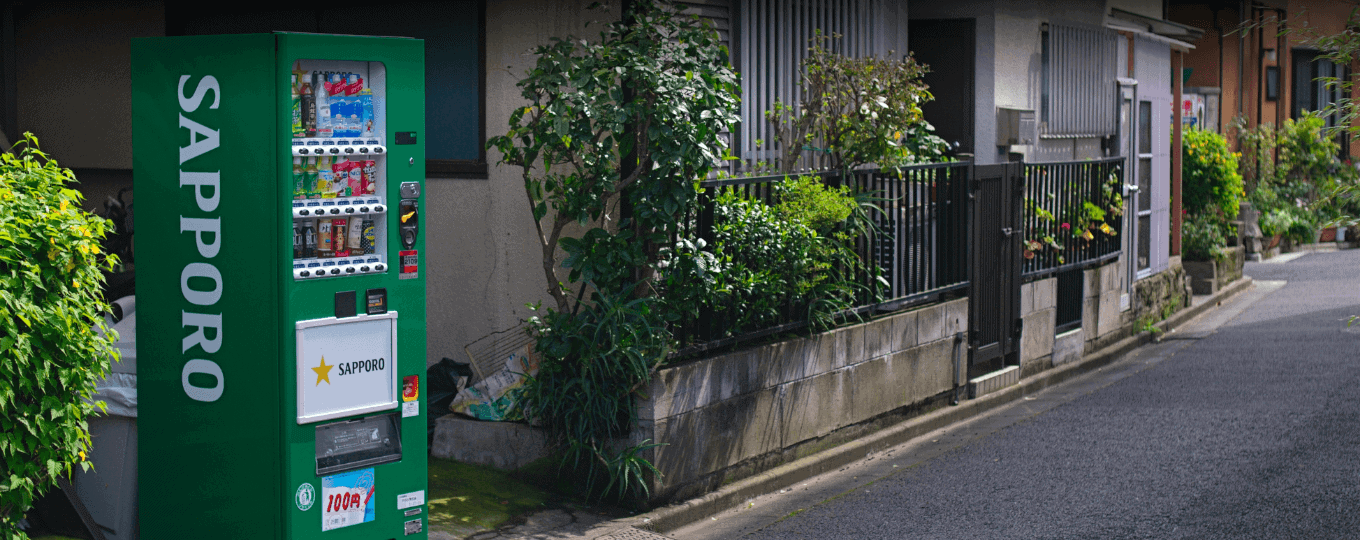
Hardwarelösung für intelligente Verkaufsautomaten
Anwendungen und Anwendungsfälle von Hardwarelösungen für intelligente Verkaufsautomaten – Wichtigste Erkenntnisse…
Mehr erfahren →Häufig gestellte Fragen
Welche InBOX710-Artikelnummern sind verfügbar?
Der InBOX710 ist ein kompakter Embedded-Computer mit HDMI-Displayausgang und 4G LTE. Artikelnummern: InBOX710-DQ20 (China), InBOX710-FQ58 (EMEA), InBOX710-FQ39 (Nordamerika), InBOX710-EN00 (kein Mobilfunkvertrag). Suffix -L für Debian Linux oder -STD für Android. Hinzufügen -485 für die RS-485-Variante. Zulassungen: CCC (China), CE, FCC, IC.
Wie konfiguriere ich die InBOX710?
Der InBOX710 läuft je nach Modellvariante mit Debian Linux oder Android und verfügt über keine webbasierte Verwaltungsoberfläche. Schließen Sie ein Display an den HDMI-Ausgang an und konfigurieren Sie es über das Desktop-Betriebssystem oder stellen Sie eine SSH-Verbindung zur standardmäßigen Ethernet-IP-Adresse des Geräts her. 192.168.2.2 Die Zugangsdaten sind in der Auspackanleitung dokumentiert.
Wie konfiguriere ich den Mobilfunk-APN auf dem InBOX710?
Die Mobilfunkkonfiguration des InBOX710 erfolgt über Shell-Befehle. Melden Sie sich per SSH oder über das lokale Terminal an und führen Sie den Befehl aus. nvram set wan1_ppp_apn= (Root-Berechtigung erforderlich). Speichern mit nvram commit Das Mobilfunkmodul wählt sich beim nächsten Start automatisch ein. Überprüfen Sie den Verbindungsstatus mit nvram get _wan1_network_type und signalisieren nvram get _wan1_sigrssi .
Wie schneidet die InBOX710 im Vergleich zur InBOX712 und InBOX732 ab?
| InBOX710 | InBOX712 | InBOX732 | |
| — | — | — | — |
| Anzeigeausgabe | 1× HDMI | 2× HDMI (4K + 1080p) | 1× HDMI |
| Betriebssystemoptionen | Debian Linux ( -L ) oder Android ( -STD ) | Nur für Android 7.1 | Debian ( -L ) oder Android 10 |
| Industrielle E/A | RS-232 ×3, optional RS-485 ( -485 ) | — | CAN-Bus, 4× DI + 4× DO, Audio-I/O |
| Stromzufuhr | Standard | Standard | Weitbereichsspannung 9–24 V DC |
| Zielnutzung | Kiosk, digitale Beschilderung, HMI | Dual-Screen-Display, POS-System + Kundendisplay | Fahrzeug, robuste Industrie |
Wähle die InBOX710 für allgemeine eingebettete Computeranwendungen – Kiosksysteme mit einem HDMI-Anschluss, Digital Signage oder HMI-Anwendungen, wahlweise mit Debian oder Android und optionalem RS-485-Anschluss für ältere serielle Geräte.
—