The Edge AI Toolchain on TI Development Boards: Understanding OpenCV, GStreamer, and TIDL
Blog
You have a TI development board with built-in AI acceleration, and your model is ready. Can you simply deploy the model to the board and start running inference?
Not quite.
To turn a vision model into a working edge AI application, data typically needs to pass through several stages: Camera Capture → Video Stream Processing → Image Preprocessing → Model Inference → Result Processing → Display or Output
The exact implementation may vary, but one thing remains true: The model is only one part of the pipeline. On TI development boards, OpenCV, GStreamer, and TIDL are three components developers often encounter.
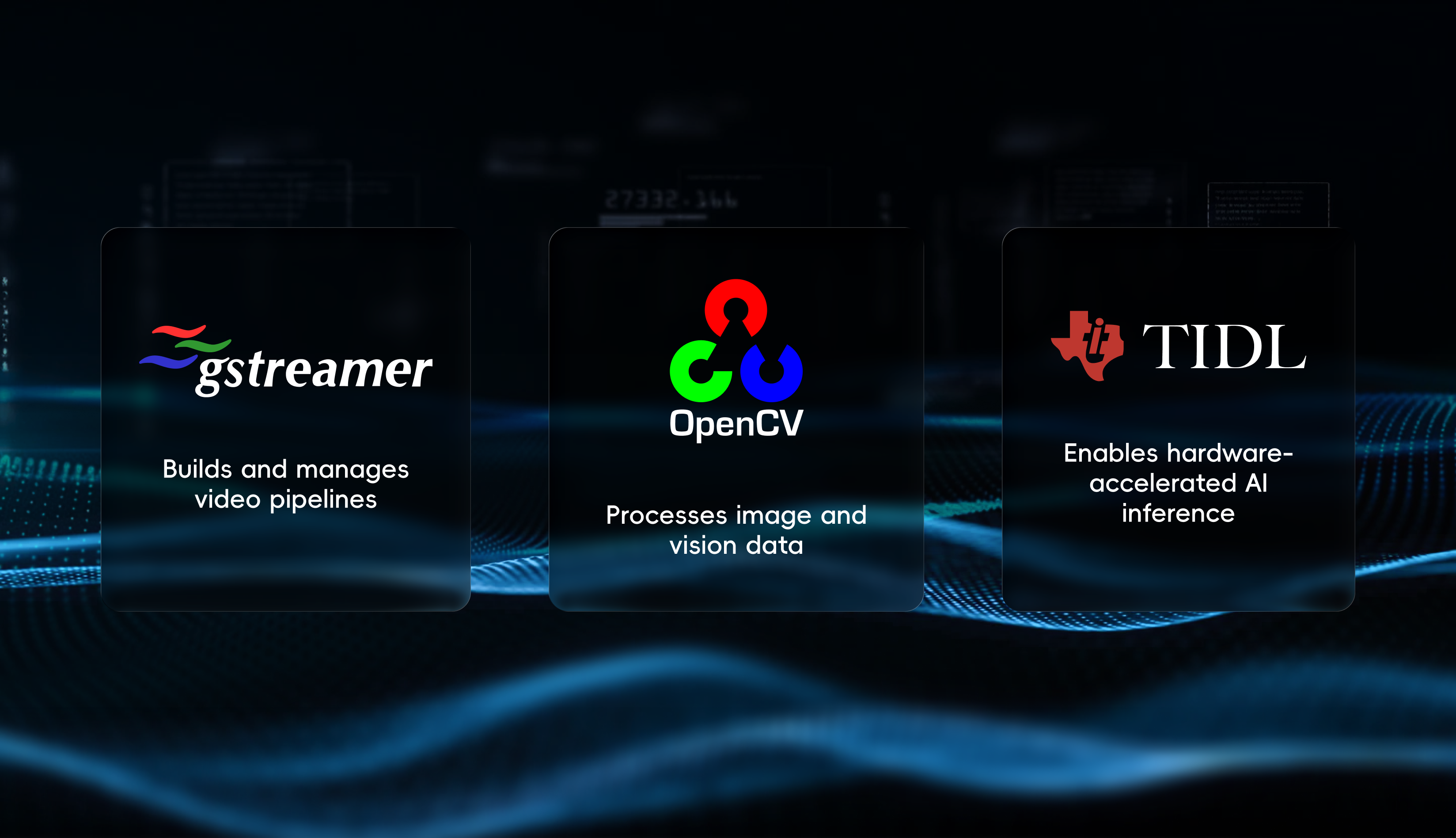
In simple terms: GStreamer builds the video pipeline, OpenCV handles vision data, and TIDL enables supported deep learning workloads to take advantage of TI’s AI acceleration capabilities
GStreamer: Building the Video Pipeline for Edge AI on TI
Suppose you want to build a hard-hat detection application on a TI development board. The first step is getting video into the system. Video may come from a MIPI CSI-2 camera, a USB camera, or a network video stream. Once inside the system, it may also need to be captured, decoded, converted to another format, displayed, or saved. GStreamer provides a framework for organizing these components into a pipeline.
For example: Camera/Video Source → Capture/Decode → ISP or Format Conversion → Preprocessing → AI Inference → Post-processing/Overlay → Display or Save
Rather than performing every operation itself, GStreamer connects the appropriate elements and manages how media data flows through the pipeline.
In an edge AI application, GStreamer essentially answers three questions: Where does the video come from, how does it move through the processing pipeline, and where does it go next?
OpenCV: Image Processing for Edge AI on TI
Getting video into the system does not mean the frames are immediately ready for inference. A camera, for example, may output 1920×1080 frames while the model expects 640×640 input. Or the application may only need to analyze a specific region of the frame. OpenCV can be used for operations such as image resizing, cropping, color conversion, and format conversion. After inference, it can also be used to draw bounding boxes, add class labels and confidence scores, or implement additional vision logic based on the inference results.
Take hard-hat detection as an example: The camera captures two people, and the model determines whether each person is wearing a hard hat.Application-specific post-processing can decode the raw inference output into detections, and OpenCV can then draw bounding boxes and labels on the image.
More broadly, OpenCV is a computer vision library commonly used in AI applications for application-level vision processing, model pre- and post-processing, and additional vision logic.
TIDL: AI Inference Acceleration on TI Platforms
TIDL is different from the other two. OpenCV and GStreamer are general-purpose, cross-platform tools. TIDL, or TI Deep Learning, is TI’s deep learning inference and acceleration software for its embedded platforms. Models are typically trained on a PC or server. Once deployed to a TI development board, the question becomes: How can deep learning workloads make effective use of the AI acceleration resources available on the processor? This is where TIDL comes in. TIDL does not mean that a model cannot run without it. Rather, it enables supported DNN models, operators, or subgraphs to use TI’s AI acceleration resources for more efficient inference. In other words: TIDL helps supported deep learning models or subgraphs make use of TI platform-specific AI acceleration capabilities.
How Do OpenCV, GStreamer, and TIDL Work Together?
Let’s return to the hard-hat detection example. GStreamer brings the camera stream into the application. The frames are preprocessed into the format required by the model. This may be handled by OpenCV at the application level, or by optimized GStreamer/TIOVX plugins in a TI Edge AI pipeline. The model performs inference, while supported workloads can use TIDL to offload eligible model operations to TI’s AI acceleration resources. Once inference and post-processing are complete, OpenCV can draw the bounding boxes and detection results. The processed video can then be displayed, saved, or sent to another system. A simple way to understand their roles is: GStreamer: Builds the video pipeline OpenCV: Processes vision data and application-level vision logic TIDL: Enables acceleration for supported DNN workloads on TI platforms
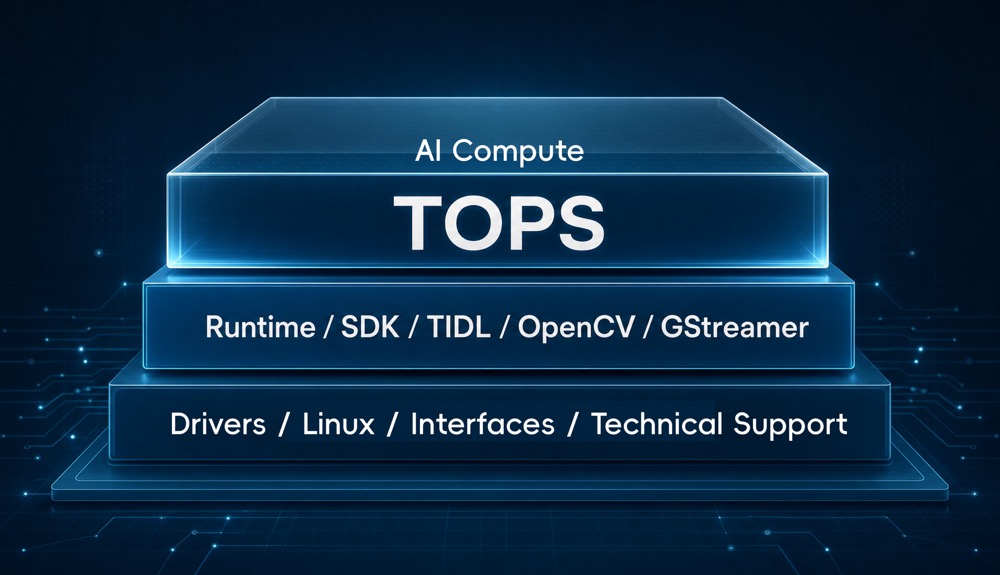
Of course, a complete TI edge AI toolchain involves much more than these three components. It may also include Linux, device drivers, V4L2, inference runtimes, ISP processing, video codecs, and other software and hardware components. OpenCV, GStreamer, and TIDL are simply three useful entry points for understanding how a typical edge vision application comes together.
AI Development Board Is More Than TOPS
This is also why evaluating an AI development board based on TOPS alone does not tell the whole story. During real-world development, factors such as camera bring-up, runtime and model compatibility, GStreamer plugin availability, and compatibility between development libraries and the underlying software stack can all affect development efficiency.
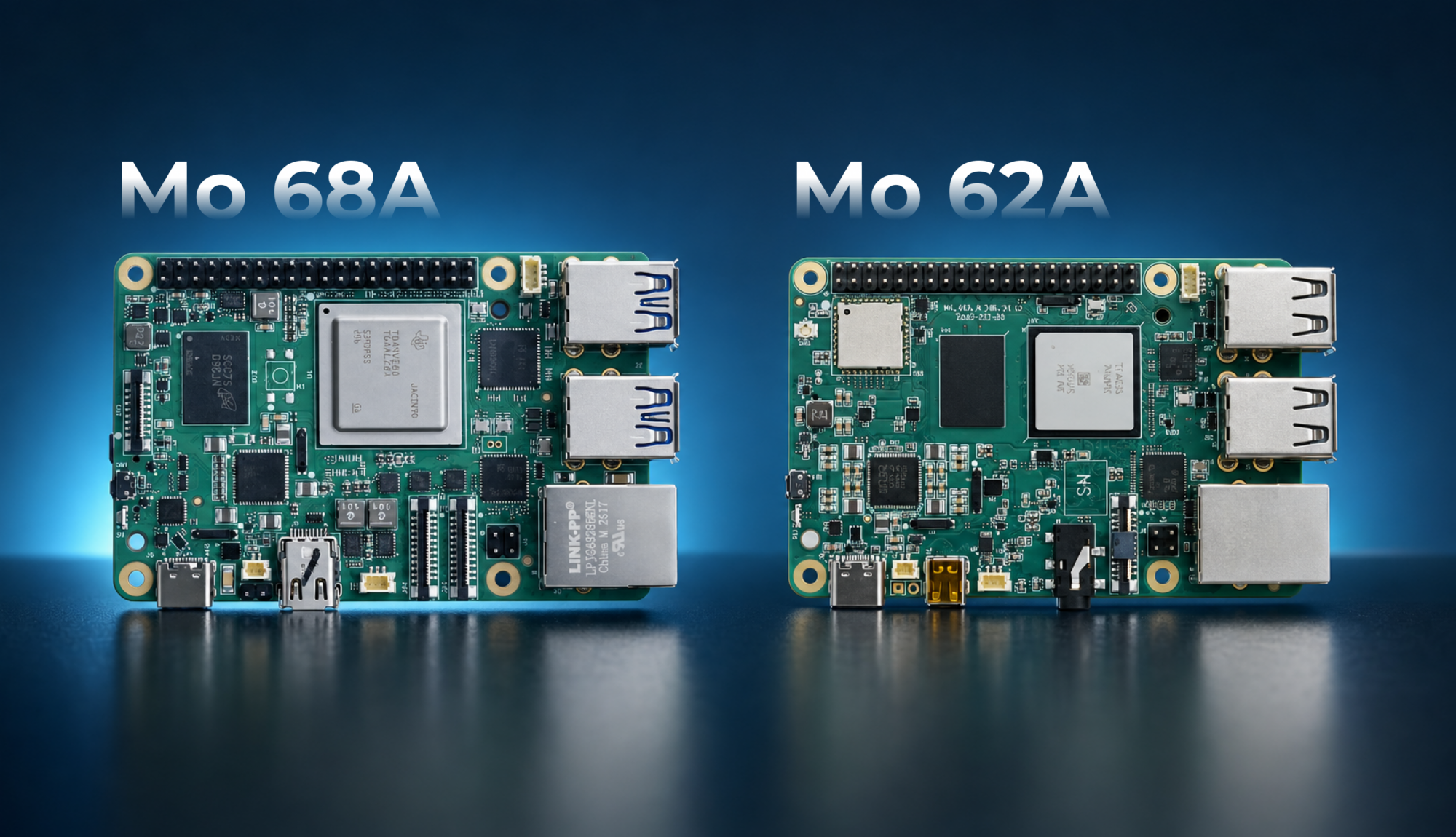
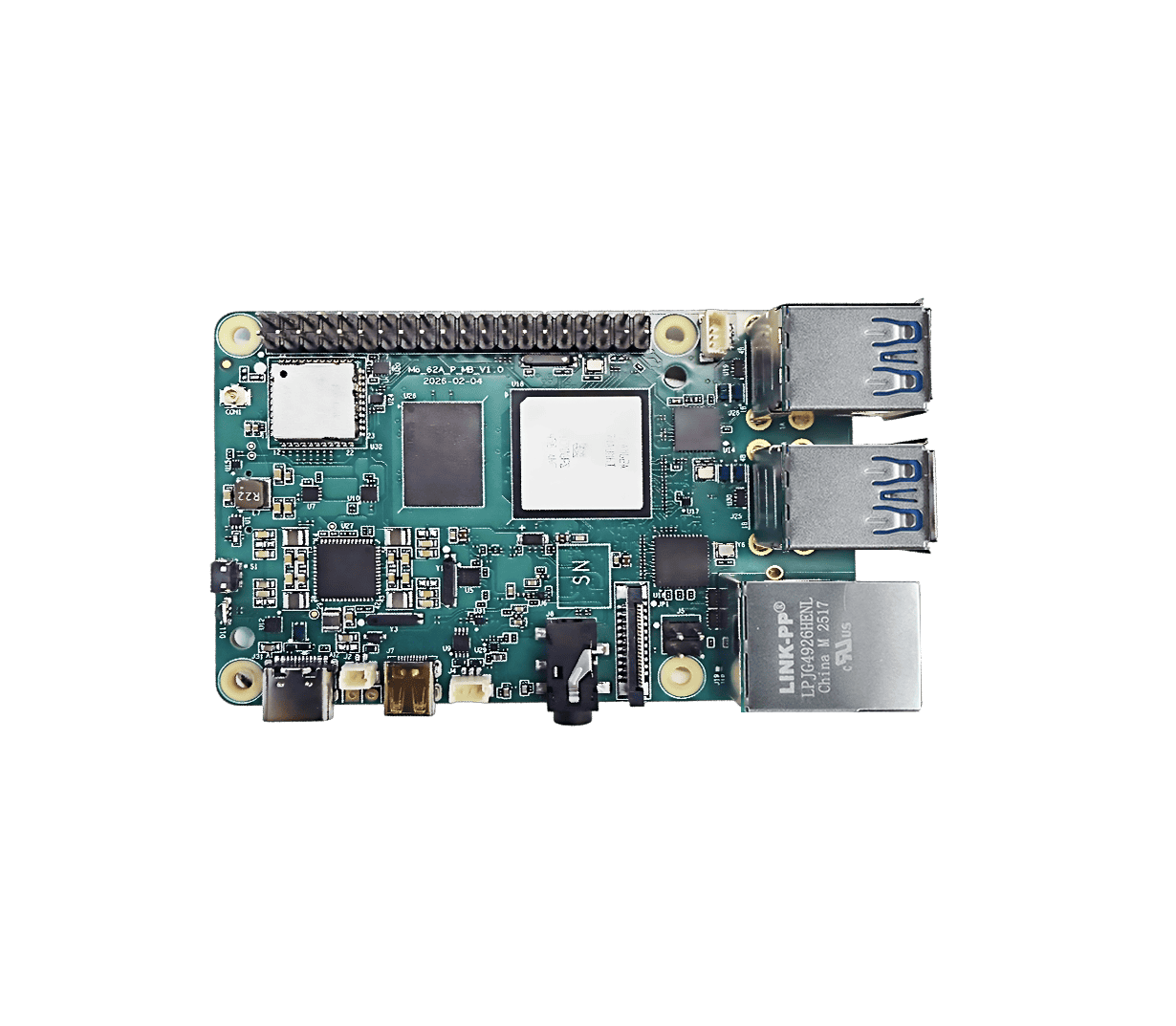
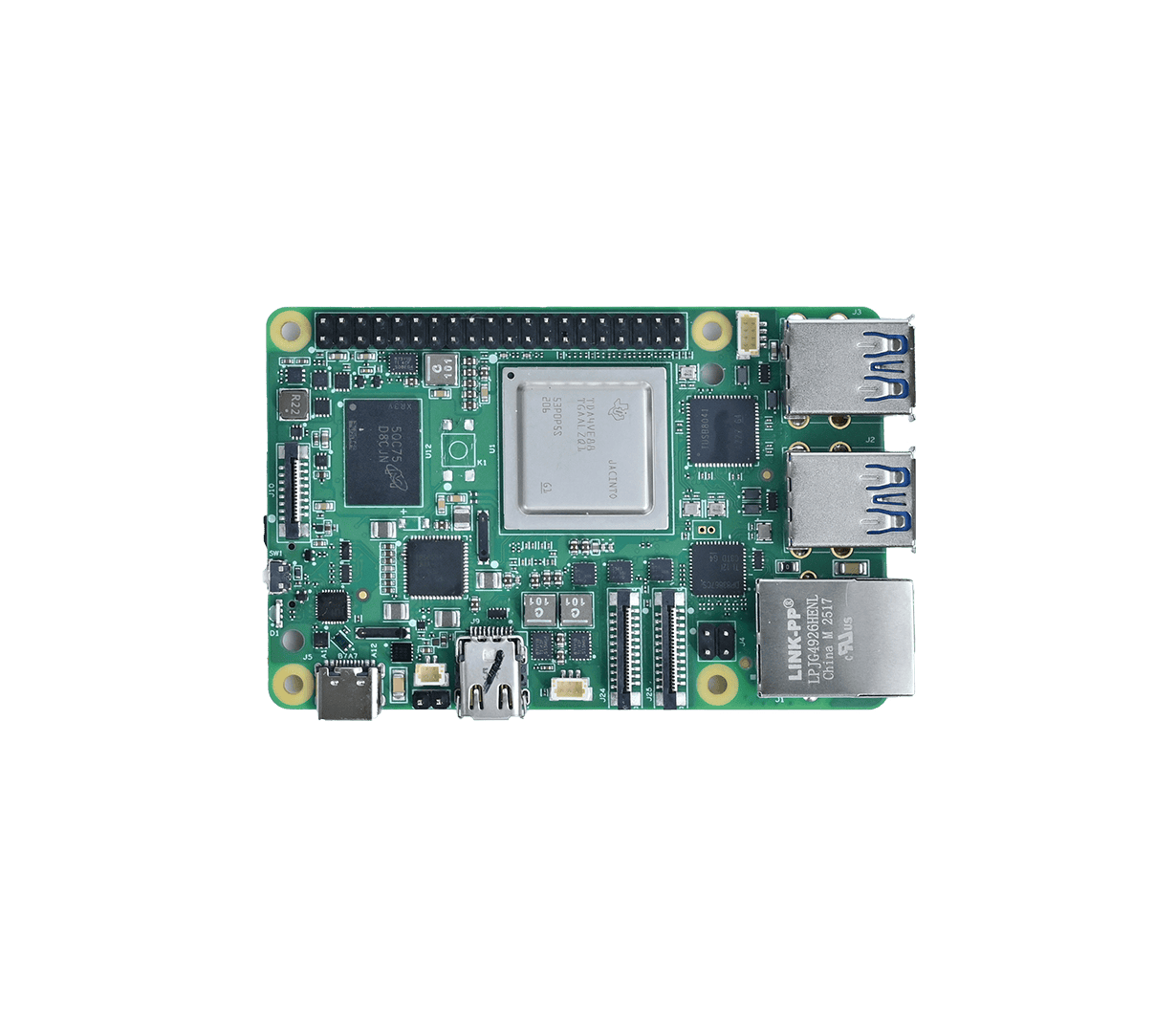
InHand’s Mo 62A and Mo 68A AI single-board computers are both built on TI platforms, delivering 2 TOPS and 8 TOPS of AI performance, respectively. Both provide a prepared AI development environment, with support for commonly used development tools and libraries including OpenCV, GStreamer, Python, and C/C++, as well as TI TIDL and TI Edge AI SDK components. The value is not simply that more software is available. It is that: Common development components, the AI runtime environment, and the TI hardware platform have already been integrated and adapted to work together. Throughout development, InHand’s edge AI team can also provide engineering support to help developers address practical issues such as environment setup, model deployment, and interface integration and debugging. This means developers can spend less time troubleshooting the underlying environment and move more quickly into camera integration, model deployment, application development, and demo validation. Bridging the gap between a board that can compute and an application that can run takes more than AI performance—it takes a well-integrated development environment and the right engineering support.
Ultimately, the value of edge AI is not to leave a model running in a demo. It is to bring AI into real devices, production lines, and real-world environments where it can solve real problems.


 AIに何でも質問してください