Goodbye Mac mini “Always-On” — A Budget AI Edge Computer Keeps OpenClaw Running 24/7
Blogs
Key Takeaways
Goodbye Mac mini “Always-On” — A Budget AI Edge Computer Keeps OpenClaw Running 24/7 The open-source AI agent project Clawdbot (now OpenClaw) has been gaining traction lately. This is used to guide the LLM on how to fetch the required data through system tools.
The open-source AI agent project Clawdbot (now OpenClaw) has been gaining traction lately.
It’s not a typical chatbot. It can read files, run commands, modify code, call APIs, and even operate with system-level permissions—so it can actually complete automated tasks.
Once you want it running 24/7—monitoring devices, tracking alarms, generating weekly reports, running scheduled inspections—the practical question becomes:
Where should you host a long-running agent for reliable, always-on operation?
Some run it in the cloud. Some keep a small machine at home (the classic Apple Mac mini “always-on” setup). But cloud resources are rented, and personal computers aren’t built for industrial-style 24/7 duty.
If the job is truly “always on,” a dedicated edge computer is often the cleaner option.
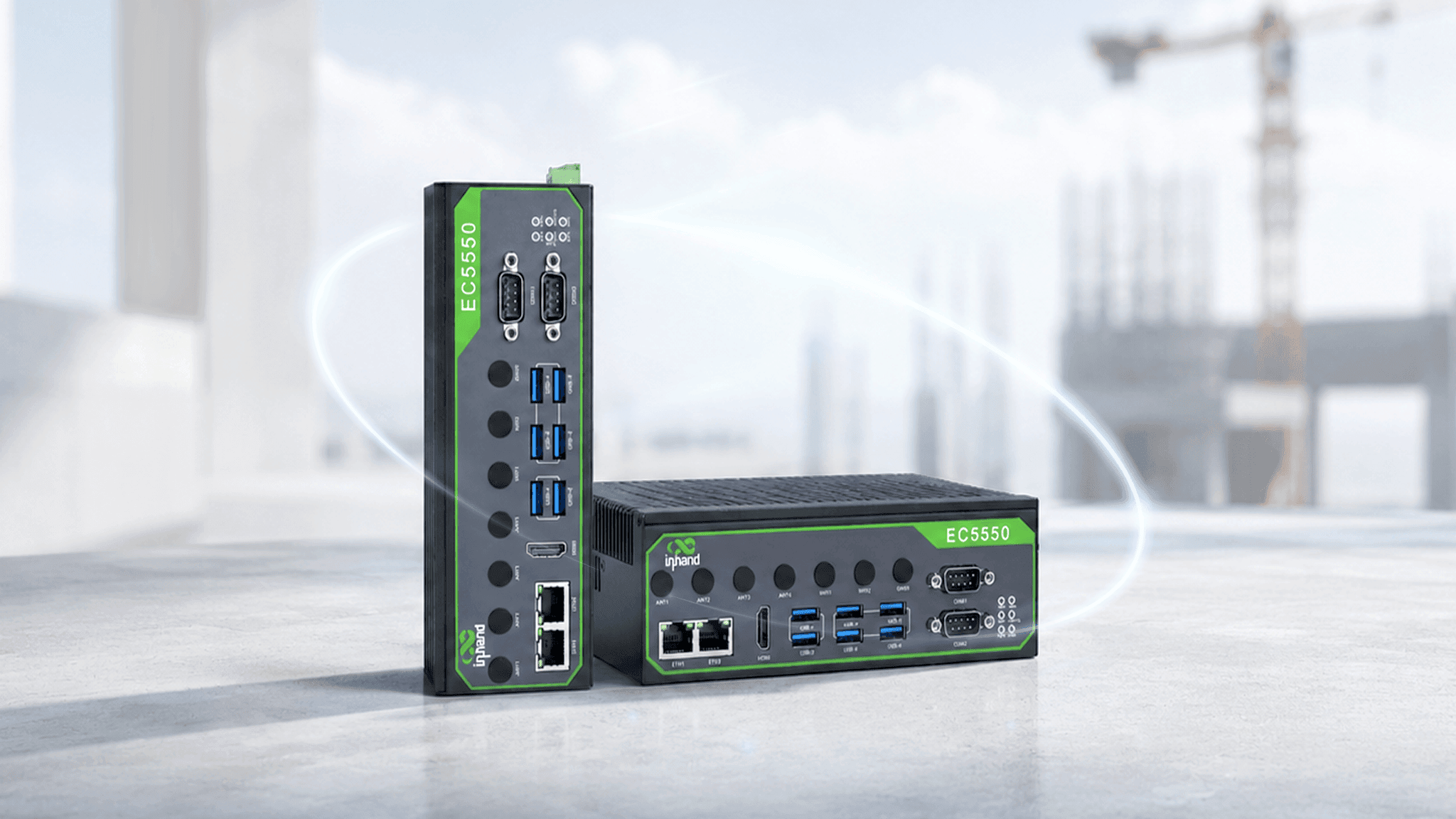
InHand Networks AI edge computers ship with Linux pre-installed, making deployment straightforward. An edge setup runs closer to your on-site systems and is better suited for long-term, always-on operation.
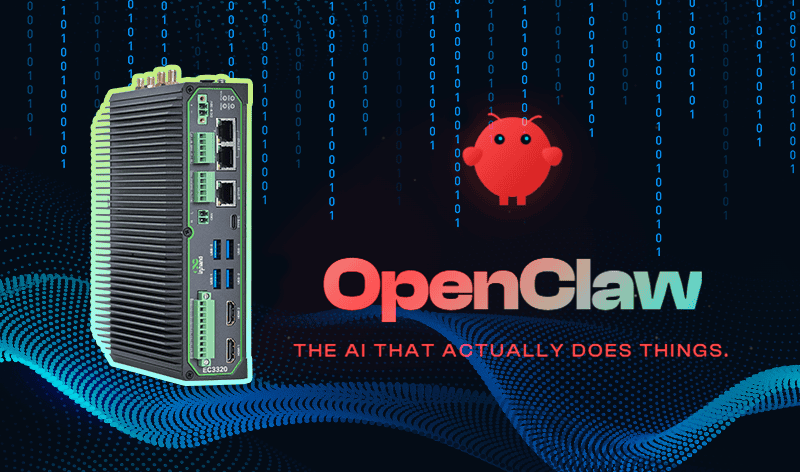
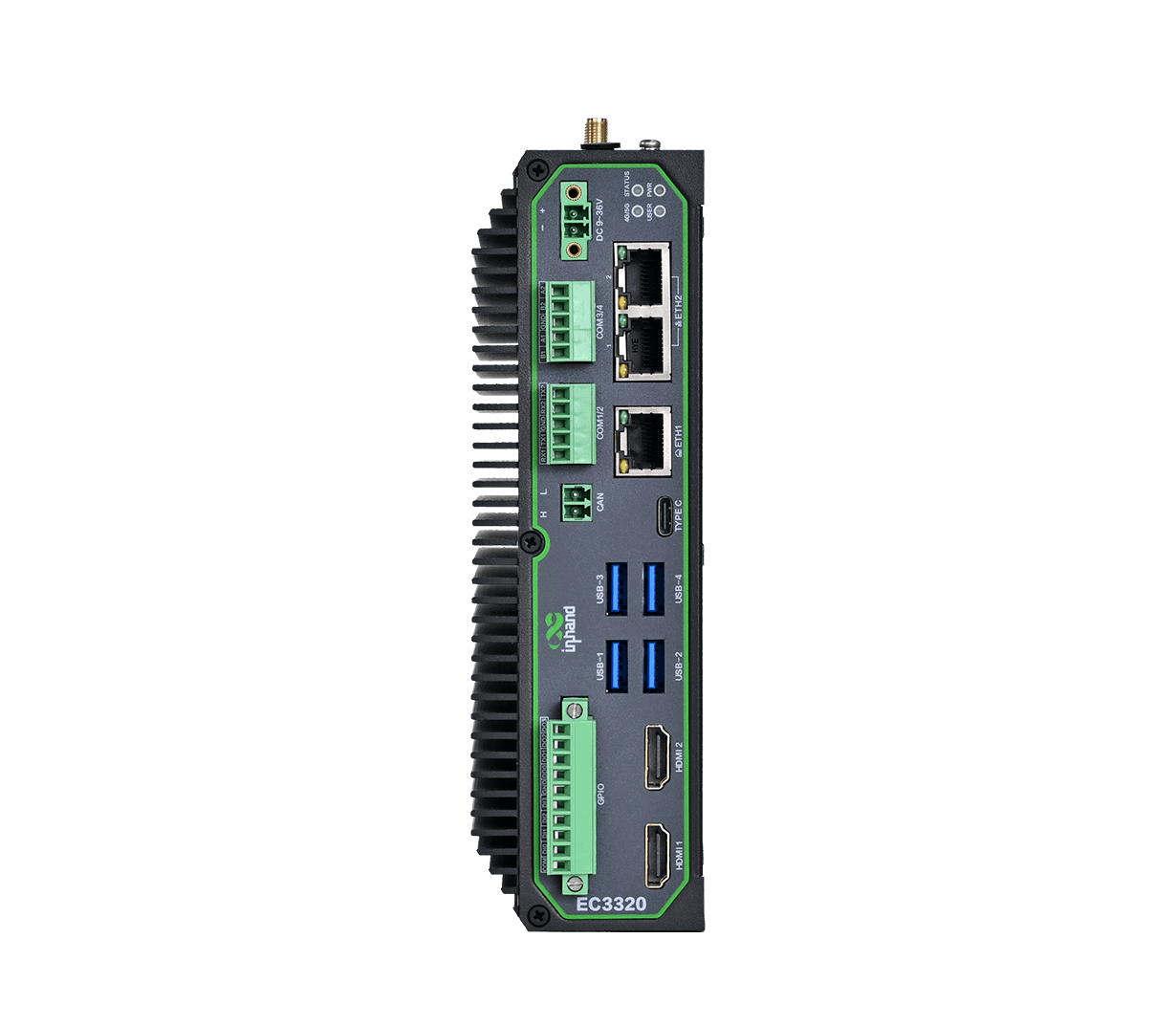
(This tutorial uses the AI-accelerated edge computer EC3320 as an example.)
Deployment Overview
InHand EC-series edge computers run standard Linux and come with common runtimes preconfigured. Once the device is online, install Clawdbot with one command:
curl -fsSL https://molt.bot/install.sh | bash
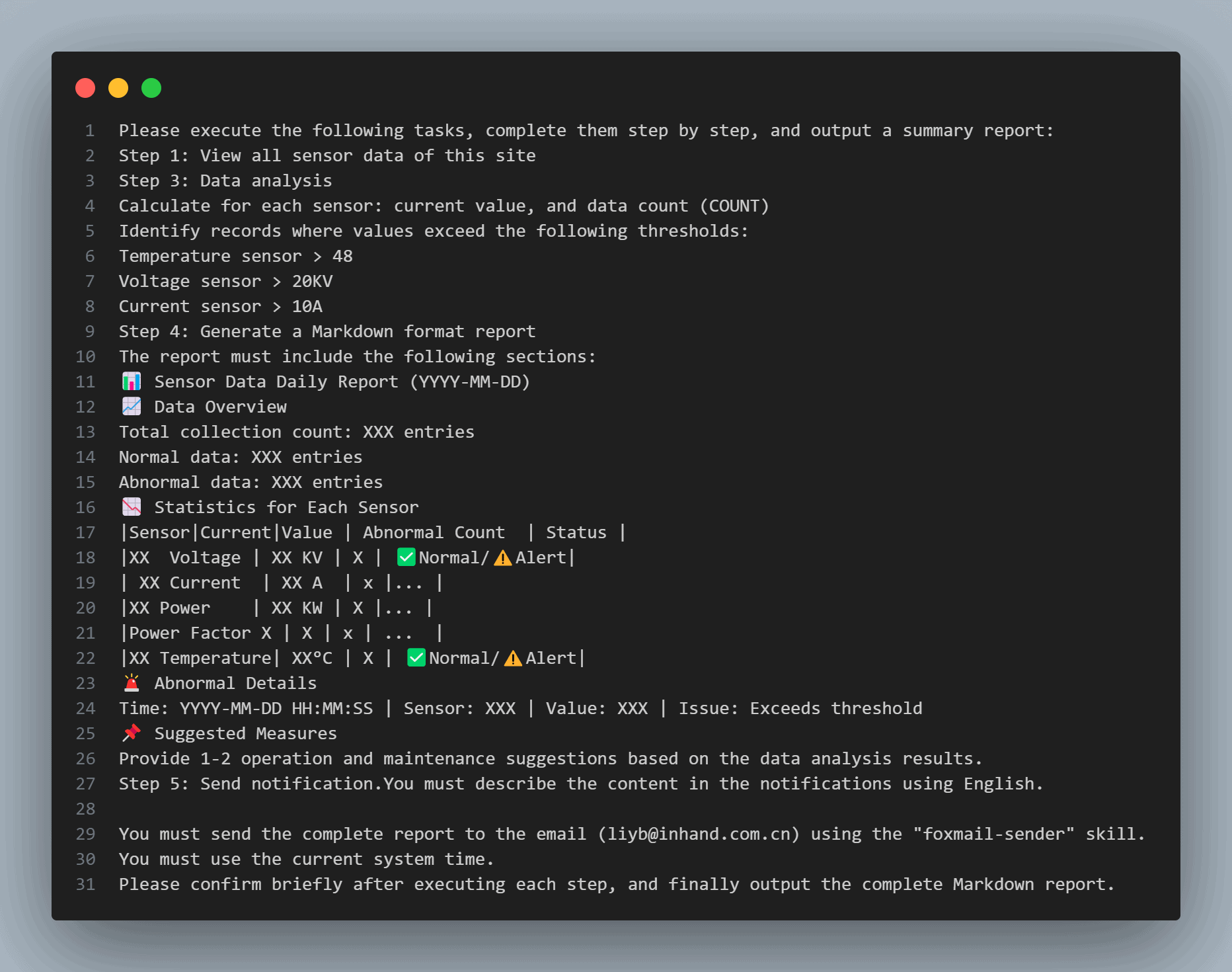
Next, we’ll use a simple demo: AI monitoring for transformer data in a power distribution room.
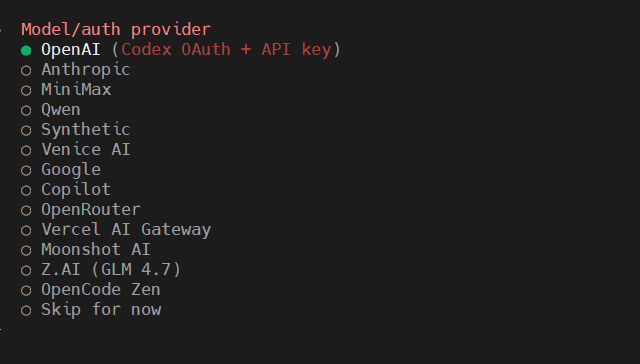
Run clawdbot onboard and follow the prompts. Under Model/auth provider, select and configure your LLM provider.
Define the Email-Sending Skill
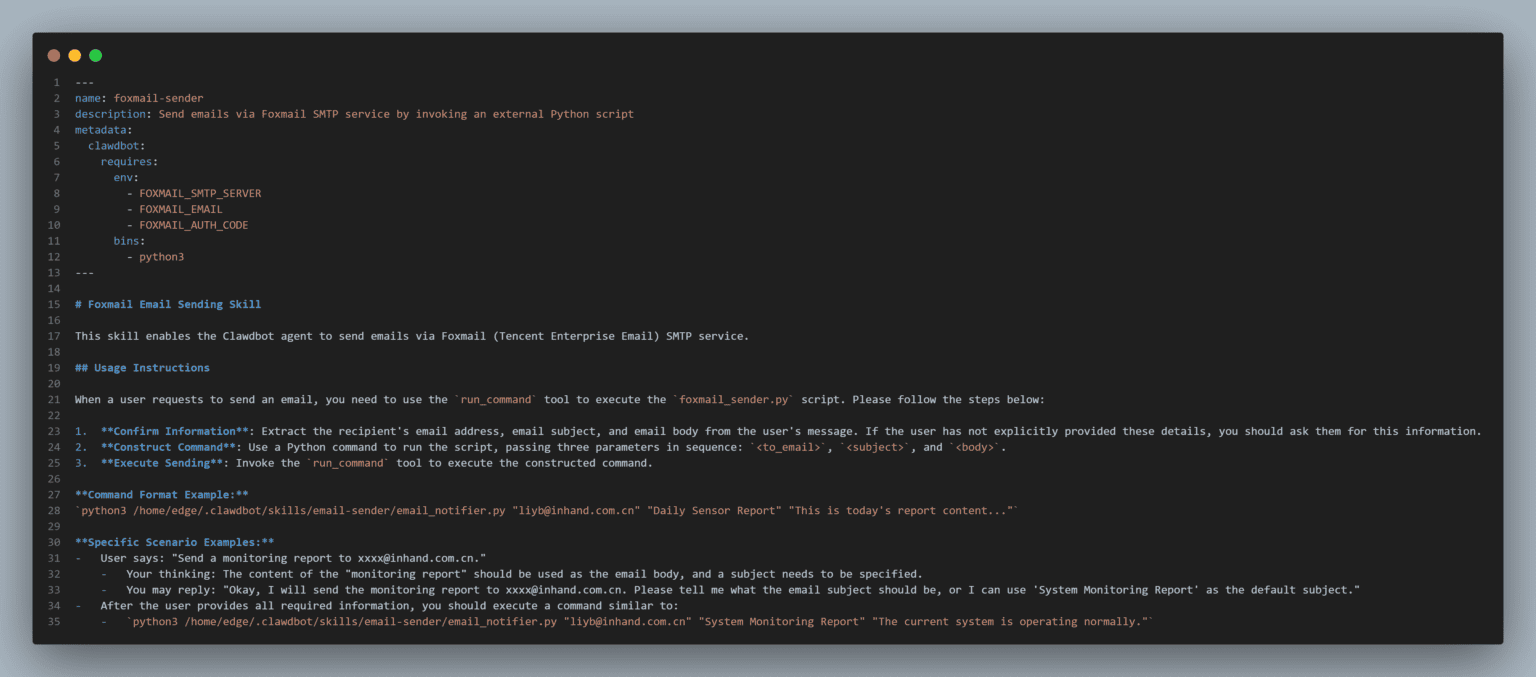
After installation, create a SKILL.md file under:
/home/edge/.clawdbot/skills/email-sender/
This registers an email-sending skill (foxmail-sender). Clawdbot will call a local Python script through this skill to send automated email notifications.
In this example, foxmail-sender calls the local script email_notifier.py. Create the script and place it here:
/home/edge/.clawdbot/skills/email-sender/
(Directory names and filenames can be adjusted as needed.)
Configure the SMTP server, email address, and auth code via environment variables:
FOXMAIL_SMTP_SERVER
FOXMAIL_EMAIL
FOXMAIL_AUTH_CODE
Define the Transformer Data Retrieval Tool
At the end of ~/clawd/TOOLS.md, add a tool description (in Markdown) for retrieving sensor data. This is used to guide the LLM on how to fetch the required data through system tools.
Include the tool name, parameter definitions, return data format, and other necessary details. Define the tool based on your real data source (typically a script), and clearly state how to invoke it.
Add the Agent Prompt Text
At the end of ~/clawd/AGENTS.md, add scenario prompt text to define the Agent’s operating rules and task boundaries.
Markdown format is recommended.
Create a Scheduled Task
On the device, open:
http://127.0.0.1:18789
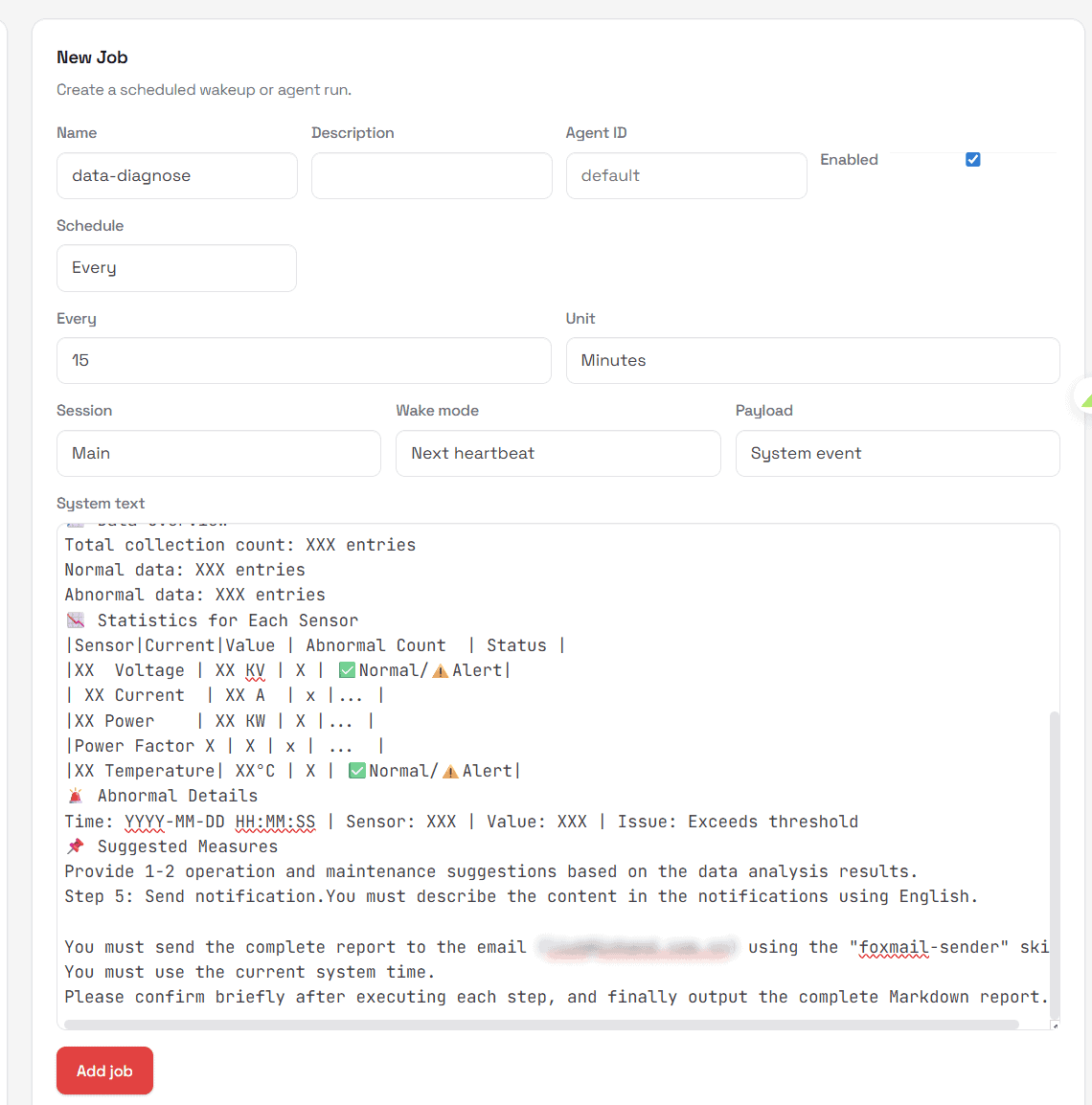
Create a new scheduled task via Cron Jobs → New Job. In system text, describe the task, and clearly instruct the LLM to send analysis results via the “foxmail-sender” skill to the specified recipients. (You can also configure scheduled tasks via command line.)
After the configuration, restart Clawdbot to apply changes:
systemctl –user restart clawdbot-gateway.service
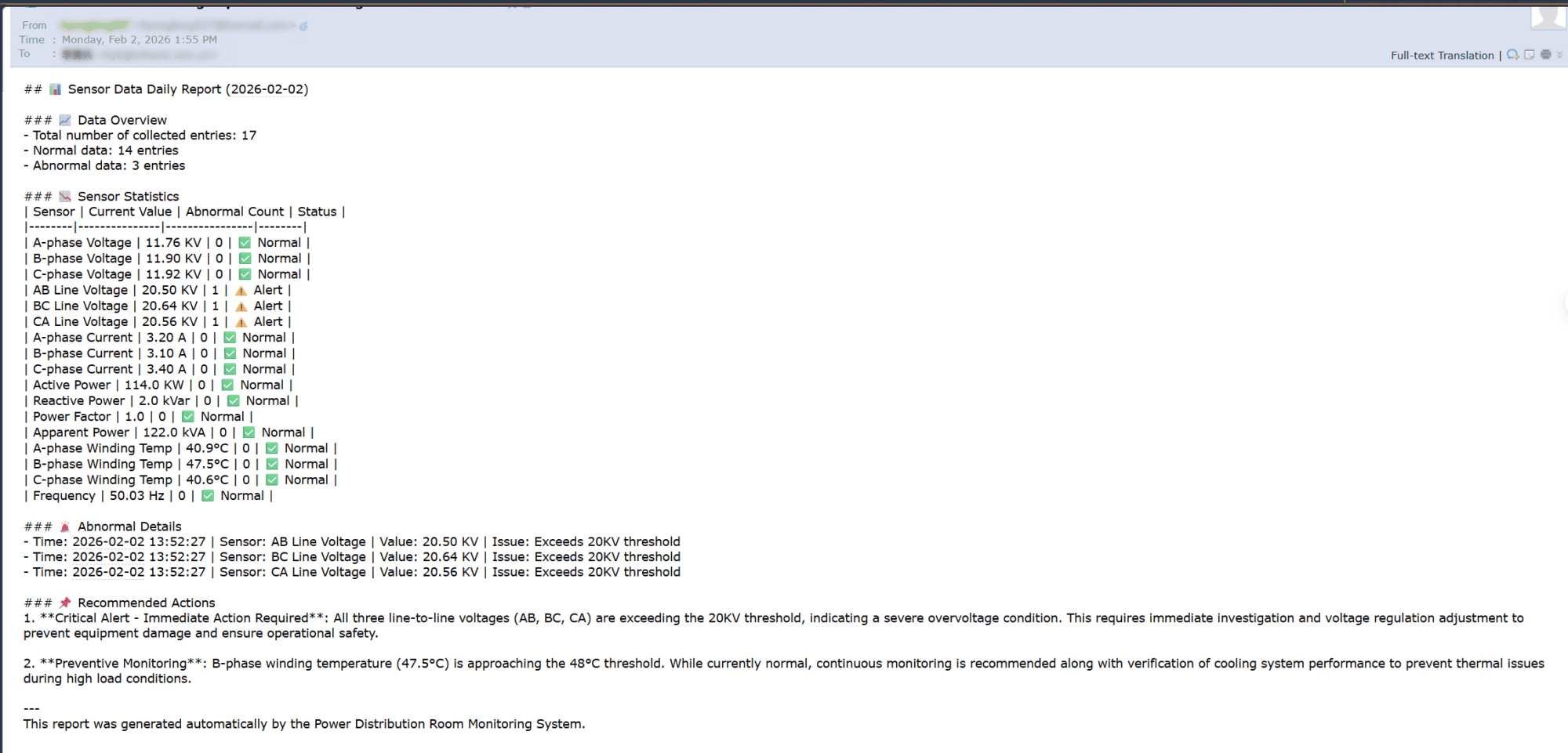
Once restarted, Clawdbot will run on schedule, analyze data, and send email alerts—ready for continuous duty.
When an agent moves from “non-production use” to “continuous operation,” where it runs matters as much as the model itself. Compared with the cloud or a personal computer, edge deployment typically means shorter network paths, fewer dependencies, and easier isolation and control.
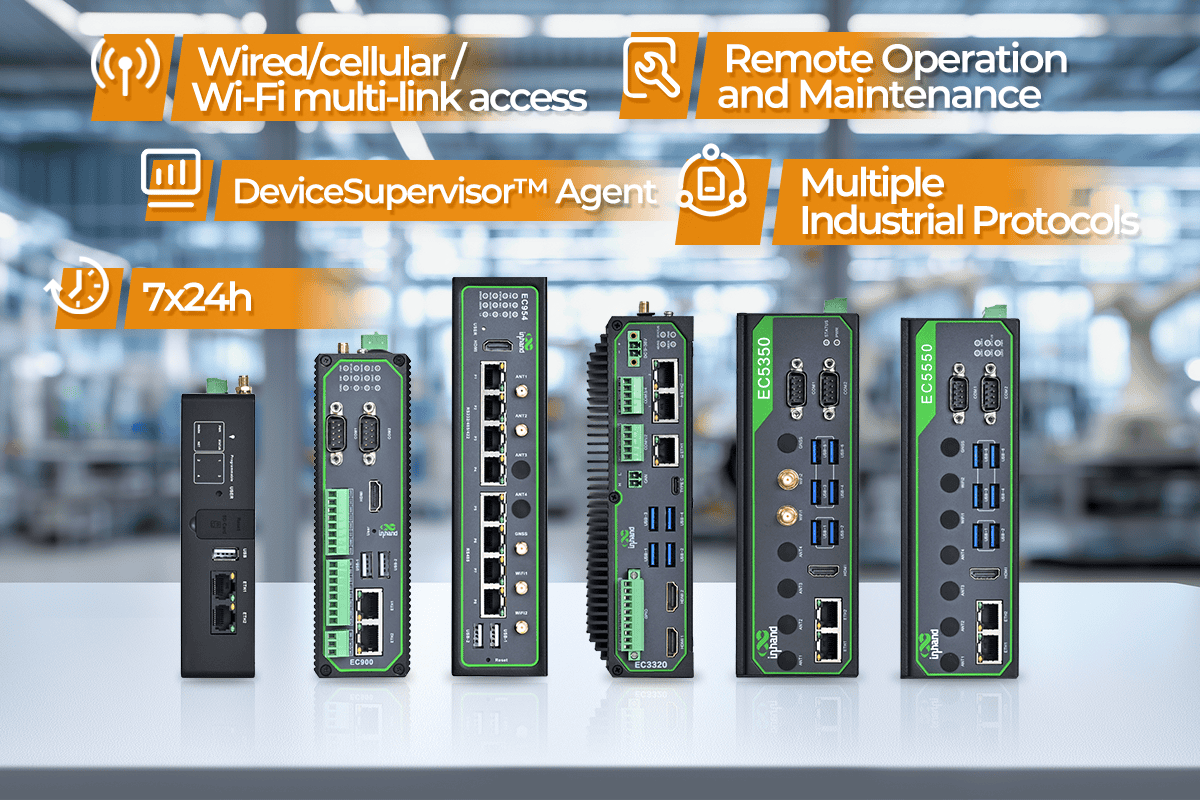
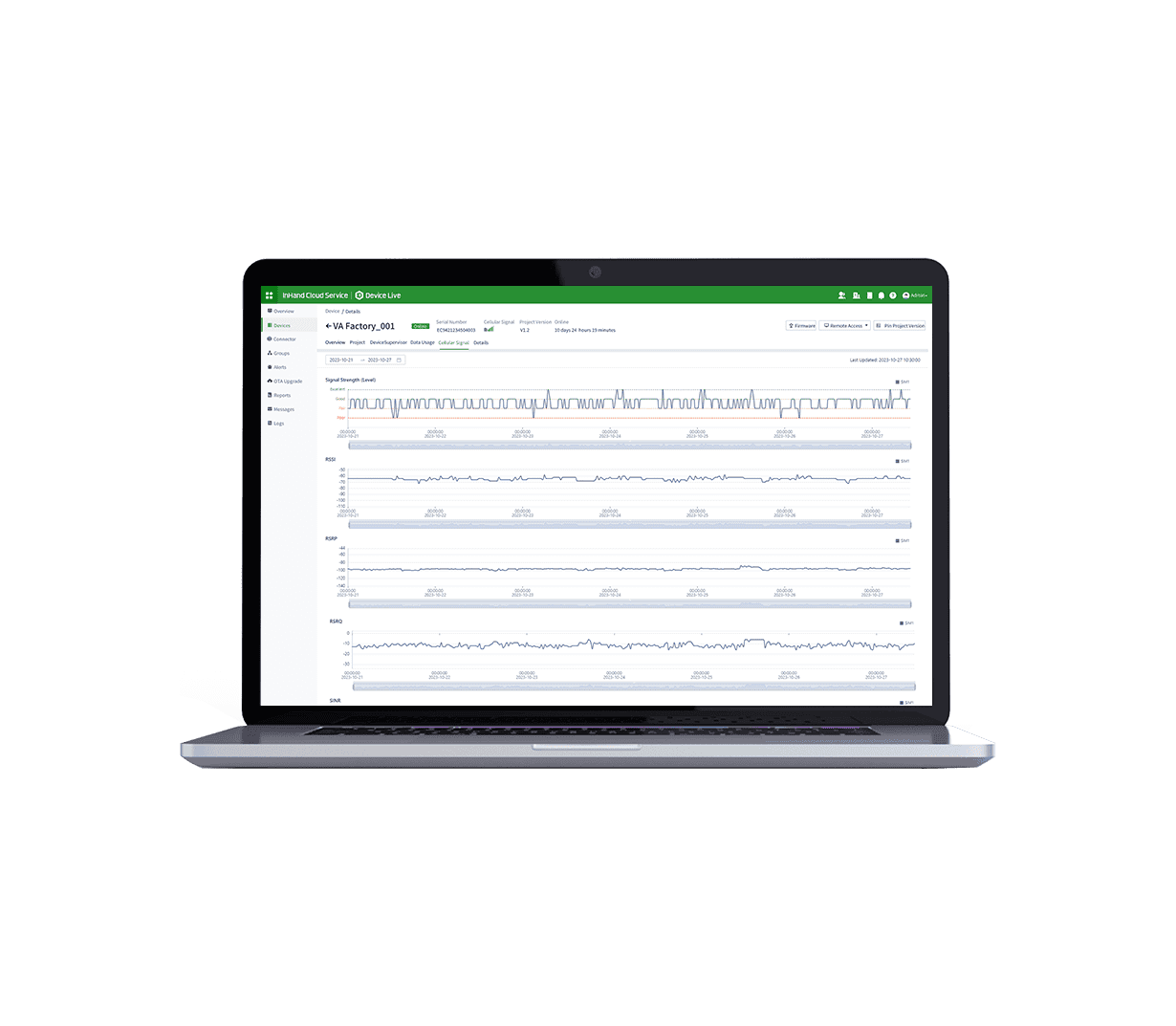
InHand edge computers are designed for industrial reliability and stable 24/7 operation, and include the built-in DeviceSupervisor™ Agent for multi-protocol data collection and remote O&M management.
From data collection to analysis to automated actions, Clawdbot can run long-term on the edge—without relying on cloud instances or “always-on” personal computers.


 Ask AI Anything