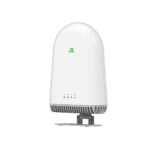
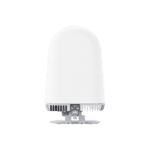
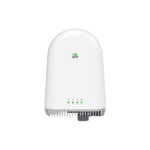
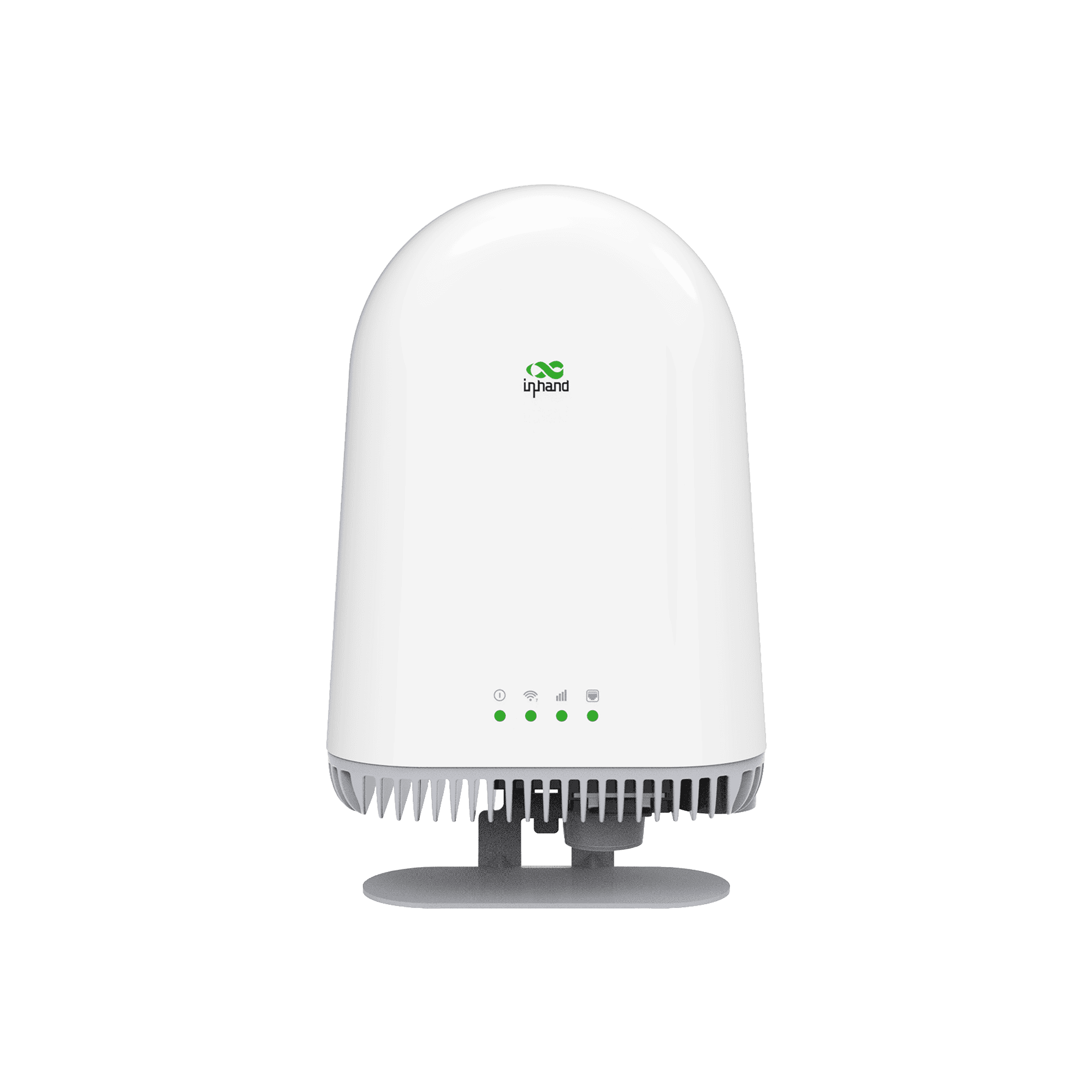






ODU12
5G para exteriores
Enrutador nativo de IA
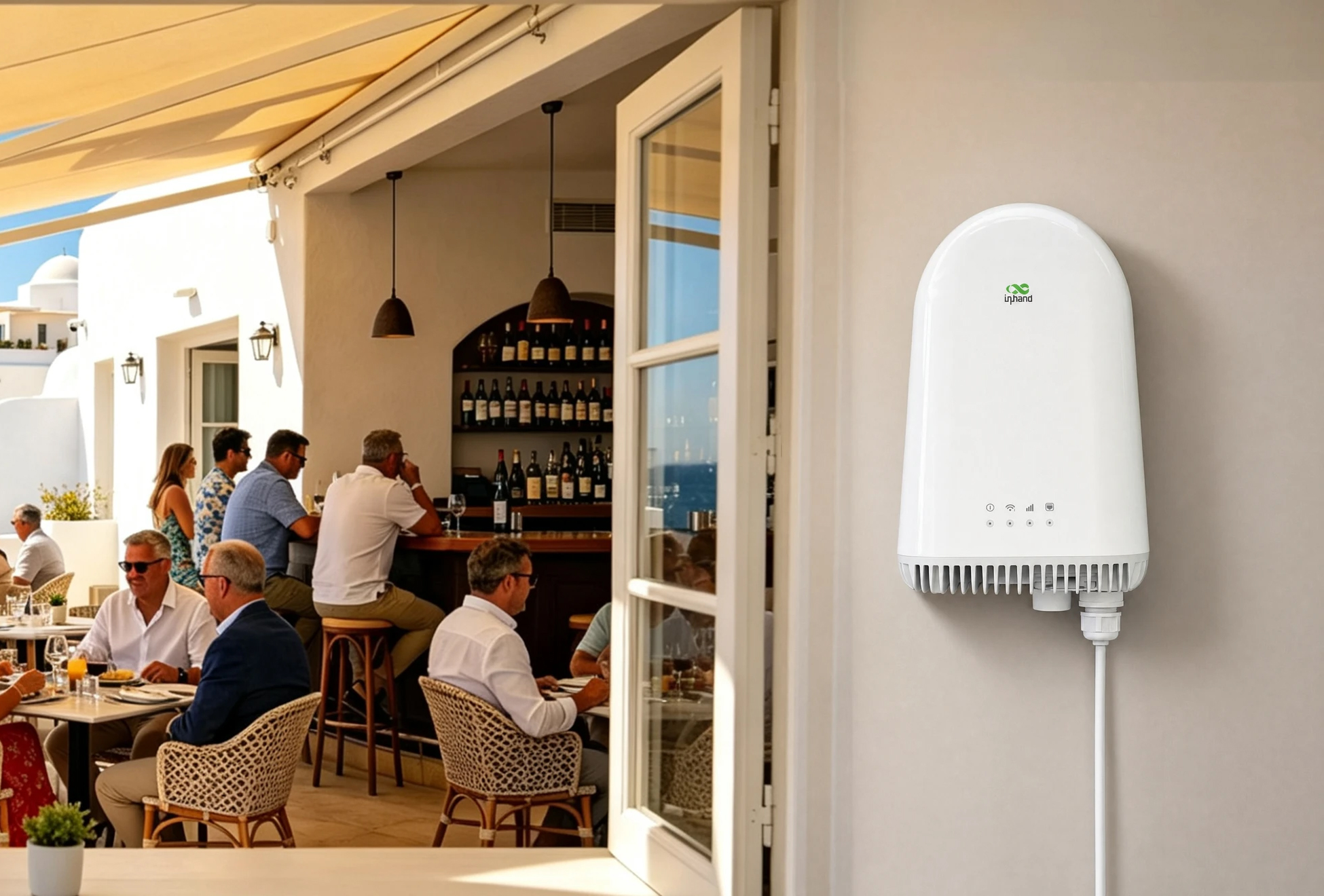
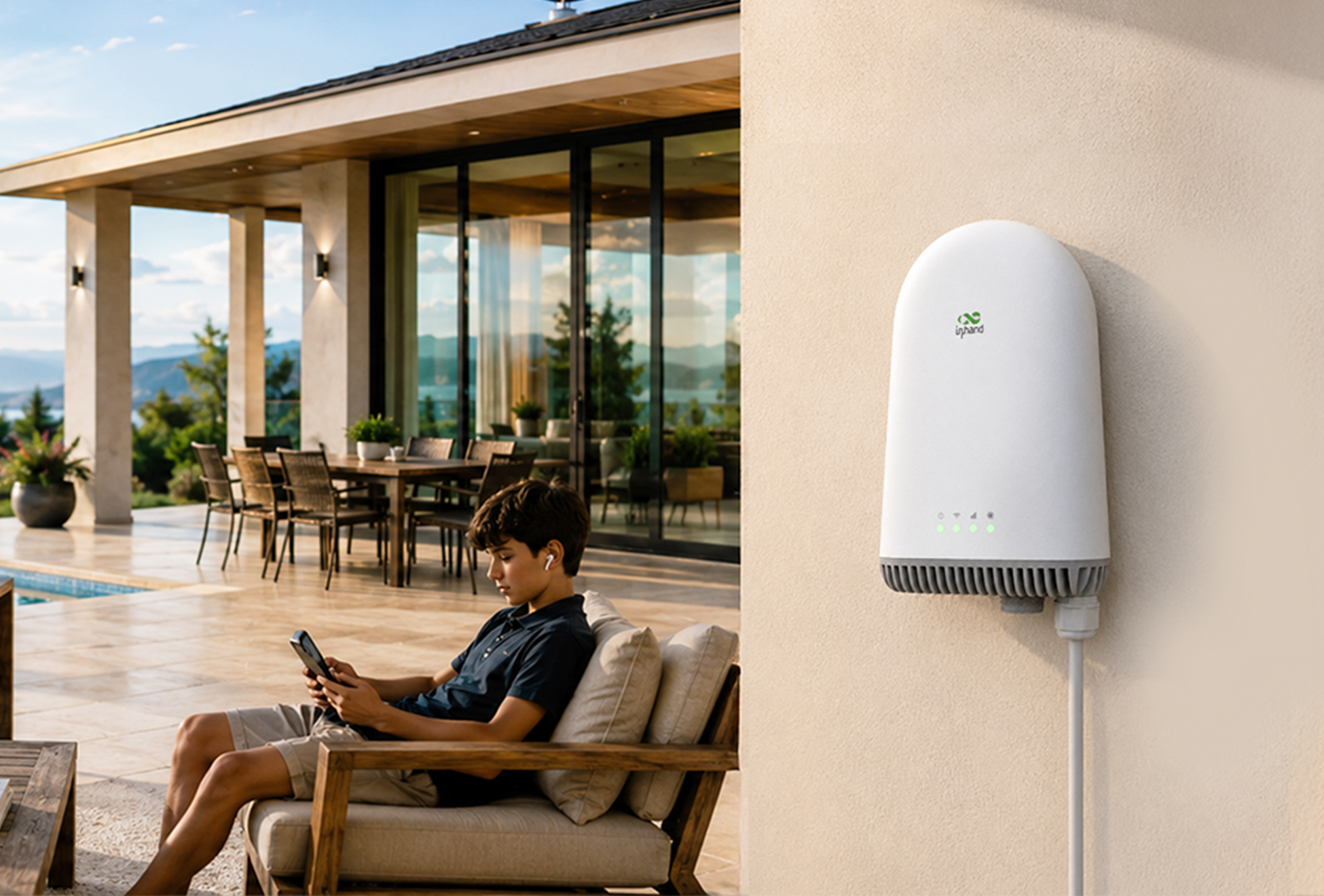
Cloud-managed outdoor 5G router with an integrated structural and
thermal design, combining high-performance connectivity with a clean
architectural look for residential and light commercial use.
FOTO
Router 5G para exteriores para conectividad de alta velocidad
5G NSA/SA dual-mode support with downlink speeds up to 7.01 Gbps and uplink up to 2.5 Gbps, powered by the MTK 830 platform and 3GPP Release 16 for high-speed outdoor network access.
Wi-Fi 7 inalámbrico de última generación
BE5000 dual-band concurrent Wi-Fi 7 (802.11be), supporting up to 128 connected clients with WPA3/WPA2 security for fast, reliable local wireless access.
Diseño de antena totalmente integrado
8 × 5G cellular antennas and 3 × Wi-Fi antennas are fully integrated within the one-piece enclosure, eliminating external antenna components and visual clutter while maintaining uniform 360° signal coverage.
Enrutador nativo de agente
Built as a true AI Agent-native router with Agent CLI support, intent-based configuration, a rich skills library, and intelligent diagnostics for the digital workplace of the future.
Comodidad PoE
Alimentación mediante PoE IEEE 802.3at (compatible con 802.3af) con una solución de alimentación y datos de un solo cable, además de 1 puerto WAN RJ45 de 2,5 Gbps y 1 puerto LAN RJ45 de 2,5 Gbps.
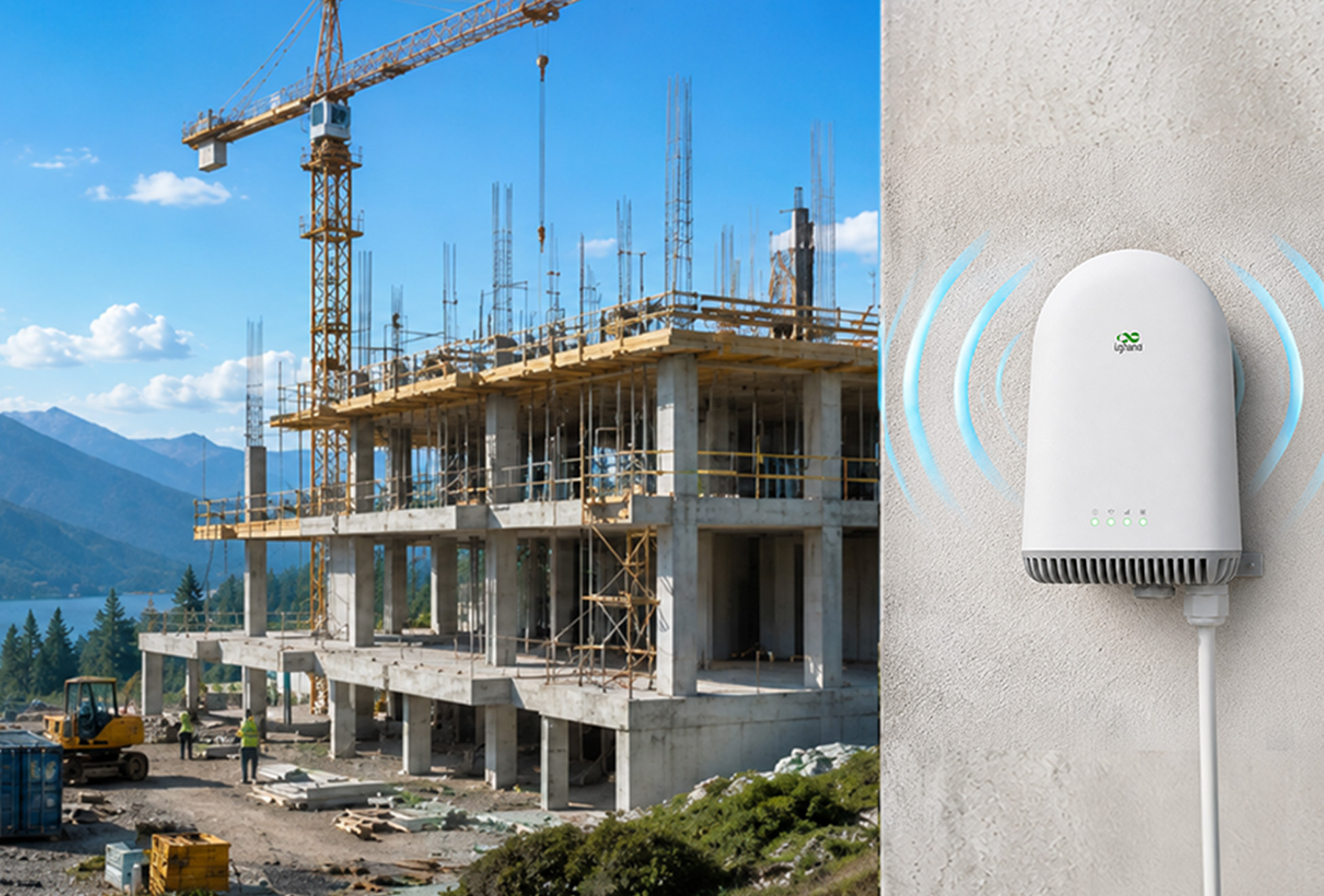
Durabilidad para exteriores IP65
Carcasa compacta con clasificación IP65, disipador de calor de aluminio fundido a presión blanco y carcasa de polímero estabilizado contra los rayos UV, temperatura de funcionamiento de -30 °C a +70 °C, temperatura de almacenamiento de -40 °C a +85 °C y humedad sin condensación de 5%~95%.
Integración estructura-térmica
El disipador de calor de aluminio fundido a presión funciona como elemento de refrigeración pasiva y como marco estructural principal, lo que permite un funcionamiento silencioso sin ventilador, protección IP65, un tamaño reducido y una mayor vida útil de los componentes.
Gestión y mantenimiento en la nube
Gestión unificada a través de la plataforma de gestión en la nube InCloud Manager AI y la aplicación móvil, que admite la configuración remota por lotes, la monitorización en tiempo real, el diagnóstico de fallos mediante IA, las actualizaciones de firmware y los servicios de localización.
-
Especificaciones de hardware
Antenas 5G 8 antenas celulares integradas de alto rendimiento, cobertura omnidireccional de 360°.Módulo 5G Plataforma MTK 830, versión 16 de 3GPPColor BlancoEnfriamiento Refrigeración pasiva integrada estructura-térmica, diseño sin ventiladorDimensiones 350 mm × 300 mm × 50 mm (referencia)Material de la carcasa Disipador de calor de aluminio fundido a presión + carcasa de polímero estabilizado contra los rayos UVAntena GPS 1 antena GPS integradaPuerto LAN 1 puerto RJ45 de 2,5 Gbps (se puede compartir con la WAN para una configuración LAN dual)Memoria 2 GB DDR4Montaje Montaje en pared, poste y techoTemperatura de funcionamiento -30 °C ~ +70 °CConsumo de energía ≤ 18 WFuente de alimentación Alimentación PoE IEEE 802.3at (compatible con 802.3af)Procesador Procesador de cuatro núcleos Cortex-A55 a 2,2 GHzClasificación de protección IP65Humedad relativa 5% ~ 95%, sin condensaciónBotón de reinicio 1 × Botón de reinicioRanuras para tarjeta SIM 2 × Nano-SIM 4FF + 1 × eSIM (reservada)Almacenamiento eMMC de 32 GBTemperatura de almacenamiento -40 °C ~ +85 °CPuerto USB 1 × Tipo CPuerto WAN 1 puerto RJ45 de 2,5 Gbps, alimentado por PoEPeso Aprox. 1,5 kg (referencia)Wi-Fi Wi-Fi 7 (802.11be) de doble banda BE5000Antenas Wi-Fi 3 antenas integradas (2,4 GHz × 2 + 5 GHz × 3)
-
5G/4G Cellular Network
4G LTE B2/B4/B5/B7/B12(B17)/B13/B14/B25/B26/B29/B30/B38/B41/B42/B43/B46/B48/B66/B70/B715G NR n2/n5/n7/n12/n13/n14/n25/n26/n29/n30/n38/n41/n48/n66/n70/n71/n77/n78
-
Certifications & Compliance
Carrier Verizon / AT&T / T-Mobile (coming soon)Ambiental RoHS / REACHMandatory FCC / IC / PTCRB
Paquete estándar*
- ODU12 Outdoor Router *1
- 1m Ethernet Cable *1
- Power AC cable *1
- DC Power Adapter *1
- Quick Start Guide Card *1
Mounting:
- Indoor Desktop Stand *1
- Outdoor Waterproof Connector *2
- Outdoor Waterproof plug *2
- Pole Mount Clamp *2
- Wall Mounting Bracket *1
- Wall Mounting Alignment Tool *1
- Expansion Bolts & Screws *1
* El contenido del paquete estándar varía según los códigos de pedido estándar.
Contáctanos Para obtener más información sobre nuestras opciones de embalaje, contáctenos directamente.
Administrador en la nube
Plataforma de gestión de red basada en la nube
Plataforma de red basada en inteligencia artificial para cadenas de tiendas y pymes, que permite la monitorización y gestión centralizada de routers, puntos de acceso y switches.
Preguntas frecuentes
What does the ODU12 offer?
The ODU12 is an outdoor 5G + Wi-Fi 7 router with a one-piece, fully-integrated-antenna design and AI-native management. Highlights:
1. Cellular: 5G NR NSA/SA(Sub-6, 3GPP Release 16) up to 7.01 Gbps DL / 2.5 Gbps UL**; 4G LTE Cat 19 fallback (1.6 Gbps DL)
2. Wi-Fi: Wi-Fi 7 (802.11be) dual-band concurrent, BE5000, up to 128 clients; WPA3
3. Antennas: Fully integrated — 8× 5G + 3× Wi-Fi + 1× GPS, 360° omnidirectional, no external antennas
4. Wired: 1× 2.5 GbE WAN (PoE-powered) + 1× 2.5 GbE LAN (dual-LAN configurable); 1× USB Type-C
5. SIM: 2× 4FF nano-SIM (dual-SIM hot backup) + 1× eSIM (reserved)
6. Compute: Quad-core Cortex-A55 @ 2.2 GHz, 2 GB DDR4, 32 GB eMMC
7. Power: IEEE 802.3at PoE (802.3af compatible), ≤ 18 W
8. Enclosure: Die-cast aluminum heat sink + UV-stabilized polymer shell; fanless, IP65, −30 to +70 °C
9. Management: InCloud Manager AI cloud platform + mobile app; AI-native on-device (Agent CLI, intent-based config)
How do I install and power the ODU12?
The ODU12 ships with a single mounting interface that supports wall, pole, and roof mounting — no specialized tools or installer required.
1. Mount: the unit using the supplied mounting kit for your surface. Because the 5G, Wi-Fi, and GPS antennas are fully integrated and 360° omnidirectional, there is no antenna to aim — orientation does not affect coverage.
2. Insert the SIM: before sealing the unit.
3. Connect power and data with one cable: run an Ethernet cable from an IEEE 802.3at PoE switch or the supplied PoE adapter to the ODU12’s 2.5 GbE WAN port. The unit draws ≤ 18 W (802.3af compatible).
4. Complete grounding: before applying power, per the Quick Start Guide.
5. Verify boot: via the front System LED (multi-color). The ODU12 has four indicators — System, Wi-Fi, Signal, and Port — for at-a-glance status.
For fastest deployment, scan the unit’s QR code with the InCloud app to onboard it to the cloud.
How do I connect the ODU12 to cellular and set the APN?
With the unit powered off, insert the SIM card. Power on — the ODU12 auto-detects the carrier and applies the matching APN in most cases, so no manual setup is needed. If the cellular link does not come up, configure the APN one of two ways:
– InCloud app: open the device’s uplink configuration in the InCloud app and enter the cellular parameters.
– Web GUI: log in to the device web interface (default address per the Quick Start Guide / nameplate) and go to Internet > Cellular to set the APN, then apply.
Verify with the Signal LED. Dual-SIM hot backup is supported, with automatic switchover on dial failure, probe failure, or data-threshold limits — configure the SIM-switching policy in the web GUI or InCloud Manager.
What makes the ODU12 an "AI-Native" router?
The ODU12 is designed to be managed through natural language rather than menu navigation, in two layers:
– On the device — Agent CLI with intent-based configuration: describe what you want and the router translates it into configuration. A built-in skills library supports intelligent diagnostics.
– In the cloud — the InCloud Manager AI Network Assistant manages the full device lifecycle by natural-language interaction, with no specialized networking expertise required. Capabilities include device monitoring, fault diagnosis with remediation recommendations, cellular-signal analysis, remote diagnostics, configuration read/copy, firmware upgrade, alert aggregation, remote terminal, and batch operations across many devices.
For day-to-day operation, the InCloud app handles QR-code onboarding, uplink configuration, real-time status and traffic, and alert push notifications — so a non-specialist can deploy and monitor the ODU12 from a phone.