


Gestionnaire de périphériques
Device Manager permet aux entreprises de gérer de manière centralisée les routeurs et passerelles industriels InHand, grâce à une interface visuelle permettant de surveiller l'état des appareils et d'effectuer facilement des configurations et des mises à niveau à distance.
Gestionnaire de périphériques
Device Manager permet aux entreprises de gérer de manière centralisée les routeurs et passerelles industriels InHand, grâce à une interface visuelle permettant de surveiller l'état des appareils et d'effectuer facilement des configurations et des mises à niveau à distance.
Cloud de gestion des appareils

Gestion des appareils à haute efficacité
Device Manager permet la gestion à distance d'appareils répartis dans le monde entier et dans différents secteurs d'activité, améliorant ainsi l'efficacité opérationnelle.
Gestion centralisée des périphériques
Gestion centralisée des ressources matérielles, des micrologiciels, des configurations et des applications périphériques, avec un regroupement flexible et un accès basé sur les rôles.

Gérez des milliers de personnes en quelques minutes
Créez des tunnels sécurisés pour l'accès à distance, diagnostiquez les appareils où que vous soyez et mettez à niveau par lots le firmware et les configurations pour en gérer des milliers.

Plateforme éprouvée, données sécurisées
Les tableaux de bord visuels transforment les données massives des appareils en informations exploitables, tandis que les certificats d'autorité de certification, le chiffrement et le contrôle d'accès garantissent la sécurité des données de bout en bout.
Gestion des appareils à haute efficacité
Device Manager permet la gestion à distance d'appareils répartis dans le monde entier et dans différents secteurs d'activité, améliorant ainsi l'efficacité opérationnelle.
Gestion centralisée des périphériques
Gestion centralisée des ressources matérielles, des micrologiciels, des configurations et des applications périphériques, avec un regroupement flexible et un accès basé sur les rôles.
Gérez des milliers de personnes en quelques minutes
Créez des tunnels sécurisés pour l'accès à distance, diagnostiquez les appareils où que vous soyez et mettez à niveau par lots le firmware et les configurations pour en gérer des milliers.
Plateforme éprouvée, données sécurisées
Les tableaux de bord visuels transforment les données massives des appareils en informations exploitables, tandis que les certificats d'autorité de certification, le chiffrement et le contrôle d'accès garantissent la sécurité des données de bout en bout.
-
Gestion des périphériques
Mise à jour de la configuration Configuration à distance par lots, gestion de la distribution des tâches et contrôle du redémarrage des périphériques à distanceInformatique de périphérie Installation du kit de développement logiciel Edge (SDK), installation de l'application Edge et mises à jour à distance des configurations d'applicationMise à jour du firmware Mises à niveau du firmware par lots et gestion des tâches de mise à niveauGestion de l'information Numéro de série de l'appareil, modèle, version du firmware, état de la configuration, puissance du signal, IMSI, IMEI, ICCID, etc.Consultation des journaux Consulter les journaux de l'appareilWeb distant Accès à distance aux routeurs et modification à distance de la configuration des routeurs
-
Surveillance des appareils
Alertes d'événements Notifications push pour les événements de connexion/déconnexion des appareils, les alertes de trafic, la commutation double SIM, la sauvegarde de la liaison et les événements d'état des portsCarte SIG Gérer et suivre la localisation des appareilsGestion de groupe Regroupez et gérez les appareils à la demandeAnalyse statistique Analyse de l'utilisation du trafic des appareils, analyse de l'état en ligne des appareils et analyse multidimensionnelle de la qualité du signal cellulaireSuivi des tâches Gérez les tâches d'exécution système de tous les appareils et suivez leur état et leur progression en ligne.
-
Gestion du système
Services d'intégration Intégration rapide avec les services tiersGestion des autorisations Personnaliser les autorisations des appareils utilisateurs pour une gestion sécurisée des appareilsJournaux système Suivi en ligne des journaux systèmeParamètres système Paramètres des informations personnellesGestion des utilisateurs Gérer les comptes d'utilisateurs système et prendre en charge la gestion des appareils multi-utilisateurs
Caractéristiques
-
Gestion des périphériques
Mise à jour de la configuration Configuration à distance par lots, gestion de la distribution des tâches et contrôle du redémarrage des périphériques à distanceInformatique de périphérie Installation du kit de développement logiciel Edge (SDK), installation de l'application Edge et mises à jour à distance des configurations d'applicationMise à jour du firmware Mises à niveau du firmware par lots et gestion des tâches de mise à niveauGestion de l'information Numéro de série de l'appareil, modèle, version du firmware, état de la configuration, puissance du signal, IMSI, IMEI, ICCID, etc.Consultation des journaux Consulter les journaux de l'appareilWeb distant Accès à distance aux routeurs et modification à distance de la configuration des routeurs
-
Surveillance des appareils
Alertes d'événements Notifications push pour les événements de connexion/déconnexion des appareils, les alertes de trafic, la commutation double SIM, la sauvegarde de la liaison et les événements d'état des portsCarte SIG Gérer et suivre la localisation des appareilsGestion de groupe Regroupez et gérez les appareils à la demandeAnalyse statistique Analyse de l'utilisation du trafic des appareils, analyse de l'état en ligne des appareils et analyse multidimensionnelle de la qualité du signal cellulaireSuivi des tâches Gérez les tâches d'exécution système de tous les appareils et suivez leur état et leur progression en ligne.
-
Gestion du système
Services d'intégration Intégration rapide avec les services tiersGestion des autorisations Personnaliser les autorisations des appareils utilisateurs pour une gestion sécurisée des appareilsJournaux système Suivi en ligne des journaux systèmeParamètres système Paramètres des informations personnellesGestion des utilisateurs Gérer les comptes d'utilisateurs système et prendre en charge la gestion des appareils multi-utilisateurs
Téléchargements
Produits associés
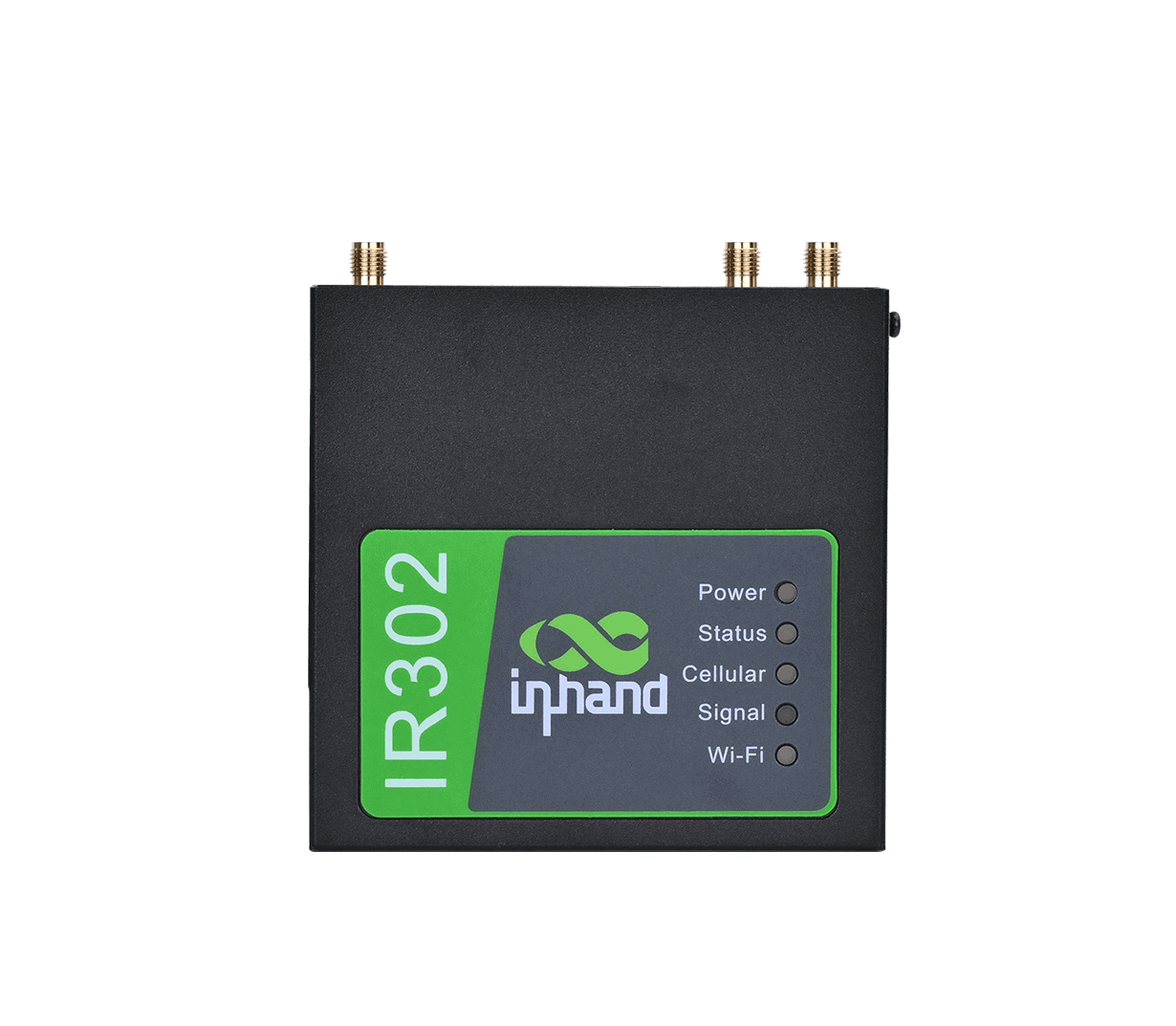
Routeur industriel
Routeur LTE industriel haute fiabilité

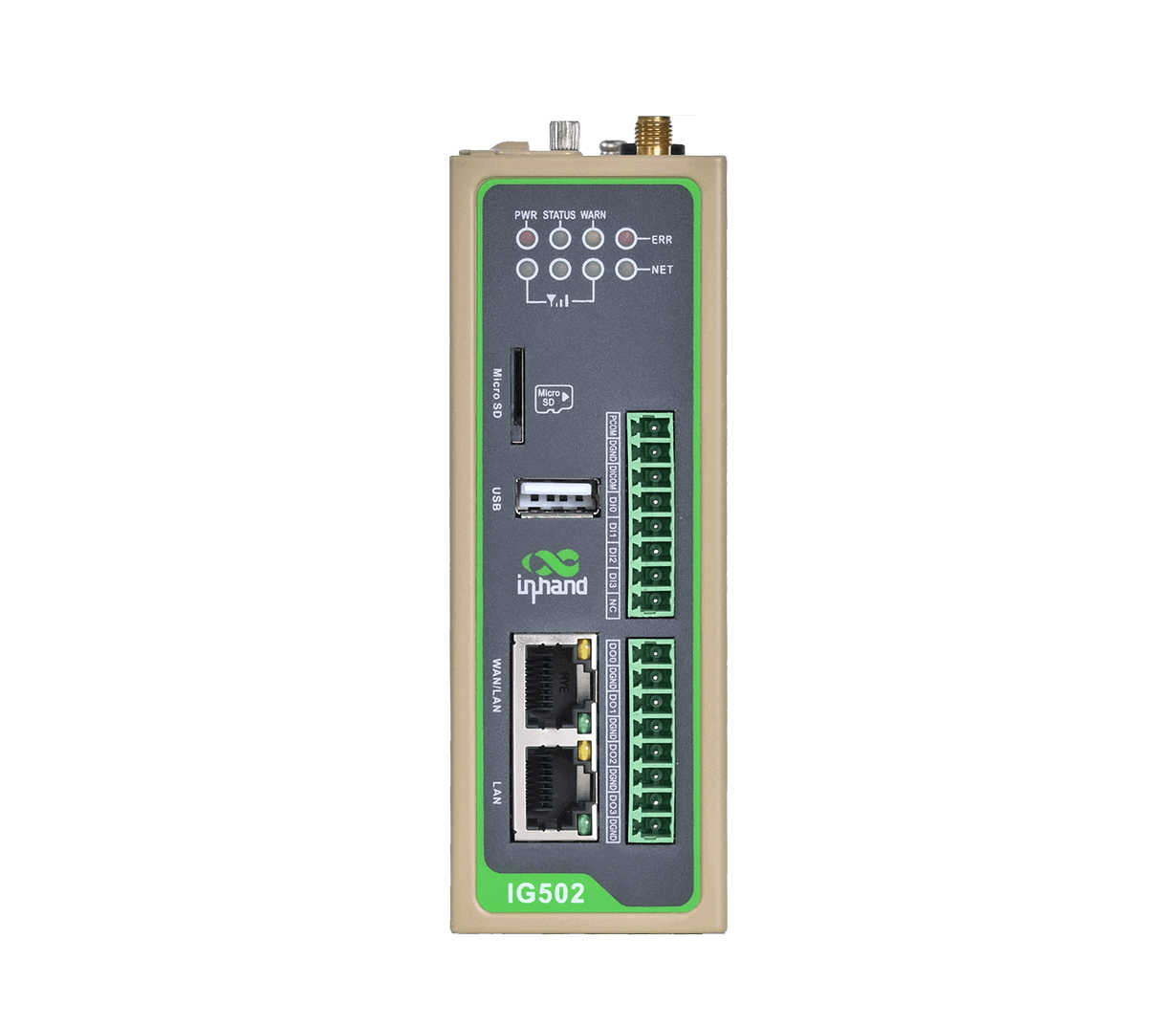
Passerelle Edge
Passerelle IoT multiprotocole conçue pour les applications IoT
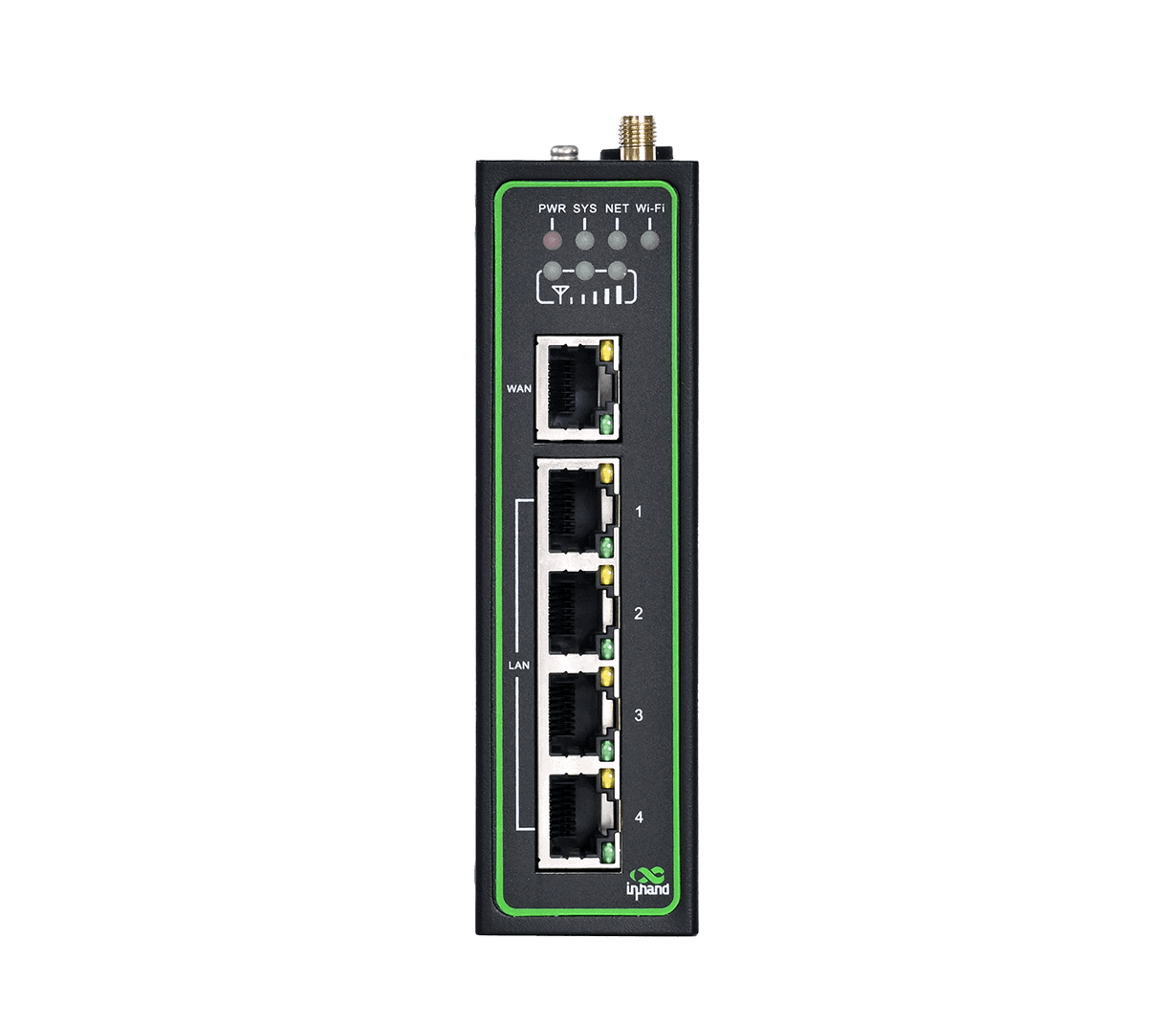
IR315
4G/Wi-Fi/VPN/Sécurité/Gestion dans le cloud
Routeur industriel
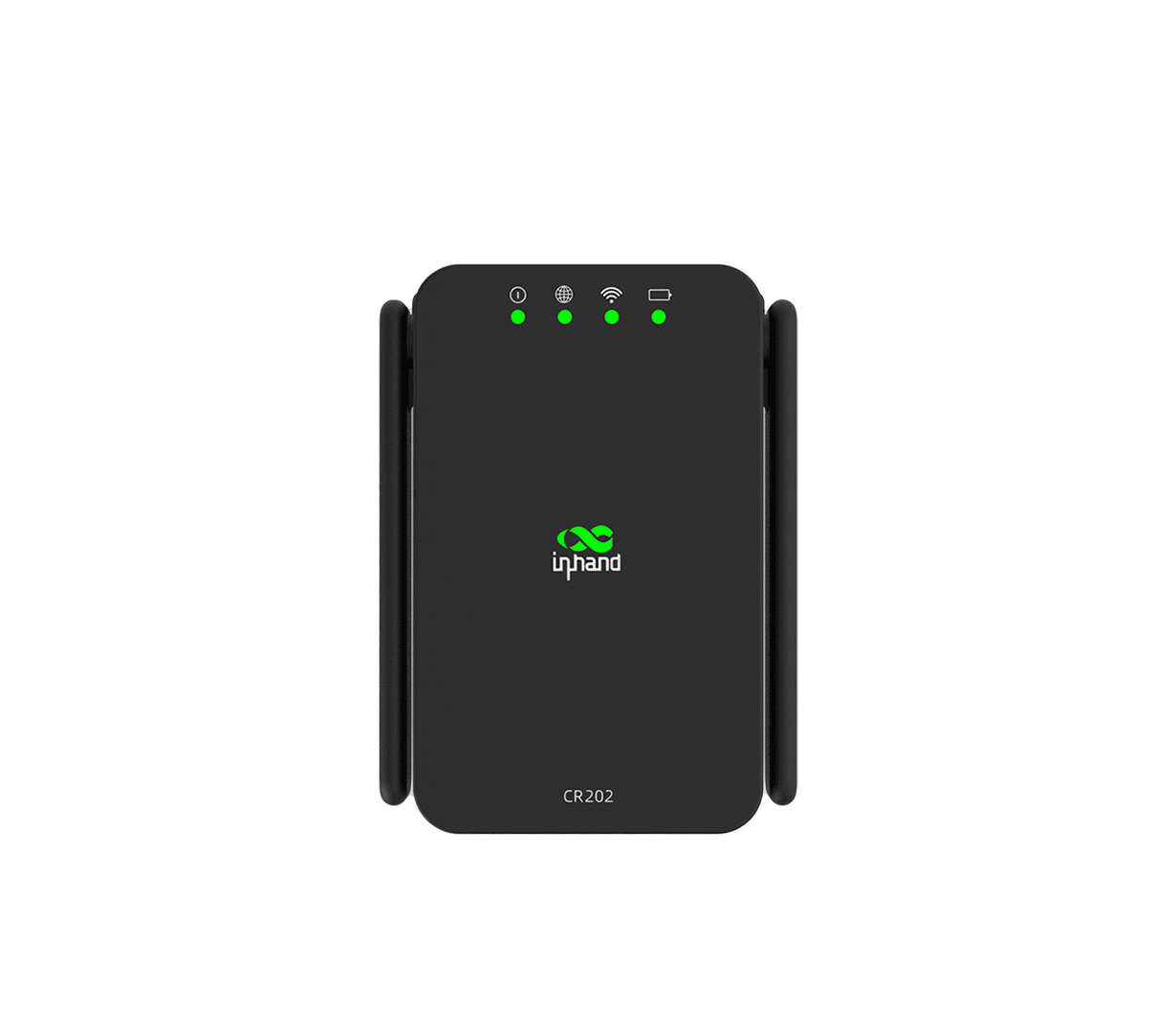
CR202-Lite
4G/Wi-Fi 4/Batterie 3000 mAh/Portable
Routeur cellulaire
Cas connexes

Solution de surveillance à distance pour l'usine numérique
Solution de surveillance à distance pour les applications et cas d'utilisation de l'usine numérique : points clés…
En savoir plus →
Maintenance à distance des équipements médicaux
Maintenance à distance d'équipements médicaux : applications et cas clés…
En savoir plus →
Affichage numérique
Applications et cas d'utilisation de l'affichage numérique : points clés à retenir ; connectivité sans fil pour l'affichage numérique…
En savoir plus →Foire aux questions
Que propose Device Manager ?
Device Manager est la plateforme cloud d'InHand Networks pour Gestion des appareils M2M / IoT — Un portail web de visualisation pour la gestion des routeurs et passerelles distribués sans intervention sur site. Principales caractéristiques de la spécification V5.1 :
| URL du portail | iot.inhandnetworks.com |
| Architecture | Basé sur MQTT, adapté aux sites à faible bande passante et à latence élevée |
| Produits InHand pris en charge | IR200, IR300, IR600, IR900, CR202, IG500, IG900, VG710, VG814 série |
| Sécurité | Authentification par autorité de certification, chiffrement des données, vérification de l'utilisateur, limitation d'accès |
Piliers fonctionnels : gestion des périphériques (informations, configuration, micrologiciel, accès Web à distance, informatique de périphérie, journaux) ; surveillance des périphériques (carte SIG, tableaux de bord, suivi des tâches, alertes d’événements, regroupement) ; gestion du système (utilisateurs, autorisation, informations système, paramètres système, journaux).
Comment ajouter un nouveau périphérique au Gestionnaire de périphériques ?
Conformément au manuel d'utilisation du gestionnaire de périphériques, l'inscription est initié par l'interface graphique de l'appareilCréez un compte → configurez le routeur/passerelle via son interface web → activez la gestion. L'appareil se synchronise automatiquement avec le cloud.
1. Créez un compte à https://iot.inhandnetworks.com/ (cliquer) Créer un compte, saisissez votre adresse e-mail, soumettez, activez via l'e-mail de vérification).
2. Configurer l'interface graphique Web de l'appareil pour le connecter au Gestionnaire de périphériques. Le chemin d'accès au menu varie selon la famille de périphériques :
| Famille d'appareils | Chemin d'interface graphique Web | Paramètres |
| IR300 / IR600 | Services > Gestionnaire de périphériques | Type de service = Gestionnaire de périphériques; Serveur = iot.inhandnetworks.comCompte enregistré = votre adresse e-mail de messagerie privée |
| IR900 / VG710 | Administration > Gestionnaire de périphériques | Type de service = Gestionnaire de périphériques; Adresse du serveur = iot.inhandnetworks.comCompte enregistré = votre adresse e-mail de messagerie privée |
| IG500 / IG900 | Système > InHand Cloud (onglet Gestionnaire de périphériques InHand) | Adresse du serveur = iot.inhandnetworks.comCompte enregistré = votre adresse e-mail de messagerie privée |
Cliquez Postulez et économisezLorsque l'état de l'appareil s'affiche Connecté / En ligneL'appareil a atteint le Gestionnaire de périphériques et un enregistrement de passerelle est automatiquement ajouté à la page Passerelles.
Facultatif — ajout manuel avant la mise en ligne de l'appareil. Choisir Passerelles → + Dans le portail, saisissez un nom de passerelle et l'identifiant de l'appareil. Numéro de série (visible sous Administration > Système > État, ou sur la plaque signalétique). L'enregistrement commence par Hors ligne et passe à En ligne une fois la configuration côté appareil ci-dessus terminée.
> Remarque : les chemins d’accès à l’interface graphique sont conformes au manuel d’utilisation ; la mise en page réelle peut varier selon la version du micrologiciel.
Comment puis-je accéder aux appareils et les gérer à distance ?
Une fois qu'un appareil est connecté à Device Manager, vous pouvez le gérer sans intervention sur site :
| Fonctionnalité | Description |
| Accès Web à distance | Ouvrez à distance l'interface graphique Web locale de l'appareil via le portail. — modifiez la configuration sur l'appareil comme si vous étiez sur place |
| Mise à jour de la configuration | Configuration par lots avec gestion des tâches de répartition |
| Mise à jour du firmware | Mise à niveau du firmware par lots avec gestion des tâches de mise à niveau |
| Commandes de télécommande | Redémarrage à distance, réinitialisation d'usine et actions de contrôle par appareil |
| Informatique de périphérie | Gestion des SDK et des applications dans le cloud (pour les appareils compatibles) |
| Consulter les journaux | Consultez les journaux de l'appareil pour résoudre les problèmes. |
La fonctionnalité d'accès Web à distance est l'outil clé pour les modifications ponctuelles sur l'appareil : au lieu d'envoyer un technicien, vous cliquez sur le portail et l'interface graphique Web complète de l'appareil s'ouvre via le Gestionnaire de périphériques.
Comment puis-je surveiller ma flotte et gérer les utilisateurs ?
| Catégorie | Fonction | Description |
| Visualisation | CARTE SIG | Suivi en temps réel de la localisation des appareils |
| Tableaux de bord | Afficher les données d'utilisation de l'appareil et son état en ligne | |
| Suivi des tâches | Gérez les tâches sur tous vos appareils ; suivez leur statut et leur progression. | |
| Alertes | Alerte événement | Appareil en ligne/hors ligne, alerte trafic, commutation double SIM, sauvegarde de la connexion, interface active/désactive |
| Organisation | Regroupement | Gérer les appareils en groupes |
| Catégorie | Fonction | Description |
| Utilisateurs | Utilisateur | Gestion des comptes utilisateurs système ; gestion des appareils multi-utilisateurs |
| Autorisation | Personnaliser les autorisations des utilisateurs pour une gestion sécurisée des appareils | |
| Système | Informations système | Conserver les informations du compte |
| Paramètres système | Paramètres des informations personnelles | |
| Enregistrer | Suivi des journaux système en ligne |