

Ask AI Anything

DeviceLive

DeviceLive offers device management, remote monitoring, edge app management, and remote terminal maintenance to help industrial enterprises build intelligent edge networks.

IoT Device Management Platform

Efficient device management

DeviceLive optimizes operations by migrating your IoT infrastructure to the cloud, enabling your IT team to remotely monitor and manage devices.

Unified monitoring and remote control

DeviceLive provides visual charts and supports multiple alert strategies, enabling efficient business monitoring and automated alerts.

Manage your edge computing apps

With DeviceLive, develop and deploy your IoT edge computing apps effortlessly – no need to build OTA services on your own.

Ethernet connection

Remote access to on-site machines

DeviceLive enables engineers to remotely maintain, upload/download programs, and diagnose on-site machines with ease.

  • Zero-Touch Deployment and O&M Features
    Centralized Cloud Management Unified device management with batch configuration and upgrades
    Fault Warning and Remote Diagnostics Multiple alert strategies and remote diagnostics for time-saving troubleshooting
    Multi-Dimensional Security Policies Data encryption, multi-role permissions, and multi-factor authentication
    Plug-and-Play Devices Complete configuration and deployment remotely from the cloud
    Simple Configuration Web GUI configuration without complex CLI commands
    Visualized Monitoring Comprehensive insights into connection status, network quality, cellular signal, and more
  • Application Scenarios
    Energy Management Improved energy utilization efficiency, optimized consumption, and reduced waste
    Healthcare Improved service accessibility with real-time patient status monitoring
    Industrial IoT (IIoT) Real-time monitoring of device status to improve production efficiency; predictive maintenance to reduce fault risks
    Smart City Smart traffic management and urban digital applications to improve governance efficiency
  • Platform Feature List
    Batch Device Firmware Upgrade Remotely upgrade device firmware with flexible scheduled upgrade settings
    Batch Remote Device Configuration Configure devices remotely
    Connection Status Statistics Monitor device connection status, network type, and more
    Device Group Management Classify devices by business needs for flexible management
    DeviceLive App Supports app-based QR code device onboarding and app-based network status monitoring
    DSA Management Remote DSA configuration, upgrade updates, and status viewing
    Edge Computing Management Container management, native application management, and edge computing app upgrade deployment
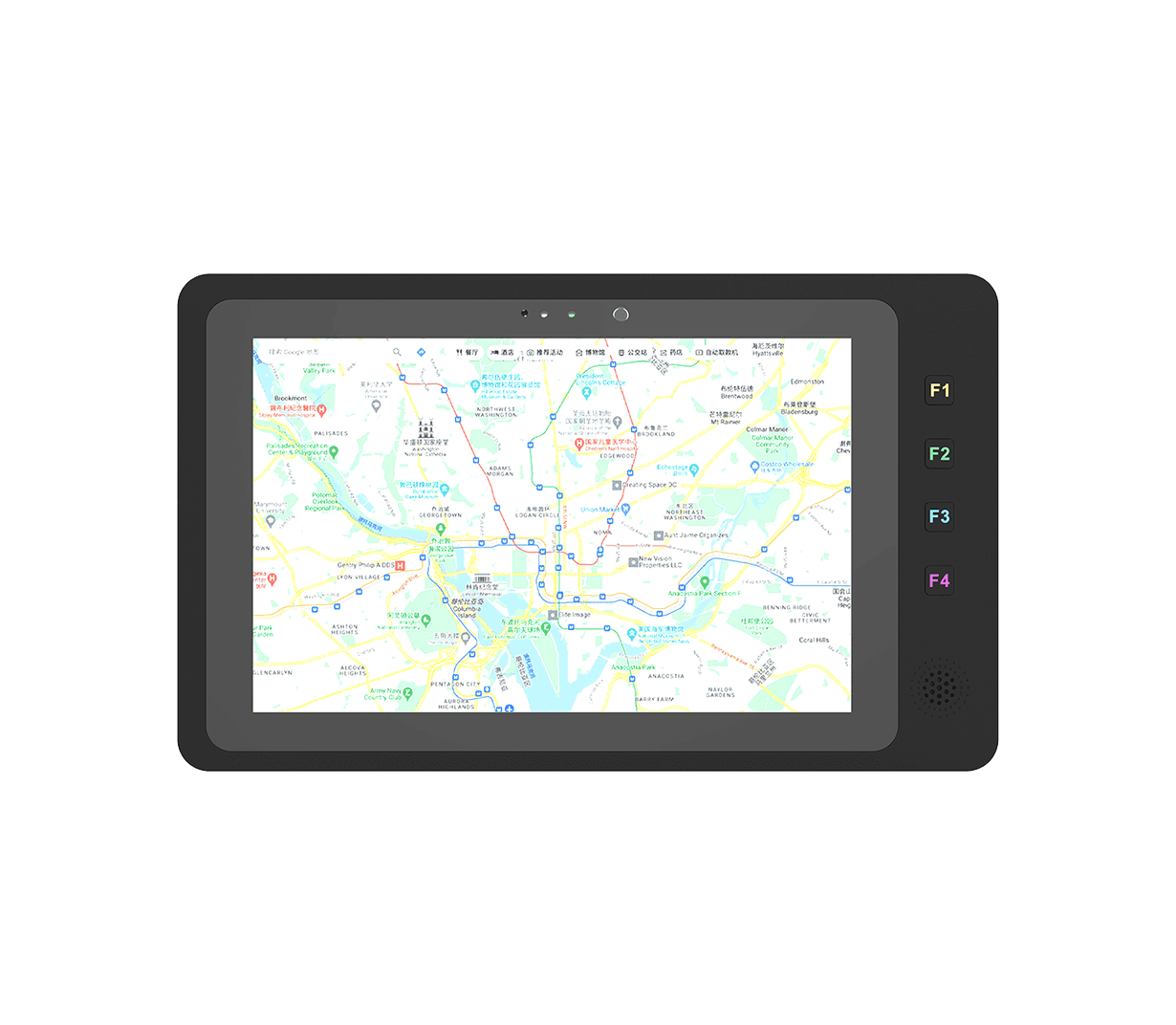
    Geolocation Management Supports GPS/base-station/manual positioning and map-based device distribution overview
    MFA Multi-factor account authentication for comprehensive security assurance
    Network Quality Monitoring Monitor cellular signal, network latency, jitter, packet loss, and throughput
    Network Status Analysis Monitor interface connection status, link status, and traffic consumption
    Remote Control Commands Remotely reboot devices and restore factory settings
    Remote Diagnostic Tools Diagnostic logs, Ping, Traceroute, packet capture, and event analysis
    Remote Terminal Maintenance Quickly establish remote channels and support engineer remote access and control of terminal devices
    Status Alert Notifications Supports multiple alert strategies such as CPU utilization, link status, and cellular traffic monitoring; supports SMS, email, and app notifications
Fetching resources...

Related Products

Related Cases

Preview

5G Factory Automation Solution

5G Factory Automation Solution Applications and Cases Key Takeaways With the rapid…

Learn More →

5G Remote Monitoring Solution for Industrial Robots

5G Remote Monitoring Solution for Industrial Robots Applications and Cases Key Takeaways…

Learn More →

Remote Monitoring of Urban Heat Supply System

Remote Monitoring of Urban Heat Supply System Applications and Cases Key Takeaways…

Learn More →
See All Cases →

Frequently Asked Questions

What does DeviceLive offer?

DeviceLive is InHand’s IoT Device Management Platform for edge-AI and edge-computing deployments — designed for industrial IoT where you collaborate with InHand edge hardware to deploy / upgrade edge apps, perform local data collection and pre-processing, and run visual monitoring. Highlights from the V1.3 spec:

Portal URLdevice.inhandcloud.com
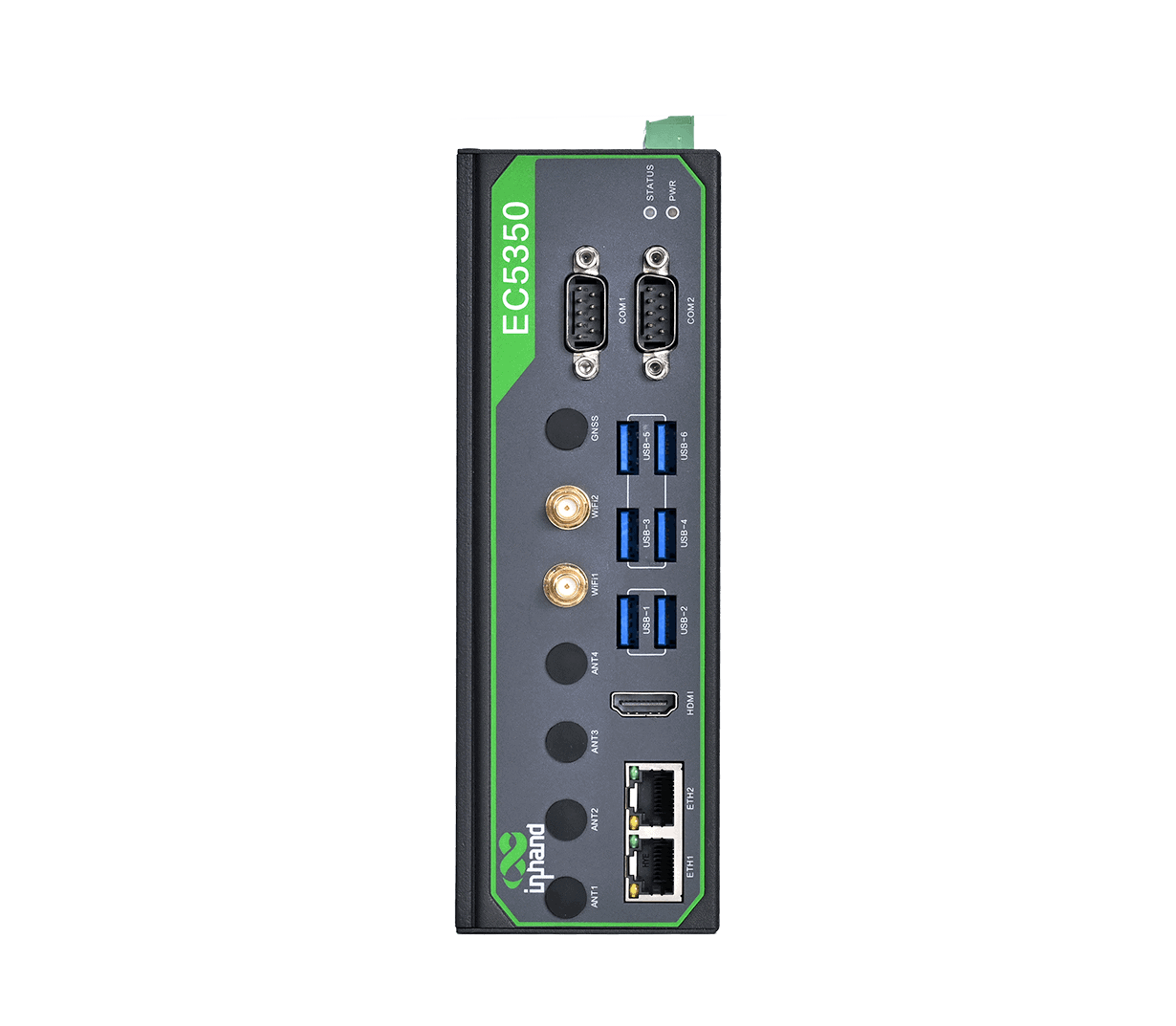
Hardware familiesStandard Edge Computer, AI Edge Computer, Edge Tablet, IoT Edge Gateway, Industrial Router
Built-in serviceDeviceSupervisor™ Agent for cloud data connectivity (Modbus, OPC UA, ISO on TCP, etc.)
Cloud integrationsAWS, Microsoft Azure, Alibaba Cloud, custom platforms
PillarsZero-Touch Deployment, Easy Configuration, Unified Management, Alert & Remote Diagnosis, Multiple Security Strategy, Visual Monitoring
TiersEssential (core management) and Advanced (adds Connector remote access + Edge Computing Management)

Devices are added in two steps: ensure the device has internet connectivity, then add the device to the platform by serial number.

1. Make sure the device has internet connection (Ethernet, cellular, or Wi-Fi STA — configured from the device’s local web GUI).

2. Add the device on the portal:

  1. Sign in at https://device.inhandcloud.com.
  2. In the Devices menu, click Add.
  3. Enter the device name, serial number, and MAC address (all from the device label).
  4. Click Save.
The device appears in the device list and automatically synchronizes its configuration with the platform.

DeviceLive’s Connector feature (Advanced tier) builds an on-demand VPN tunnel between the cloud and a registered device, so an engineer can reach both the router’s local web GUI and any downstream endpoint (PLC, HMI, IP camera, IPC, etc.) without going on site.

To configure remote access via Connector:
  1. Create a Connector network — go to the Connector page, click Add, enter the network name, click Save.
  2. Add devices to the network — click Add on the device list, select devices, then assign each device a subnet address (Auto or Manual, allowable range 10.16.32.0/2410.31.255.0/24). The platform automatically assigns each device a virtual IP and establishes a VPN tunnel.
  3. Add endpoints — click Add on the endpoint list, enter the endpoint name and its LAN IP behind the router, select the parent device, and configure the endpoint’s virtual IP (Auto or Manual, range x.x.x.2x.x.x.254). Up to 243 endpoints per device.
  4. Configure account access — on the Accounts tab, add the engineer account and assign it a Float IP or Static IP (range 10.16.0.210.16.15.255).
  5. Install the Connector client (MacOS / Windows / iOS / Android), import the account configuration file, and click CONNECT. The VPN tunnel comes up.
  6. Once the tunnel is up, the engineer can:

    • Remotely open the device’s local web management page via the device’s virtual IP — exactly as if they were on-site (per the user manual: *”users can use this virtual IP to remotely access the local web management interface of the router device”*).
    • Reach any added endpoint (PLC, HMI, camera, etc.) through its virtual IP for maintenance, data download, or program upload.
    • Other Advanced-tier features that complement remote access:

    • Edge Computing Management — push container and native applications to InHand edge hardware (deployment + upgrades).

These features are on both Essential and Advanced tiers:

FeatureDescription
Bulk Device ConfigurationRemotely configure devices through GUI
Bulk Device UpgradeRemotely upgrade firmware; flexible upgrade scheduling
Device Management by GroupClassify devices by business needs
Remote Control CommandRemote reboot, factory reset
Connection Status StatisticsConnection status, network type
Network Status AnalysisInterface and link status, traffic consumption
Network Quality MonitoringCellular signal, network delay, jitter, packet loss, throughput
DSA ManagementRemote configuration / upgrade / status overview for the DeviceSupervisor Agent
Remote Diagnostic ToolDiagnostic logs, Ping, Traceroute, packet capture, event analysis
Geolocation ManagementGPS / base-station / manual positioning; map view
Alert PolicyCPU, link, cellular-traffic alarms with SMS / email / app notifications
MFAAccount multi-factor authentication
DeviceLive APPScan-code device configuration and mobile network-status monitoring

You May Also Like