


Ask AI Anything

Device Manager

Device Manager enables enterprises to centrally manage InHand industrial routers and gateways, with a visual interface to monitor device status and perform remote configuration and upgrades with ease.

Device Management Cloud

Device management with high-efficiency

Device Manager enables remote management of globally distributed devices across industries, improving operational efficiency.

Centralized device management

Centralized management of device assets, firmware, configs, and edge apps, with flexible grouping and role-based access.

Manage thousands in minutes

Create secure tunnels for remote access, diagnose devices anywhere, and batch upgrade firmware and configs to manage thousands.

Ethernet connection

Mature platform, secure data

Visual dashboards turn massive device data into insights, while CA certificates, encryption, and access control ensure end-to-end data security.

  • Device Management
    Configuration Update Batch remote configuration, task distribution management, and remote device reboot control
    Edge Computing Edge SDK installation, edge application installation, and remote updates of application configurations
    Firmware Upgrade Batch firmware upgrades and upgrade task management
    Information Management Device serial number, model, firmware version, configuration status, signal strength, IMSI, IMEI, ICCID, etc.
    Log Viewing View device logs
    Remote Web Remote access to routers and remote router configuration modification
  • Device Monitoring
    Event Alerts Alert push for device online/offline events, traffic alarms, dual-SIM switching, link backup, and port status events
    GIS Map Manage and track device locations
    Group Management Group and manage devices on demand
    Statistical Analysis Device traffic usage analysis, device online status analysis, and multi-dimensional cellular signal quality analysis
    Task Tracking Manage system runtime tasks of all devices and track task status and progress online
  • System Management
    Integration Services Rapid integration with third-party services
    Permission Management Customize user device permissions for secure device management
    System Logs Online tracking of system logs
    System Settings Personal information settings
    User Management Manage system user accounts and support multi-user device management
Fetching resources...

Related Products

Related Cases

Preview

Remote Monitoring Solution for Digital Factory

Remote Monitoring Solution for Digital Factory Applications and Cases Key Takeaways Remote…

Learn More →
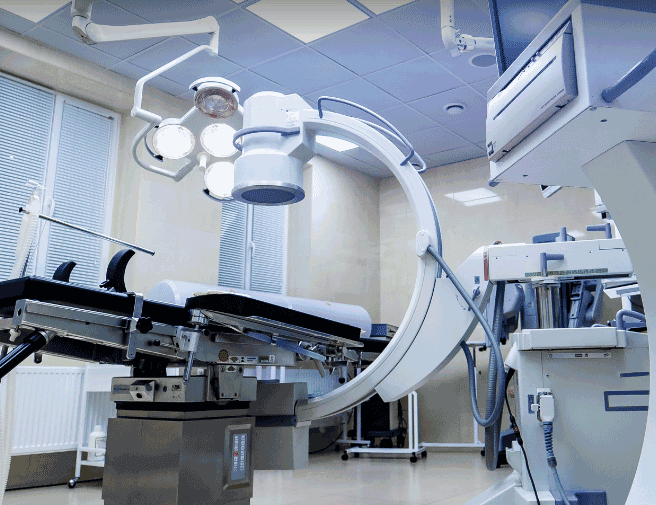
Remote Maintenance of Medical Equipment

Remote Maintenance of Medical Equipment Applications and Cases Key Takeaways Remote Maintenance…

Learn More →

Digital Signage

Digital Signage Applications and Cases Key Takeaways Wireless Connectivity for Digital Signages…

Learn More →
See All Cases →

Frequently Asked Questions

What does Device Manager offer?

Device Manager is InHand Networks’ cloud platform for M2M / IoT device management — a visualization web portal for managing distributed routers and gateways without on-site visits. Highlights from the V5.1 spec:

Portal URLiot.inhandnetworks.com
ArchitectureMQTT-based, suitable for low-bandwidth and high-latency sites
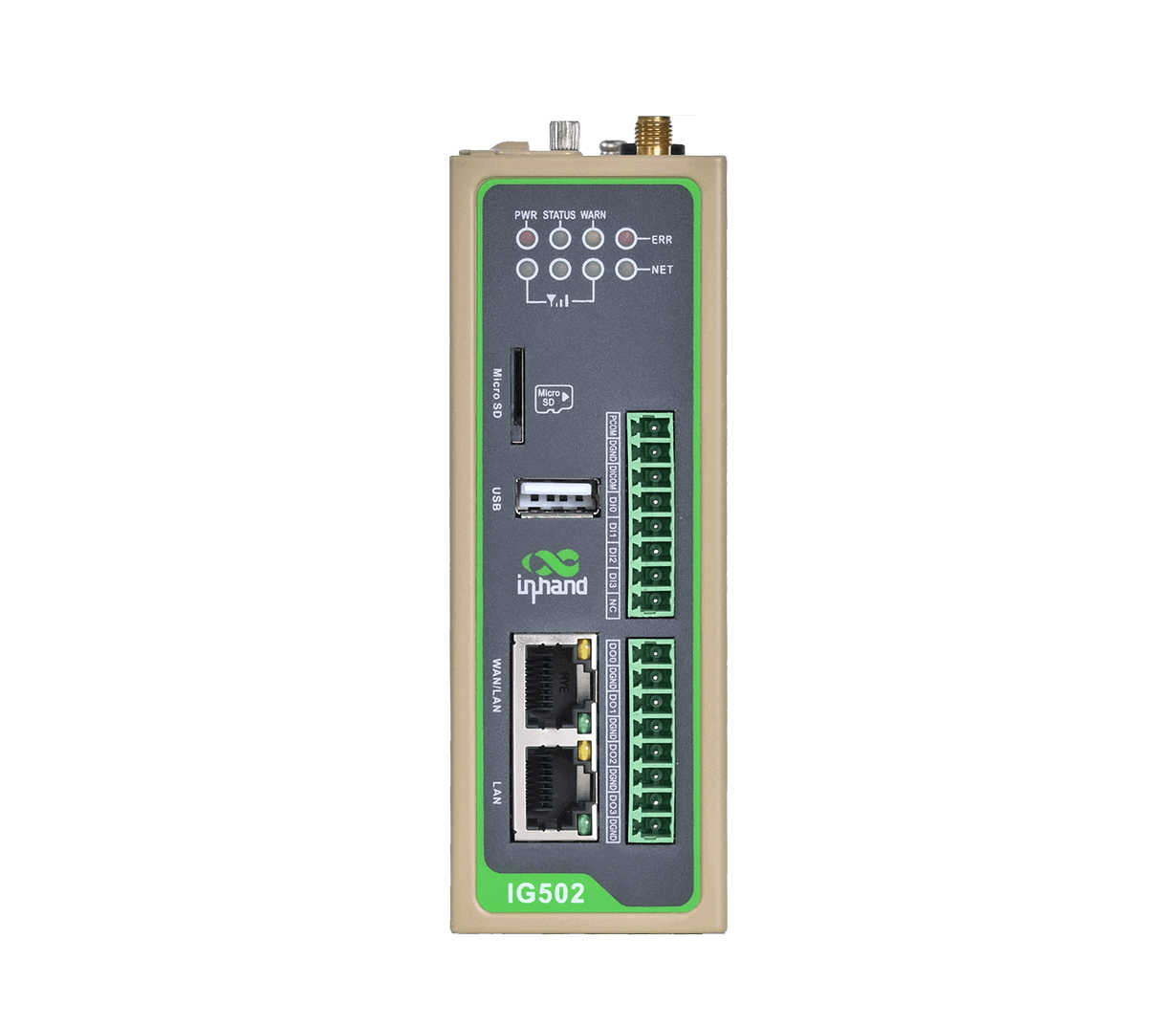
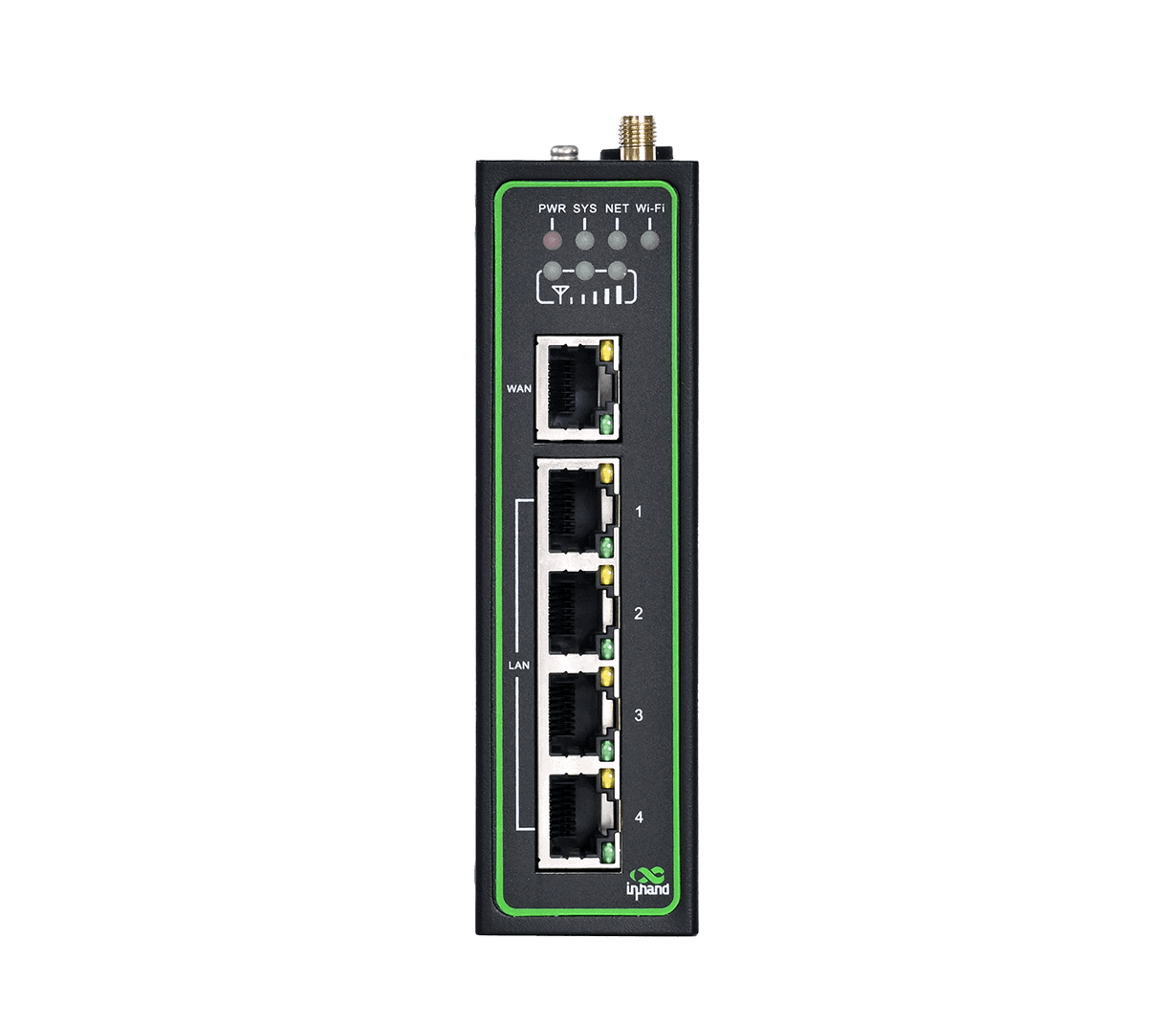
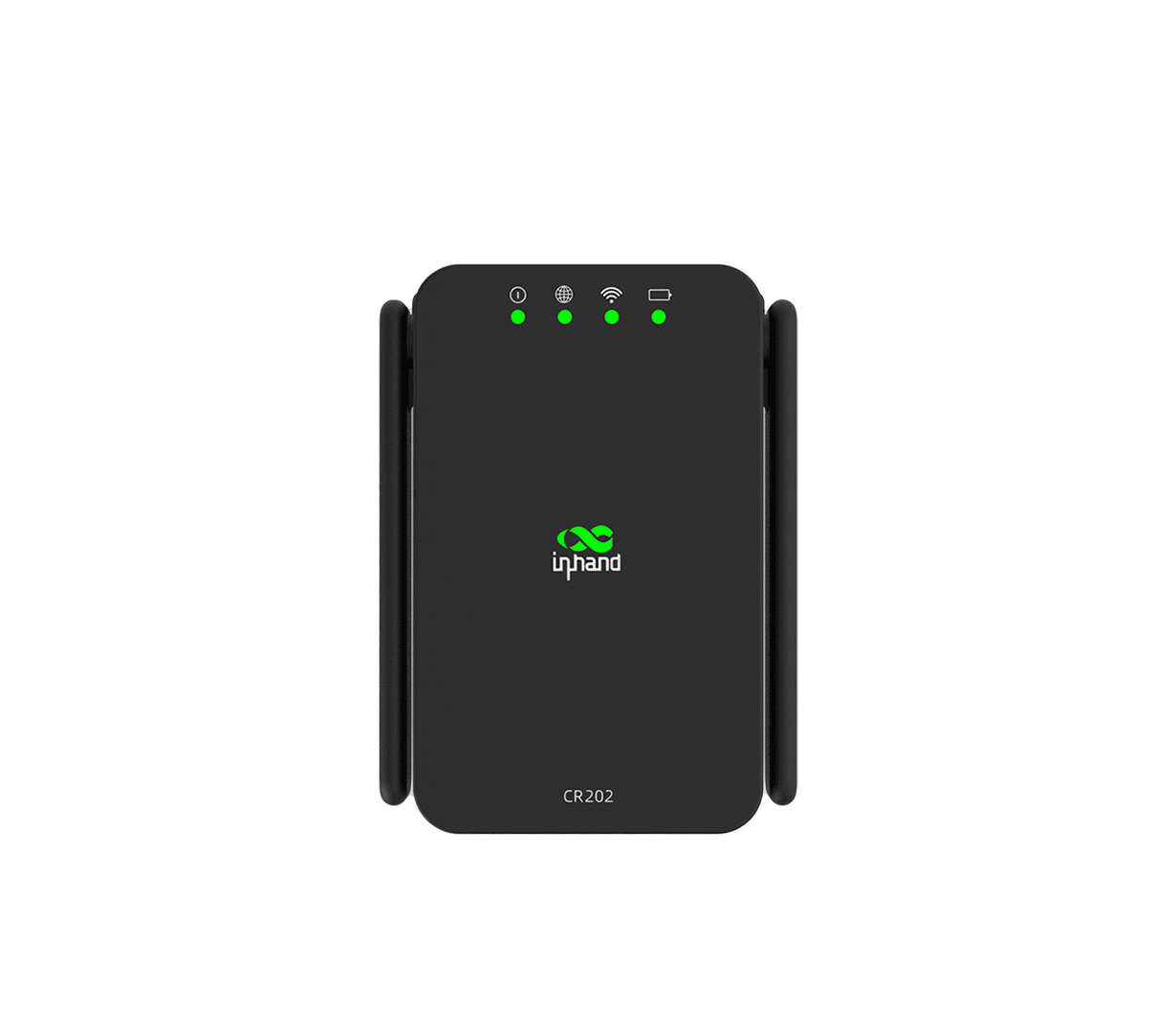
Supported InHand productsIR200, IR300, IR600, IR900, CR202, IG500, IG900, VG710, VG814 series
SecurityCA authentication, data encryption, user verification, access limit

Function pillars: device management (information, configuration, firmware, remote web access, edge computing, logs); device monitoring (GIS map, dashboards, task tracking, event alerts, grouping); system management (users, authorization, system info, system settings, logs).

Per the Device Manager User Manual, enrollment is device-GUI-initiated: register an account → configure the router/gateway on its web GUI → enable management. The device pushes itself to the cloud automatically.

1. Register an account at https://iot.inhandnetworks.com/ (click Register Account, enter your email, submit, activate via the verification email).

2. Configure the device’s web GUI to connect it to Device Manager. The menu path varies by device family:

Device familyWeb GUI pathSettings
IR300 / IR600Services > Device ManagerService Type = Device Manager; Server = iot.inhandnetworks.com; Registered Account = your DM email
IR900 / VG710Administration > Device ManagerService Type = Device Manager; Server Address = iot.inhandnetworks.com; Registered Account = your DM email
IG500 / IG900System > InHand Cloud (InHand Device Manager tab)Server Address = iot.inhandnetworks.com; Registered Account = your DM email

Click Apply & Save. When the on-device status shows Connected / Online, the device has reached Device Manager and a gateway record is automatically added to the Gateways page.

Optional — manual add before the device comes online. Choose Gateways → + in the portal, enter a Gateway Name and the device’s Serial Number (visible under Administration > System > Status, or on the nameplate). The record starts as Offline and switches to Online once the device-side configuration above completes.

> Note: GUI paths are per the user manual; actual page layout may vary with firmware version.

Once a device is connected to Device Manager, you can manage it without an on-site visit:

FeatureDescription
Remote WEB AccessOpen the device’s local web GUI remotely through the portal — modify the on-device configuration as if you were on-site
Configuration UpdateBatch configuration dispatch with dispatch-task management
Firmware UpgradeBatch firmware upgrade with upgrade-task management
Remote Control CommandsRemote reboot, factory reset, and per-device control actions
Edge ComputingSDK and APP management in the cloud (for supported devices)
View LogsView device logs for troubleshooting

The Remote WEB Access feature is the key tool for ad-hoc on-device changes — instead of dispatching an engineer, you click into the portal and the device’s full web GUI opens through Device Manager.

Fleet monitoring:
CategoryFunctionDescription
VisualizationGIS MAPTrack real-time device locations
DashboardsView device data usage and online status
Task TrackingManage tasks across all devices; track status and progress
AlertsEvent AlertDevice online/offline, traffic alarm, dual-SIM switching, link backup, interface up/down
OrganizationGroupingManage devices in groups
Users and access control:
CategoryFunctionDescription
UsersUserManage system user accounts; multi-user device management
AuthorizationCustomize user permissions for secure device management
SystemSystem InformationMaintain account information
System SettingPersonal information setting
LogTrack system logs online

You May Also Like