


InBOX710
4G ARM
Endüstriyel Bilgisayar
InBOX710, kararlı yerel bilgi işlem ve bağlantı için fansız bir endüstriyel uç kutusudur. 4G, Wi-Fi ve BLE'yi entegre eder ve gözetimsiz terminaller ve hafif uç dağıtımları için seri ve USB ile 4K HDMI ekranı destekler.
InBOX710
4G ARM
Endüstriyel Bilgisayar
InBOX710, kararlı yerel bilgi işlem ve bağlantı için fansız bir endüstriyel uç kutusudur. 4G, Wi-Fi ve BLE'yi entegre eder ve gözetimsiz terminaller ve hafif uç dağıtımları için seri ve USB ile 4K HDMI ekranı destekler.
FOTOĞRAF
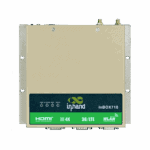
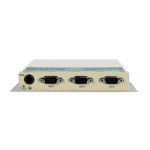
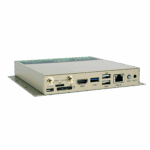
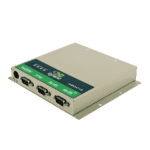
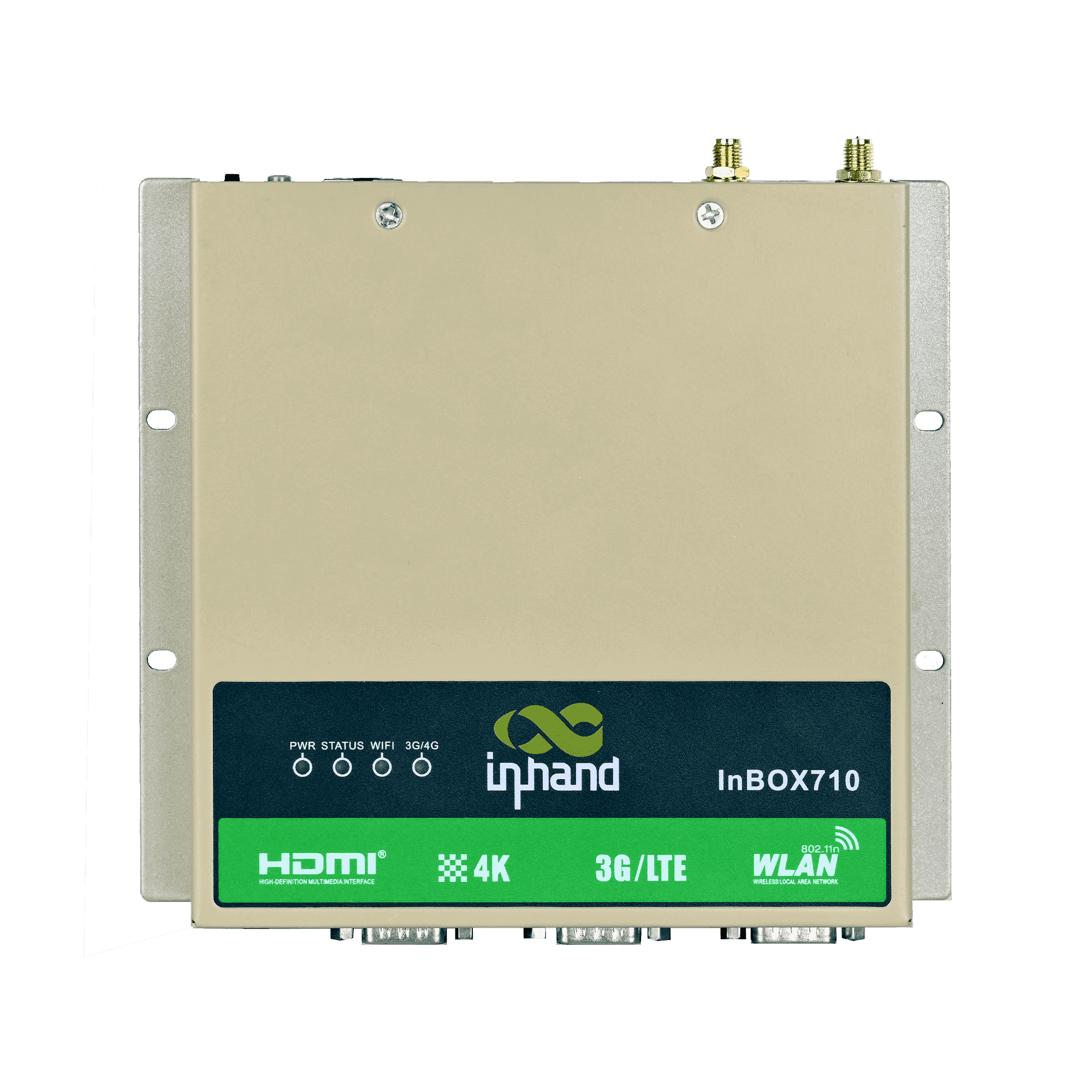
Endüstriyel Terminaller için Kompakt, Güvenilir Uç Bilişim





Kendiliğinden teşhis ve kurtarma mekanizmaları, yerinde arızaları ve bakım çabalarını azaltarak, gözetimsiz sistemlerde operasyonel verimliliği artırır.

-
Temel Özellikler
Bluetooth Bluetooth 4.2İşlemci RK3399, 6 Çekirdekli, 1.8 GHzBoyutlar 170 × 150 × 26 mm (6.69 × 5.91 × 1.02 in)Ethernet 1 × 10/100 Mbpsİşletim sistemi Android / Linux (Debian 9)Güç Girişi 12 V DCRAM / Depolama 2 GB / 16 GB eMMCSeri 2 × RS-232, 1 × RS-232/RS-485USB 2 × USB 2.0, 1 × USB 3.0Video Çıkışı HDMI 2.0, 4K@60fps'ye kadarWifi 802.11b/g/n, İstemci/AP ModuÇalışma Sıcaklığı -20 °C ~ 70 °C (-4 °F ~ 158 °F)
-
İşlemci
İşlemci RK3399, 6 Çekirdekli, 1.8 GHzFLAŞ 16 GB eMMCVeri deposu 2 GB
-
Arayüzler
Anten 1 × SMA (3G/4G); 1 × RP-SMA (Kablosuz)Düğmeler 1 × Güç Düğmesi; 1 × Mod TuşuHata ayıklama 1 × Tip-CEthernet 1 × 10/100 Mbps, WAN/LANHDMI 1 × HDMI 2.0, 4096 × 2160'a (4K) kadar, sesliSD 1 × Çekmeceli SD kart tutucuSeri 2 × RS-232 (DB9); 1 × RS-232/RS-485 (DB9)SIM 1 × Çekmeceli SIM kart tutucuUSB 2 × USB 2.0; 1 × USB 3.0
-
Bağlantı
Bluetooth Bluetooth 4.2Hücresel 4G LTEWifi 802.11b/g/n, İstemci/AP Modu
-
Güç
Güç Tüketimi < 10 W (çevre birimleri hariç)Güç girişi 12 V DC (kendinden kilitli dört çekirdekli dairesel arayüz)
-
Mekanik
Soğutma FansızBoyutlar (G × D × Y) 170 × 150 × 26 mm (Montaj parçaları dahil)Konut MetalKurulum Duvara MontajKoruma Derecesi IP40
-
Çevresel
Nem 5 ~ 95% (yoğuşmasız)Depolama Sıcaklığı -40 °C ~ 85 °C (-40 °F ~ 185 °F)Çalışma Sıcaklığı -20 °C ~ 70 °C (-4 °F ~ 158 °F)
-
Güvenilirlik
RTC Düğme pilli entegre gerçek zamanlı saat
-
EMC
EFT Seviye 3ESD Seviye 3Kabarmak Seviye 3
-
Göstergeler
3G/4G LED Normal bağlantı kurulduğunda her zaman açıkGüç LED'i Güç açıldıktan sonra sürekli yanar.Durum LED'i Normal çalışma sırasında yanıp sönüyor.Wi-Fi LED Normal bağlantı kurulduğunda her zaman açık
-
Sertifikasyon
Sertifikasyon CCC, CE, FCC, IC
-
İşletim Sistemi
İşletim sistemi Linux (Debian 9) / Android
-
Ağ
Bluetooth Bluetooth 4.2Ağ 4GWifi 802.11b/g/n, İstemci/AP Modu
-
Grafik İşleme
Görüntü İşleme BMP, JPG, PNG, GIFİşlem Gücü Çift ISP ile 800 MPix/s'ye kadar veri aktarımı, çift kamera veri girişi, 3D ve derinlik bilgisi çıkarımı desteği.Video Kodeği H.265/H.264/VP9 4K@60fps HD video kod çözme
-
Yapılandırma Yönetimi
Zamanlayıcı Anahtarı DesteklendiGüncelleme Yerel USB yükseltmesi
Standart paket*
- InBox710 Edge Bilgisayar *1
- İsteğe bağlı aksesuarlar
- 4G Anten *1
- Wi-Fi Anteni *1
- Güç Kaynağı *1
* Standart paket içerikleri, standart sipariş kodlarına göre değişiklik gösterebilir.
Bize Ulaşın Ambalaj seçeneklerimiz hakkında daha fazla bilgi edinmek için doğrudan iletişime geçin.
Teknik Özellikler
-
Temel Özellikler
Bluetooth Bluetooth 4.2İşlemci RK3399, 6 Çekirdekli, 1.8 GHzBoyutlar 170 × 150 × 26 mm (6.69 × 5.91 × 1.02 in)Ethernet 1 × 10/100 Mbpsİşletim sistemi Android / Linux (Debian 9)Güç Girişi 12 V DCRAM / Depolama 2 GB / 16 GB eMMCSeri 2 × RS-232, 1 × RS-232/RS-485USB 2 × USB 2.0, 1 × USB 3.0Video Çıkışı HDMI 2.0, 4K@60fps'ye kadarWifi 802.11b/g/n, İstemci/AP ModuÇalışma Sıcaklığı -20 °C ~ 70 °C (-4 °F ~ 158 °F)
-
İşlemci
İşlemci RK3399, 6 Çekirdekli, 1.8 GHzFLAŞ 16 GB eMMCVeri deposu 2 GB
-
Arayüzler
Anten 1 × SMA (3G/4G); 1 × RP-SMA (Kablosuz)Düğmeler 1 × Güç Düğmesi; 1 × Mod TuşuHata ayıklama 1 × Tip-CEthernet 1 × 10/100 Mbps, WAN/LANHDMI 1 × HDMI 2.0, 4096 × 2160'a (4K) kadar, sesliSD 1 × Çekmeceli SD kart tutucuSeri 2 × RS-232 (DB9); 1 × RS-232/RS-485 (DB9)SIM 1 × Çekmeceli SIM kart tutucuUSB 2 × USB 2.0; 1 × USB 3.0
-
Bağlantı
Bluetooth Bluetooth 4.2Hücresel 4G LTEWifi 802.11b/g/n, İstemci/AP Modu
-
Güç
Güç Tüketimi < 10 W (çevre birimleri hariç)Güç girişi 12 V DC (kendinden kilitli dört çekirdekli dairesel arayüz)
-
Mekanik
Soğutma FansızBoyutlar (G × D × Y) 170 × 150 × 26 mm (Montaj parçaları dahil)Konut MetalKurulum Duvara MontajKoruma Derecesi IP40
-
Çevresel
Nem 5 ~ 95% (yoğuşmasız)Depolama Sıcaklığı -40 °C ~ 85 °C (-40 °F ~ 185 °F)Çalışma Sıcaklığı -20 °C ~ 70 °C (-4 °F ~ 158 °F)
-
Güvenilirlik
RTC Düğme pilli entegre gerçek zamanlı saat
-
EMC
EFT Seviye 3ESD Seviye 3Kabarmak Seviye 3
-
Göstergeler
3G/4G LED Normal bağlantı kurulduğunda her zaman açıkGüç LED'i Güç açıldıktan sonra sürekli yanar.Durum LED'i Normal çalışma sırasında yanıp sönüyor.Wi-Fi LED Normal bağlantı kurulduğunda her zaman açık
-
Sertifikasyon
Sertifikasyon CCC, CE, FCC, IC
-
İşletim Sistemi
İşletim sistemi Linux (Debian 9) / Android
-
Ağ
Bluetooth Bluetooth 4.2Ağ 4GWifi 802.11b/g/n, İstemci/AP Modu
-
Grafik İşleme
Görüntü İşleme BMP, JPG, PNG, GIFİşlem Gücü Çift ISP ile 800 MPix/s'ye kadar veri aktarımı, çift kamera veri girişi, 3D ve derinlik bilgisi çıkarımı desteği.Video Kodeği H.265/H.264/VP9 4K@60fps HD video kod çözme
-
Yapılandırma Yönetimi
Zamanlayıcı Anahtarı DesteklendiGüncelleme Yerel USB yükseltmesi
İndirmeler
Sipariş verme
Standart paket*
- InBox710 Edge Bilgisayar *1
- İsteğe bağlı aksesuarlar
- 4G Anten *1
- Wi-Fi Anteni *1
- Güç Kaynağı *1
* Standart paket içerikleri, standart sipariş kodlarına göre değişiklik gösterebilir.
Bize Ulaşın Ambalaj seçeneklerimiz hakkında daha fazla bilgi edinmek için doğrudan iletişime geçin.
Yapay Zeka Destekli Bulut Geliştirme
Gözetimsiz perakende işletme platformu
Teknoloji hayatı değiştiriyor
Otomatik satış makineleriyle yapılan perakende alışveriş, alışverişi daha kolay hale getiriyor.
Yapay Zeka Destekli Bulut Geliştirme
İlgili Vakalar
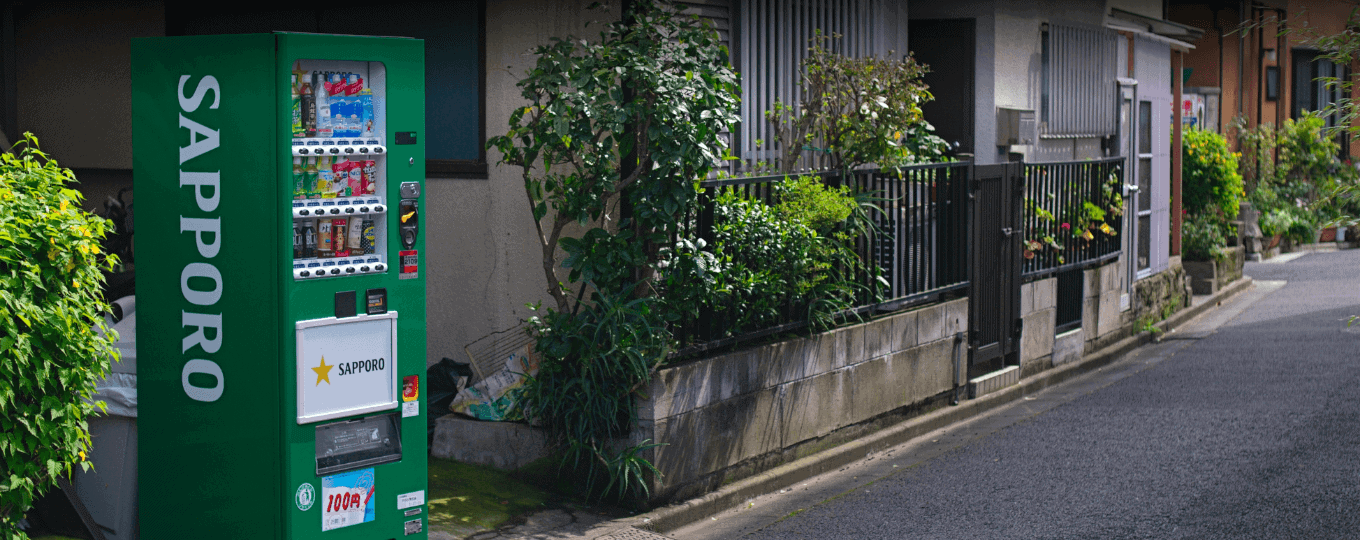
Akıllı Otomat Donanım Çözümü
Akıllı Otomat Donanım Çözümü Uygulamaları ve Örnekleri: Önemli Noktalar Akıllı Otomatlar…
Daha Fazla Bilgi Edinin →Sıkça Sorulan Sorular
Hangi InBOX710 ürün kodları mevcuttur?
InBOX710, HDMI ekran çıkışı ve 4G LTE özellikli kompakt bir gömülü bilgisayardır. Ürün kodları: InBOX710-DQ20 (Çin), InBOX710-FQ58 (EMEA), InBOX710-FQ39 (Kuzey Amerika), InBOX710-EN00 (hücresel bağlantı yok). Sonek -L Debian Linux için veya -STD Android için. Ekle -485 RS-485 varyantı için. Yasal sertifikalar: CCC (Çin), CE, FCC, IC.
InBOX710'u nasıl yapılandırırım?
InBOX710, (ürün koduna bağlı olarak) Debian Linux veya Android işletim sistemini çalıştırır ve tarayıcı tabanlı bir web yönetim arayüzü içermez. HDMI çıkışına bir ekran bağlayın ve yapılandırma için masaüstü işletim sistemini kullanın veya cihazın varsayılan Ethernet IP adresine SSH ile bağlanın. 192.168.2.2 Giriş bilgileri kutu açma kılavuzunda belirtilmiştir.
InBOX710 cihazında hücresel APN ayarlarını nasıl yapılandırırım?
InBOX710, hücresel yapılandırmayı shell komutları aracılığıyla ayarlar. SSH veya yerel terminal üzerinden giriş yapın ve şu komutu çalıştırın: nvram set wan1_ppp_apn= (Root yetkisi gereklidir). Şununla kaydedin: nvram taahhüdü Hücresel modül bir sonraki açılışta otomatik olarak bağlanır. Bağlantı durumunu kontrol edin. nvram get _wan1_network_type ve sinyal ile nvram get _wan1_sigrssi .
InBOX710, InBOX712 ve InBOX732 ile nasıl karşılaştırılır?
| InBOX710 | InBOX712 | InBOX732 | |
| — | — | — | — |
| Ekran çıktısı | 1 adet HDMI | 2× HDMI (4K + 1080p) | 1 adet HDMI |
| İşletim sistemi seçenekleri | Debian Linux ( -L ) veya Android ( -STD ) | Yalnızca Android 7.1 | Debian ( -L ) veya Android 10 |
| Endüstriyel G/Ç | RS-232 ×3, isteğe bağlı RS-485 ( -485 ) | — | CAN veri yolu, 4× DI + 4× DO, ses G/Ç |
| Güç girişi | Standart | Standart | Geniş voltaj aralığı 9–24 V DC |
| Hedef kullanım | Kiosk, dijital tabela, HMI | Çift ekranlı tabela, POS + müşteri ekranı | Araç, dayanıklı endüstriyel |
Seçin InBOX710 Genel amaçlı gömülü bilgi işlem için — tek HDMI girişli kiosk, dijital tabela veya HMI uygulamaları için, Debian veya Android seçeneği ve eski seri cihazlar için isteğe bağlı RS-485 ile.
—