


InPAD3101
10.1" All-in-One
Interactive Terminal
InPAD3101 delivers a larger screen with connectivity for self-service and industrial terminals. It integrates rich serial and USB and supports multiple Android options for fast application development and deployment.
InPAD3101
10.1" All-in-One
Interactive Terminal
InPAD3101 delivers a larger screen with connectivity for self-service and industrial terminals. It integrates rich serial and USB and supports multiple Android options for fast application development and deployment.
PHOTO
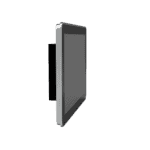

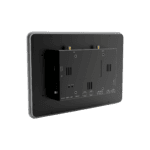
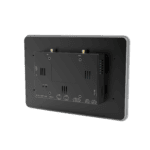
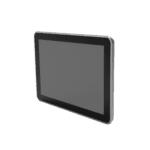
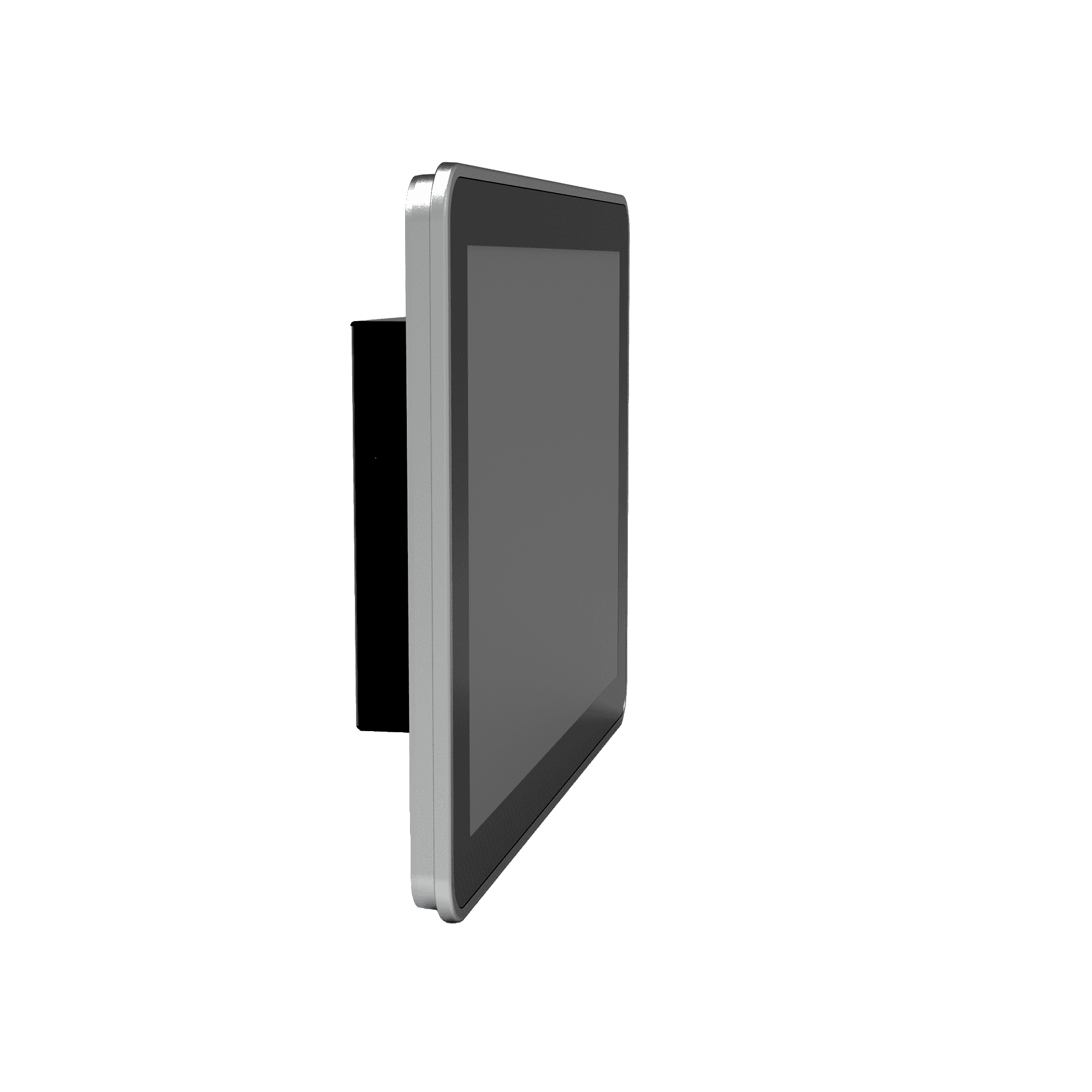
10.1'' All-in-One Android Tablet






-
Core Specifications
Bluetooth Bluetooth 4.2CPU RK3288 Quad-Core Cortex-A17, 1.6 GHzDimensions 258 × 172 × 36 mm (10.16 × 6.77 × 1.42 in)Display 10.1" 1280 × 800, 450 cd/m², Capacitive TouchEthernet 1 × 10/100 MbpsFront Protection IP65OS Android 7.1RAM / Storage 2 GB / 8 GBSerial 2 × RS-232, 2 × RS-485USB 4 × USB 2.0Wi-Fi 802.11b/g/n, Client/AP ModeWorking Temperature -10 °C ~ 60 °C (14 °F ~ 140 °F)
-
Processor
CPU RK3288 Quad-Core Cortex-A17, 1.6 GHzFLASH 8 GBRAM 2 GB
-
Display
Brightness 450 cd/m² (typ.)Contrast 800:1Resolution 1280 × 800Size 10.1"Touch Screen Capacitive touch screenViewing Angle Full viewing angle
-
Interfaces
Antenna 1 × SMA (4G); 1 × RP-SMA (Wi-Fi)Audio 1 × SPK, 2-channel 8-ohm 5W speaker output (2.0mm 4Pin)Buttons 1 × Power Button (long press restart, short press reboot UI); 1 × Mode KeyDebug 1 × ADBEthernet 1 × 10/100 Mbps, WAN/LANSerial 2 × RS-232 (3-pin terminal, 3.5mm pitch, no flange, ttyS1/ttyS3) 2 × RS-485 (5-pin terminal, 3.5mm pitch, with flange, ttyS2/ttyS4)SIM 1 × Standard SIMUSB 4 × USB 2.0
-
Connectivity
Bluetooth Bluetooth 4.2Cellular 4G LTEWi-Fi 802.11b/g/n, Client/AP Mode
-
Power
Power Consumption < 10 WPower input 12 V DC (circular interface), auto-start on power
-
Mechanical
Cooling FanlessDimensions (W × D × H) 258 × 172 × 36 mm (10.16 × 6.77 × 1.42 in)Housing MetalInstallation Wall MountingProtection Rating IP65 (front screen)
-
Environmental
Humidity 5 ~ 95% (non-condensing)Storage Temperature -40 °C ~ 85 °C (-40 °F ~ 185 °F)Working Temperature -10 °C ~ 60 °C (14 °F ~ 140 °F)
-
Reliability
RTC Built-in Real Time Clock (RTC)Watchdog Supported
-
EMC
EFT Level 2ESD Level 2Surge Level 2
-
Indicators
Power LED Always on after power onStatus LED Blinking during normal operation
-
Certification
Certification CE
-
Operating System
OS Android 7.1
-
Network
Bluetooth Bluetooth 4.2Network 4GWi-Fi 802.11b/g/n, Client/AP Mode
-
Graphics Processing
Multimedia 4K 10-bit H.265/H.264 video decoding; 1080P multi-format decoding (VC-1, MPEG-1/2/4, VP8); 1080P video encoding (H.264, VP8); Video post processor: de-interlacing, denoising, edge/detail/color optimization
-
Applications
Application Software Compatible with Android OS applications
-
Configuration Management
Upgrade Local USB upgrade
Standard package*
- InPAD3101 Edge Tablet Computer *1
- Optional accessories
- 4G Antenna *1
- Wi-Fi Antenna *1
- Power Supply *1
* Standard package contents vary by standard order codes.
Contact us directly to learn more about our packaging options.
Specifications
-
Core Specifications
Bluetooth Bluetooth 4.2CPU RK3288 Quad-Core Cortex-A17, 1.6 GHzDimensions 258 × 172 × 36 mm (10.16 × 6.77 × 1.42 in)Display 10.1" 1280 × 800, 450 cd/m², Capacitive TouchEthernet 1 × 10/100 MbpsFront Protection IP65OS Android 7.1RAM / Storage 2 GB / 8 GBSerial 2 × RS-232, 2 × RS-485USB 4 × USB 2.0Wi-Fi 802.11b/g/n, Client/AP ModeWorking Temperature -10 °C ~ 60 °C (14 °F ~ 140 °F)
-
Processor
CPU RK3288 Quad-Core Cortex-A17, 1.6 GHzFLASH 8 GBRAM 2 GB
-
Display
Brightness 450 cd/m² (typ.)Contrast 800:1Resolution 1280 × 800Size 10.1"Touch Screen Capacitive touch screenViewing Angle Full viewing angle
-
Interfaces
Antenna 1 × SMA (4G); 1 × RP-SMA (Wi-Fi)Audio 1 × SPK, 2-channel 8-ohm 5W speaker output (2.0mm 4Pin)Buttons 1 × Power Button (long press restart, short press reboot UI); 1 × Mode KeyDebug 1 × ADBEthernet 1 × 10/100 Mbps, WAN/LANSerial 2 × RS-232 (3-pin terminal, 3.5mm pitch, no flange, ttyS1/ttyS3) 2 × RS-485 (5-pin terminal, 3.5mm pitch, with flange, ttyS2/ttyS4)SIM 1 × Standard SIMUSB 4 × USB 2.0
-
Connectivity
Bluetooth Bluetooth 4.2Cellular 4G LTEWi-Fi 802.11b/g/n, Client/AP Mode
-
Power
Power Consumption < 10 WPower input 12 V DC (circular interface), auto-start on power
-
Mechanical
Cooling FanlessDimensions (W × D × H) 258 × 172 × 36 mm (10.16 × 6.77 × 1.42 in)Housing MetalInstallation Wall MountingProtection Rating IP65 (front screen)
-
Environmental
Humidity 5 ~ 95% (non-condensing)Storage Temperature -40 °C ~ 85 °C (-40 °F ~ 185 °F)Working Temperature -10 °C ~ 60 °C (14 °F ~ 140 °F)
-
Reliability
RTC Built-in Real Time Clock (RTC)Watchdog Supported
-
EMC
EFT Level 2ESD Level 2Surge Level 2
-
Indicators
Power LED Always on after power onStatus LED Blinking during normal operation
-
Certification
Certification CE
-
Operating System
OS Android 7.1
-
Network
Bluetooth Bluetooth 4.2Network 4GWi-Fi 802.11b/g/n, Client/AP Mode
-
Graphics Processing
Multimedia 4K 10-bit H.265/H.264 video decoding; 1080P multi-format decoding (VC-1, MPEG-1/2/4, VP8); 1080P video encoding (H.264, VP8); Video post processor: de-interlacing, denoising, edge/detail/color optimization
-
Applications
Application Software Compatible with Android OS applications
-
Configuration Management
Upgrade Local USB upgrade
Downloads
Ordering
Standard package*
- InPAD3101 Edge Tablet Computer *1
- Optional accessories
- 4G Antenna *1
- Wi-Fi Antenna *1
- Power Supply *1
* Standard package contents vary by standard order codes.
Contact us directly to learn more about our packaging options.
AI InVending Cloud
Unattended retail business operation platform
Technology changes life
And vending retail makes shopping more convenient.
AI InVending Cloud
Related Cases
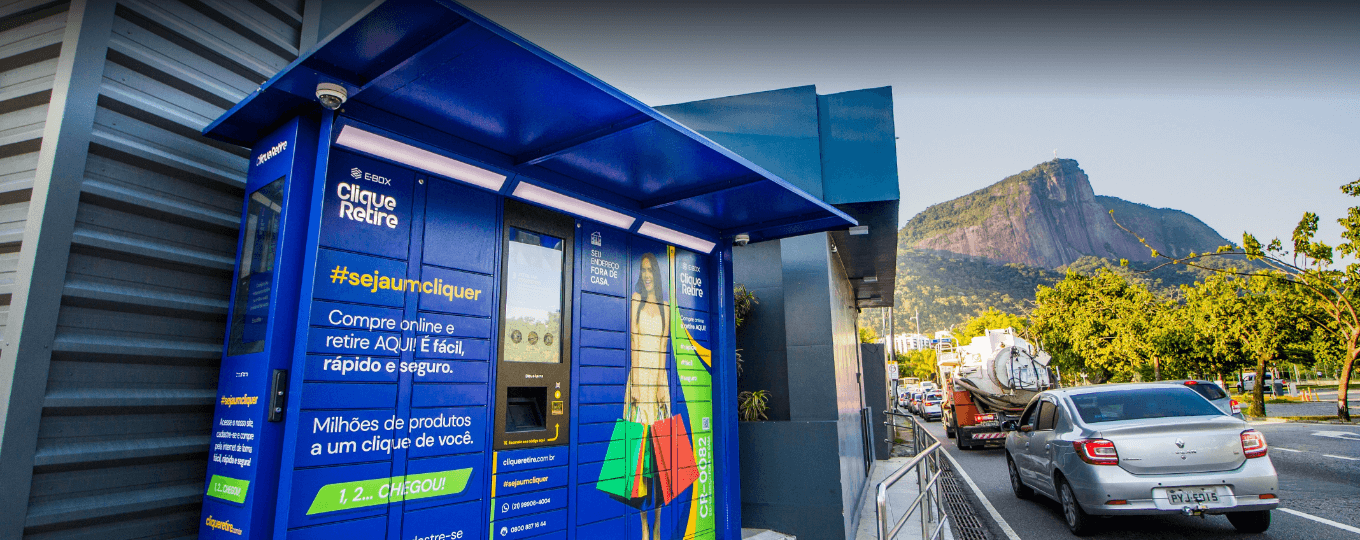
Smart Locker Solution
Smart Locker Solution Applications and Cases Key Takeaways A traditional cabinet manufacturing…
Learn More →Frequently Asked Questions
What does the InPAD3101 offer?
The InPAD3101 is an industrial 4G Android terminal with a 10.1-inch 1280 × 800 capacitive touchscreen, sized for self-service kiosks, dual-purpose POS / customer-display setups, and larger HMI applications. Key specs:
| — | — |
| Display | 10.1-inch, 1280 × 800, capacitive touch, 450 cd/m² typ., 800:1, IP65 front screen |
| Compute | RK3288 quad-core Cortex-A17 @ 1.6 GHz, 2 GB RAM, 8 GB Flash |
| OS | Android 7.1 |
| Cellular | 4G LTE; FQ58 (EMEA / South Korea / Thailand / India), FQ39 (North America), or EN00 (no cellular) |
| Wi-Fi / BT | 802.11 b/g/n (Client and AP modes), Bluetooth 4.2 |
| Wired network | 1× 10/100 Mbps Ethernet (WAN/LAN switchable) |
| Industrial I/O | 2× RS-232 (3-pin terminal) + 2× RS-485 (5-pin terminal with flange), 4× USB 2.0 |
| Power | DC 12 V (5521 circular connector), < 10 W, fanless |
| Housing / mount | Metal, 258 × 172 × 36 mm, wall-mount or VESA 75×75 |
| Environment | −10 to +60 °C operating, RTC, hardware watchdog, CE certified |
Typical applications per the datasheet: self-service vending machines, unmanned supermarkets, self-service checkout terminals, smart express cabinets, smart charging cabinets, garbage recycling cabinets, and medical equipment.
How do I set up networking on the InPAD3101?
The Ethernet port is disabled by default. Enable it under Settings > Ethernet > Use Ethernet. The port operates as WAN by default (DHCP, with an option for static IP); switch to LAN mode to use it for downstream devices (default LAN IP 192.168.1.100 ).
For Wi-Fi, connect the RP-SMA Wi-Fi antenna first, then Settings > Wi-Fi. Select an SSID and enter the password.
For cellular, install the SIM in the Standard SIM slot and configure the APN at Settings > More > Cellular networks > Access Point Names. ICMP detection is enabled by default — the device watches the link and auto-redials on failure; the target server and interval are configurable from Settings > More > ICMP detection.
How do I upgrade firmware or install apps on the InPAD3101?
Firmware upgrade — two methods:
- USB drive: rename the upgrade file to
update.zipand copy it to a USB drive. Insert the drive, then go to Settings > About Tablet > Udisk system updates. The system upgrades and reboots automatically. - ADB broadcast (FOTA-style): copy
update.zipto the device’s/sdcarddirectory, enable USB debugging in Developer Options, then run:
adb shell am broadcast -a com.ubox.upgraderom --include-stopped-packages
“
Install an APK: copy the APK file to a USB drive, insert into the device, open the file explorer, and tap the APK to install. On the first install, enable Unknown sources under Settings > Security.
To enable Developer Options, tap Settings > About Tablet > Build number five times until you see “You are now a developer.”
How does the InPAD3101 compare to the InPAD070S?
| InPAD070S | InPAD3101 | |
| — | — | — |
| Display | 7-inch, 1024 × 600 | 10.1-inch, 1280 × 800 |
| Android OS | Android 7.1 or Android 12 | Android 7.1 |
| Dimensions | 195 × 128.8 × 36 mm | 258 × 172 × 36 mm |
| All other hardware | Identical | Identical |
Both share the RK3288 CPU, 2 GB RAM / 8 GB Flash, 2× RS-232 + 2× RS-485, 4× USB 2.0, 1× 10/100 Ethernet, 4G + Wi-Fi + Bluetooth 4.2, IP65 front screen, metal housing, DC 12 V power, and CE certification.
Pick the InPAD3101 when the deployment needs the larger 10.1-inch screen — checkout terminals, larger smart cabinets, customer-facing displays in retail or healthcare, or any HMI where the extra display real estate improves usability over a 7-inch panel.
—