


InBOX712
Dual-Display
Industrial Computer
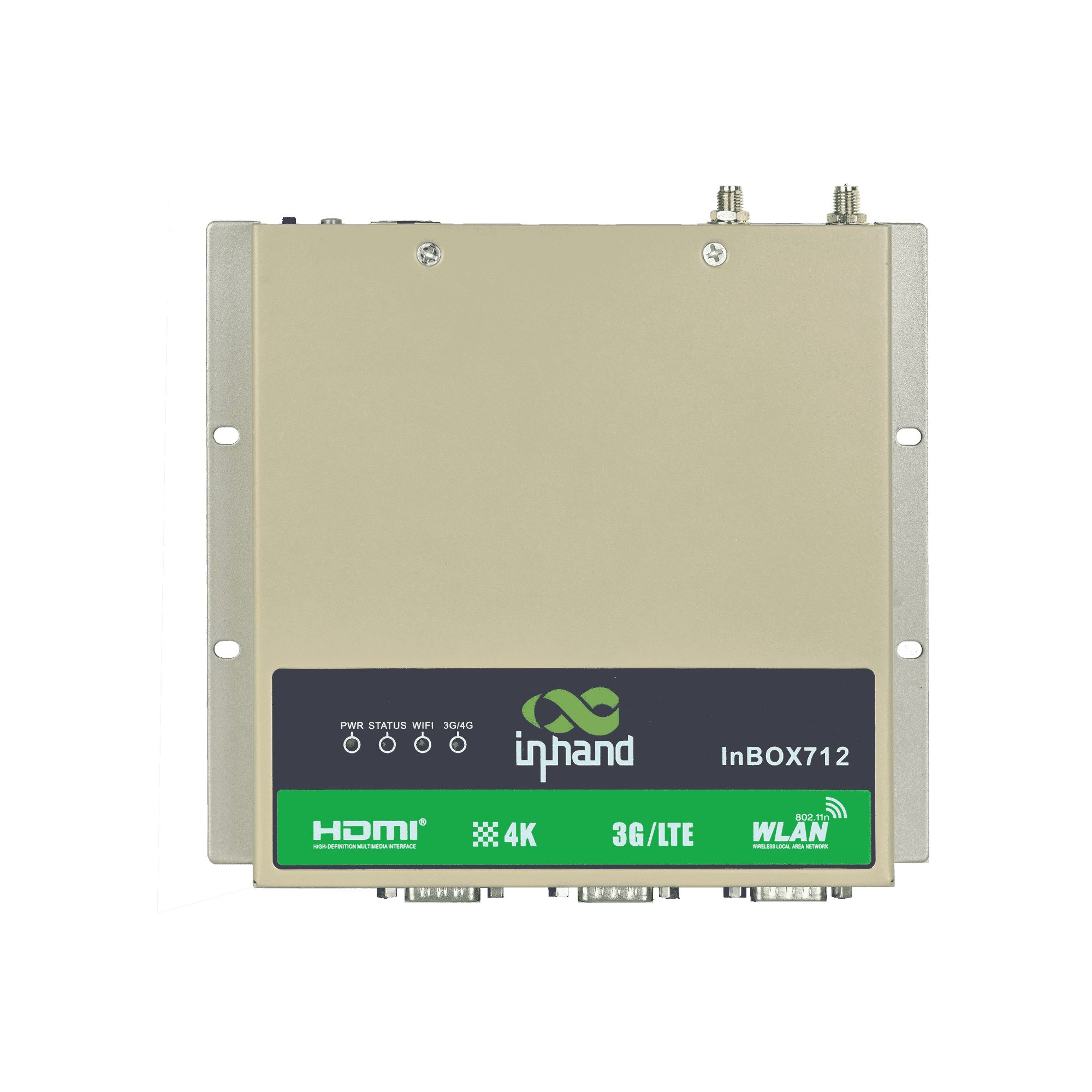
InBOX712 is designed for scenarios that require dual displays and richer extended functionality with industrial-grade stability. it enables multi-screen UI presentation and flexible integration of serial/USB peripherals.
InBOX712
Dual-Display
Industrial Computer
InBOX712 is designed for scenarios that require dual displays and richer extended functionality with industrial-grade stability. it enables multi-screen UI presentation and flexible integration of serial/USB peripherals.
PHOTO
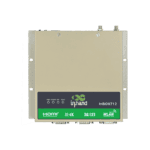
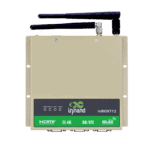
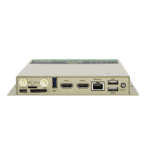
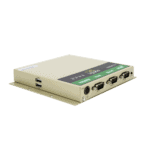
High-Performance ARM Industrial Computer






-
Core Specifications
Bluetooth Bluetooth 4.1CPU RK3399, 6-Core, 1.8 GHzDimensions 170 × 150 × 26 mm (6.69 × 5.91 × 1.02 in)Display Dual HDMI (up to 4K)Ethernet 1 × 10/100/1000 MbpsOS Android 7.1Power Input 12 V DCRAM / Storage 2 GB / 16 GB eMMCSerial 2 × RS-232, 1 × RS-232/RS-485USB 4 × USB 2.0, 1 × USB 3.0Wi-Fi 802.11b/g/n, Client/AP ModeWorking Temperature -20 °C ~ 70 °C (-4 °F ~ 158 °F)
-
Processor
CPU RK3399, 6-Core, 1.8 GHzFLASH 16 GB eMMCRAM 2 GB
-
Interfaces
Antenna 1 × SMA (3G/4G); 1 × RP-SMA (Wi-Fi)Buttons 1 × Power Button; 1 × Mode KeyDebug 1 × Type-CEthernet 1 × 10/100/1000 Mbps, WAN/LANHDMI HDMI1: Default 1366 × 768, resolution modifiable, with audio HDMI2: Fixed 1920 × 1080, no audioSD 1 × Drawer-type SD card holderSerial 2 × RS-232 (DB9); 1 × RS-232/RS-485 (DB9)SIM 1 × Drawer-type SIM card holderUSB 4 × USB 2.0; 1 × USB 3.0
-
Connectivity
Bluetooth Bluetooth 4.1Cellular 4G LTEWi-Fi 802.11b/g/n, Client/AP Mode
-
Power
Power Consumption < 10 W (without peripherals)Power input 12 V DC (self-lock four-core circular interface)
-
Mechanical
Cooling FanlessDimensions (W × D × H) 170 × 150 × 26 mm (Including installation parts)Housing MetalInstallation Wall MountingProtection Rating IP40
-
Environmental
Humidity 5 ~ 95% (non-condensing)Storage Temperature -40 °C ~ 85 °C (-40 °F ~ 185 °F)Working Temperature -20 °C ~ 70 °C (-4 °F ~ 158 °F)
-
Reliability
RTC Embedded RTC with button battery
-
EMC
EFT Level 3ESD Level 3Surge Level 3
-
Indicators
3G/4G LED Always on when connected normallyPower LED Always on after power onStatus LED Flashing during normal operationWi-Fi LED Always on when connected normally
-
Certification
Certification CCC, CE, FCC, IC
-
Operating System
OS Android 7.1
-
Network
Bluetooth Bluetooth 4.1Network 4GWi-Fi 802.11b/g/n, Client/AP Mode
-
Graphics Processing
Image Processing BMP, JPG, PNG, GIFProcessing Power Dual ISP up to 800 MPix/s, supports dual camera data input, 3D and depth information extractionVideo Codec H.265/H.264/VP9 4K@60fps HD video decoding
-
Configuration Management
Timer Switch SupportedUpgrade Local USB upgrade
Standard package*
- InBox712 Edge Computer *1
- Optional accessories
- 4G Antenna *1
- Wi-Fi Antenna *1
- Power Supply *1
* Standard package contents vary by standard order codes.
Contact us directly to learn more about our packaging options.
Specifications
-
Core Specifications
Bluetooth Bluetooth 4.1CPU RK3399, 6-Core, 1.8 GHzDimensions 170 × 150 × 26 mm (6.69 × 5.91 × 1.02 in)Display Dual HDMI (up to 4K)Ethernet 1 × 10/100/1000 MbpsOS Android 7.1Power Input 12 V DCRAM / Storage 2 GB / 16 GB eMMCSerial 2 × RS-232, 1 × RS-232/RS-485USB 4 × USB 2.0, 1 × USB 3.0Wi-Fi 802.11b/g/n, Client/AP ModeWorking Temperature -20 °C ~ 70 °C (-4 °F ~ 158 °F)
-
Processor
CPU RK3399, 6-Core, 1.8 GHzFLASH 16 GB eMMCRAM 2 GB
-
Interfaces
Antenna 1 × SMA (3G/4G); 1 × RP-SMA (Wi-Fi)Buttons 1 × Power Button; 1 × Mode KeyDebug 1 × Type-CEthernet 1 × 10/100/1000 Mbps, WAN/LANHDMI HDMI1: Default 1366 × 768, resolution modifiable, with audio HDMI2: Fixed 1920 × 1080, no audioSD 1 × Drawer-type SD card holderSerial 2 × RS-232 (DB9); 1 × RS-232/RS-485 (DB9)SIM 1 × Drawer-type SIM card holderUSB 4 × USB 2.0; 1 × USB 3.0
-
Connectivity
Bluetooth Bluetooth 4.1Cellular 4G LTEWi-Fi 802.11b/g/n, Client/AP Mode
-
Power
Power Consumption < 10 W (without peripherals)Power input 12 V DC (self-lock four-core circular interface)
-
Mechanical
Cooling FanlessDimensions (W × D × H) 170 × 150 × 26 mm (Including installation parts)Housing MetalInstallation Wall MountingProtection Rating IP40
-
Environmental
Humidity 5 ~ 95% (non-condensing)Storage Temperature -40 °C ~ 85 °C (-40 °F ~ 185 °F)Working Temperature -20 °C ~ 70 °C (-4 °F ~ 158 °F)
-
Reliability
RTC Embedded RTC with button battery
-
EMC
EFT Level 3ESD Level 3Surge Level 3
-
Indicators
3G/4G LED Always on when connected normallyPower LED Always on after power onStatus LED Flashing during normal operationWi-Fi LED Always on when connected normally
-
Certification
Certification CCC, CE, FCC, IC
-
Operating System
OS Android 7.1
-
Network
Bluetooth Bluetooth 4.1Network 4GWi-Fi 802.11b/g/n, Client/AP Mode
-
Graphics Processing
Image Processing BMP, JPG, PNG, GIFProcessing Power Dual ISP up to 800 MPix/s, supports dual camera data input, 3D and depth information extractionVideo Codec H.265/H.264/VP9 4K@60fps HD video decoding
-
Configuration Management
Timer Switch SupportedUpgrade Local USB upgrade
Downloads
Ordering
Standard package*
- InBox712 Edge Computer *1
- Optional accessories
- 4G Antenna *1
- Wi-Fi Antenna *1
- Power Supply *1
* Standard package contents vary by standard order codes.
Contact us directly to learn more about our packaging options.
AI InVending Cloud
Unattended retail business operation platform
Technology changes life
And vending retail makes shopping more convenient.
AI InVending Cloud
Frequently Asked Questions
Which InBOX712 SKUs are available?
The InBOX712 is the dual-HDMI variant of the InBOX700 family. SKUs: InBOX712-DQ20-STD (China), InBOX712-FQ58-STD (EMEA, optional -485 ), InBOX712-FQ39-STD (North America), InBOX712-EN00-STD (no cellular). Android 7.1 only. Regulatory certifications: CCC, CE, FCC, IC.
How do I configure the InBOX712?
The InBOX712 runs Android 7.1 and is configured via the Android UI (connect HDMI display + USB keyboard/mouse) or SSH into its default Ethernet IP 192.168.2.2 . There is no browser-based web management interface. Login credentials are documented in the unboxing guide.
How do I configure cellular APN on the InBOX712?
The InBOX712 uses the same nvram CLI as the InBOX710. SSH in and run nvram set wan1_ppp_apn= and nvram commit . The device dials up on boot. Check status with nvram get _wan1_network_type and signal with nvram get _wan1_sigrssi .
How does the InBOX712 differ from the InBOX710 and InBOX732?
| InBOX710 | InBOX712 | InBOX732 | |
| — | — | — | — |
| Display output | 1× HDMI | 2× HDMI (HDMI1 4K + audio; HDMI2 1080p) | 1× HDMI |
| OS options | Debian ( -L ) or Android ( -STD ) | Android 7.1 only | Debian ( -L ) or Android 10 |
| Industrial I/O | RS-232 ×3, optional RS-485 ( -485 ) | — | CAN bus, 4× DI + 4× DO, audio I/O |
| Power input | Standard | Standard | Wide-voltage 9–24 V DC |
| Target use | Kiosk, digital signage, HMI | Dual-screen signage, POS + customer-facing display, control walls | Vehicle, rugged industrial |
Pick the InBOX712 when the deployment needs two simultaneous displays — for example a point-of-sale terminal with a customer-facing screen, dual-screen digital signage, or a multi-monitor control wall.
—