AI in Your Network: What "Trusted Execution" Actually Means
Blog
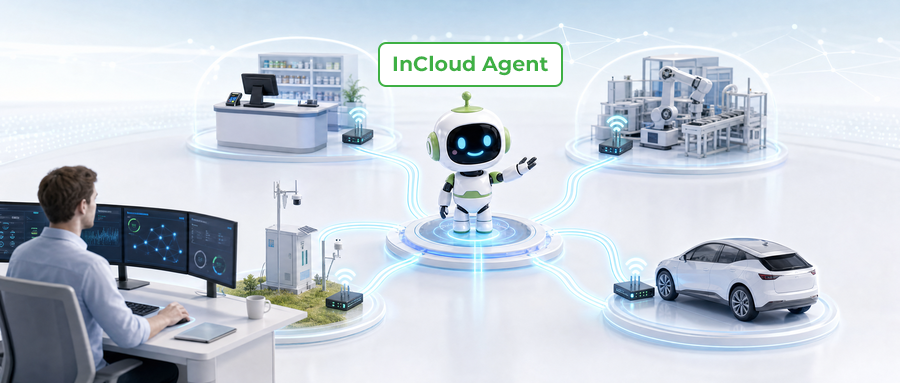
An enterprise network rarely ends at headquarters. It extends into stores, branches, factories, vehicles and unmanned sites. Platforms can centralize the data, yet investigations still depend on an experienced engineer stitching context together step by step: which site does this alarm belong to? What do the logs show? What is safe to do next?
The useful question is not whether AI can produce a fluent answer about networking. It is whether AI can participate in a real operational workflow with the right context, permissions and controls. InCloud Agent from InHand Networks is built around that distinction: AI participates in inspection, diagnosis, controlled execution and verification—while people keep the permission boundary and the key decisions. The goal is not another monitoring screen; it is less repetitive information gathering and routine work for the teams that support the network.
Three ways to use InCloud Agent
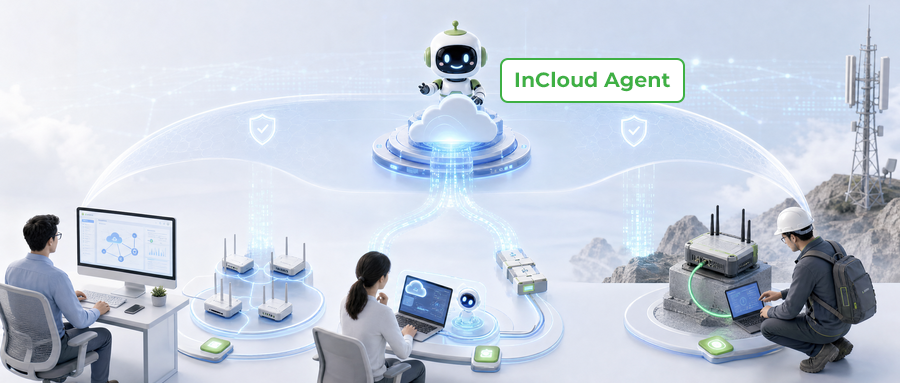
InCloud Agent is available through three entrances, based on whether your devices are managed in InCloud Manager and whether your team already uses an AI agent.
Connect your own AI agent with the InCloud Skill. Compatible agents include Claude Code and Codex CLI, as well as any tool that supports the Agent Skills specification. The Skill reaches managed devices and data through InCloud Manager, uses the user’s InCloud Manager account and cannot exceed its permissions.
Best for teams that already run their own AI agent and want it to operate on InCloud Manager data.
Connect your own AI agent with the InCloud Skill. Compatible agents include Claude Code and Codex CLI, as well as any tool that supports the Agent Skills specification. The Skill reaches managed devices and data through InCloud Manager, uses the user’s InCloud Manager account and cannot exceed its permissions.
Best for teams that already run their own AI agent and want it to operate on InCloud Manager data.
3. Direct Device Skill (agent-cli)—the device-side last mile
For devices not managed in InCloud Manager, an on-site engineer uses an AI agent with agent-cli to connect directly to a device—on an intranet, private network, offline environment or a device still being set up, when the operations computer can reach its network. It requires the device address and valid device login credentials. agent-cli is open source under the MIT License, so teams can adopt and inspect it freely.
Best for field engineers working on devices outside cloud management.
Whichever entrance you use, the core workflow is the same—describe the task, gather and analyze the relevant device data, confirm and execute within permissions, and verify the result.
Three everyday problems show the difference between answering a question and advancing a task:
Anomalies across multiple sites.Combine device status, site data, alerts and logs to surface what needs attention first—before a ticket turns into an outage.
Repeated cellular disconnects.With the InCloud Skill, an agent pulls cellular status, signal data and logs to diagnose why a device drops, and reconnect within permission limits.
Devices outside the cloud.An on-site engineer uses agent-cli to read device status and logs and run diagnostics directly.
In each case the workflow stays the same: describe, gather and analyze, confirm and execute, then verify.
Trusted execution in practice
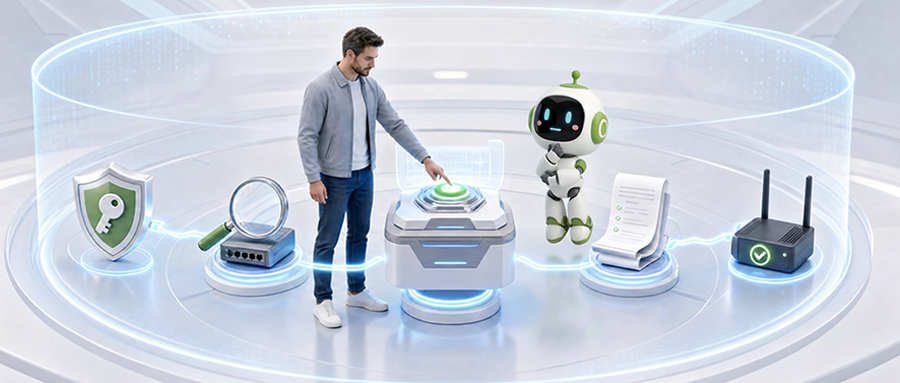
Permission inheritance defines the boundary. Tasks inherit the authority already established for the user and the operational context—AI should not gain broader scope just because it can interpret a request. A read-only query, a diagnostic and a configuration change do not carry the same risk; the permission boundary decides what context is used and what actions can be considered.
Pre-checks come before change. A recommendation is not an instruction to execute. Before a high-risk change such as a configuration change, firmware upgrade or device restart, the system performs a pre-check and presents an impact statement. The operator reviews the conditions before the action becomes available for confirmation.
Human confirmation is a decision gate. For high-risk actions, confirmation is not a courtesy notification. The engineer reviews the pre-check, the impact statement and the supporting context, then decides. The design keeps accountability with the human who holds the decision boundary.
Records make the task inspectable. Each task retains evidence, receipts, status and an audit trail, so another operator or a compliance stakeholder can understand what was used, what happened and what was verified. Records do not make every decision correct; they make the process inspectable.
Verification closes the operation. After an approved action, the system verifies the result and records the status. That final step separates “a command was sent” from “the outcome was checked”—and if the result does not support continued execution, the person remains in control of the next decision.
Where this operating model can help
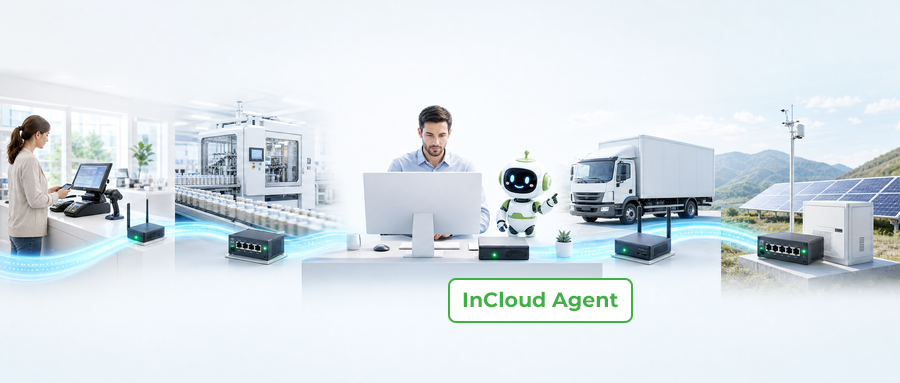
Retail branches and enterprise sites:cloud-side inspection and organization-level reports start from the whole network, not a pile of alerts; agent-cli adds a local option when a direct path is needed.
Industrial and energy private networks:agent-cli works in intranets, private networks and offline conditions when the device network is reachable—high-risk changes still pass through pre-check, human confirmation and verification.
Vehicles and unmanned sites:consistent context matters most here.
MSP and channel operations:full-network inspection, organization-level reports and per-task evidence keep one team consistent across the networks they support—with the human decision boundary intact.
How to evaluate agentic network operations
Before adopting any AI-assisted operating model, ask how it behaves in the real workflow: does it use actual organization and device context? Can it support both cloud-side and local-direct work, with network reachability explicit? How does it inherit permissions, present pre-checks, require human confirmation, and verify with evidence?
AI can participate without taking over the boundary
AI plays a meaningful role when it has relevant context, a legitimate path to the network and a controlled method for action. The AI Network Assistant handles cloud-side inspection and diagnosis; agent-cli handles the device-side last mile when reachable; trusted execution links both to permissions and human decisions.
The result is a practical vision: wherever your network reaches, professional operations reach too. AI participates in the work. People retain the permission boundary and the key decisions.
Request a demo to see the cloud-side, device-side and trusted-execution workflows together.
InCloud Agent
An AI agent for network operations, helping teams inspect, diagnose, take controlled action, and verify results more efficiently in their day-to-day workflows.


 Yapay Zekaya Her Şeyi Sor