


IG502
فعال من حيث التكلفة
بوابة الحافة
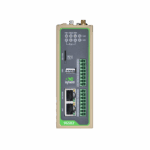
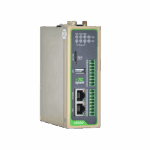
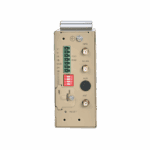
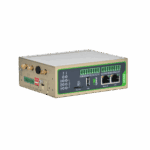
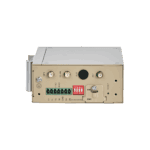
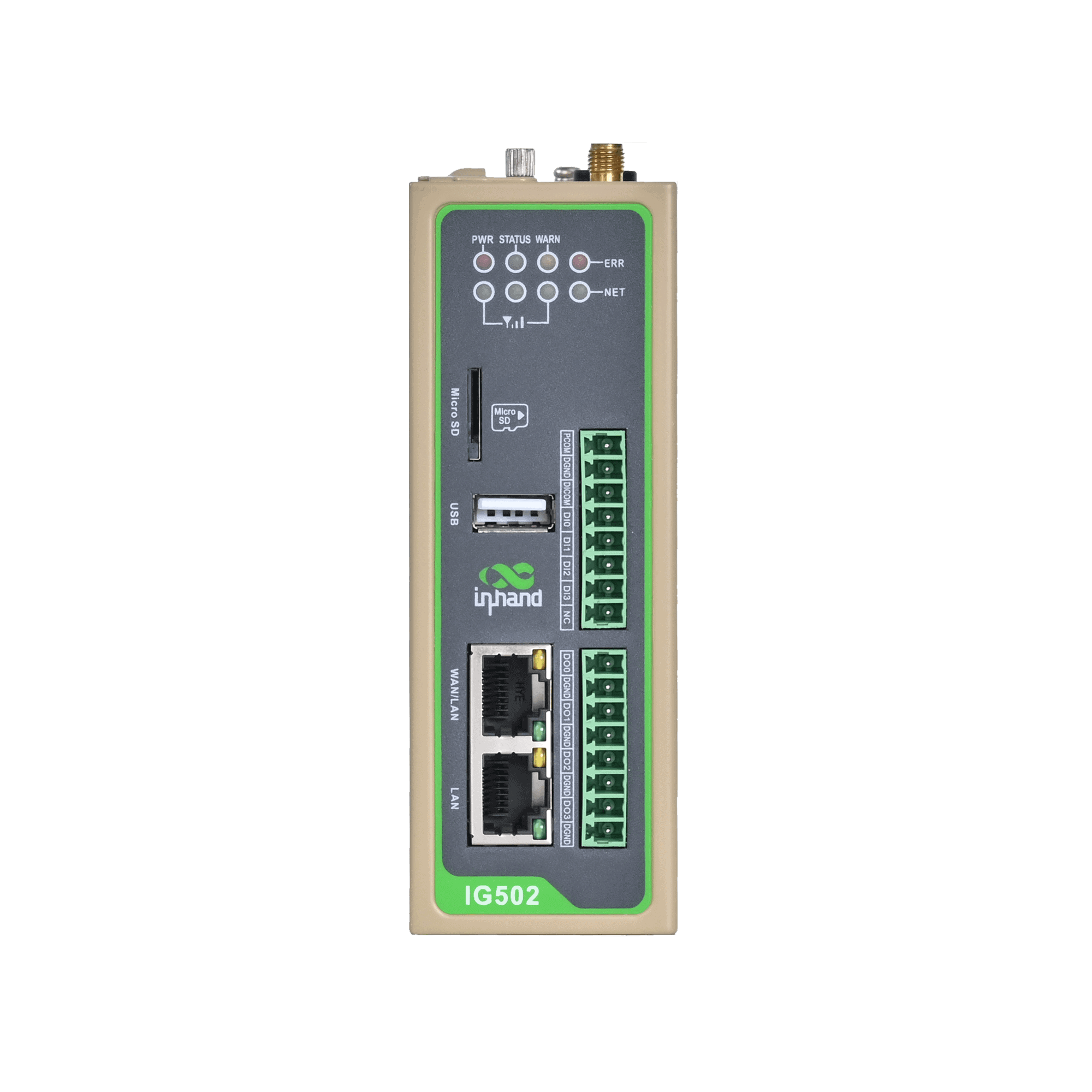
IG502 عبارة عن بوابة طرفية صناعية فعالة من حيث التكلفة لإنترنت الأشياء، تتميز بتصميمها الصغير ومنافذ الإدخال والإخراج الغنية. وهي تدعم تخصيص بايثون وبرنامج DeviceSupervisor (DSA) الاختياري مع أكثر من 80 بروتوكولًا صناعيًا، مما يتيح التوسع السريع من مرحلة إثبات المفهوم.
IG502
فعال من حيث التكلفة
بوابة الحافة
IG502 عبارة عن بوابة طرفية صناعية فعالة من حيث التكلفة لإنترنت الأشياء، تتميز بتصميمها الصغير ومنافذ الإدخال والإخراج الغنية. وهي تدعم تخصيص بايثون وبرنامج DeviceSupervisor (DSA) الاختياري مع أكثر من 80 بروتوكولًا صناعيًا، مما يتيح التوسع السريع من مرحلة إثبات المفهوم.
ملخص
مدخل صناعي صغير الحجم ومتعدد الاستخدامات






-
المواصفات الفنية الأساسية
الشبكة الخلوية 5G SA/NSA (China models) and LTE Cat.1/Cat.4 (model dependent)ميزات الشبكة APN، VPDN، CHAP/PAP؛ عنوان IP ثابت/DHCP؛ ICMP، DNS، TCP/UDP، خادم TCP، التوجيه الثابتحماية Multi-level user permissions, firewall, OpenVPN, IPsec VPNإدارة السحابة الوصول عن بُعد إلى DeviceLive، والعمليات المجمعة، والترقيات عن بُعدالتطور الثانوي بيئة تطوير بايثونالبروتوكولات الصناعية Modbus RTU/TCP، OPC UA، EtherNet/IP، IEC101/104، DNP3.0، إلخ.الأبعاد (العرض × العمق × الارتفاع) 110 × 127 × 35 mm (4.33 × 5 × 1.38 in)وزن 420 g (0.93 lb)منافذ إيثرنت 2 × 10/100 Mbpsواجهات التسلسل 1 × RS-232 + 1 × RS-485, or 2 × RS-485 (model dependent)مزود الطاقة كتلة طرفية صناعية 12-48 فولت تيار مستمردرجة حرارة التشغيل والحماية Models with Wi-Fi: -20 °C ~ 70 °C (-4 °F ~ 158 °F) Models without Wi-Fi: -40 °C ~ 70 °C (-40 °F ~ 158 °F), IP30
-
وحدة المعالجة المركزية والتخزين
وحدة المعالجة المركزية معالج ARM Cortex-A8 بسرعة 600 ميجاهرتزكبش 512 ميجابايتفلاش ذاكرة eMMC سعة 8 جيجابايت
-
الاتصال والواجهات
منافذ إيثرنت 2×10/100 Mbps Ethernetمنافذ الإدخال/الإخراج Up to 4×DI + 4×DO (optional) (isolated)المنافذ التسلسلية 1×RS-232 + 1×RS-485, or 2×RS-485, industrial terminal block, ordering guide for detailsفتحة بطاقة SIM شريحة SIM مزدوجة من نوع Micro SIMموصلات الهوائي LTE:SMA x 1, Wi-Fi:SMA x 1, GNSS:SMA x 1, Note: North America models: 2 x SMA 4G antenna connectors.USB منفذ USB 2.0 من النوع AmicroSD microSD up to 32GBواي فاي (اختياري) محطة واي فاي 802.11 b/g/n 2.4 جيجابلوتوث (اختياري) BLE4.2 (اختياري)نظام تحديد المواقع العالمي عبر الأقمار الصناعية (اختياري) تحديد الموقع عبر الأقمار الصناعية (GPS)
-
الطاقة واستهلاك الطاقة
جهد الدخل مدخل تيار مستمر 12-48 فولتواجهة الطاقة كتلة طرفية صناعيةقوة 250 مللي أمبير عند 12 فولت
-
المواصفات الميكانيكية
أبعاد المنتج 110 × 127 × 35 mm (4.33 × 5 × 1.38 in)وزن المنتج 420 g (0.93 lb)طريقة التركيب لوحة، تركيب على سكة DINتصنيف الحماية IP30الإسكان والتبريد هيكل معدني بدون مروحةRTC دعم (بطارية احتياطية بزر)جهاز مراقبة الأجهزة يدعم
-
البيئة والشهادات
درجة حرارة التخزين -40 °C ~ 85 °C (-40 °F ~ 185 °F)درجة حرارة التشغيل Models with Wi-Fi: -20 °C ~ 70 °C (-4 °F ~ 158 °F) Models without Wi-Fi: -40 °C ~ 70 °C (-40 °F ~ 158 °F)الرطوبة المحيطة 5~95% RH غير مكثفالخصائص الفيزيائية IEC60068-2-27 shock resistance IEC60068-2-6 vibration resistance IEC60068-2-32 drop resistanceمعيار التوافق الكهرومغناطيسي EN61000-4-2، المستوى 3، المجال الكهربائي الساكن EN61000-4-3، المستوى 3، المجال الكهربائي الإشعاعي EN61000-4-4، المستوى 3، المجال الكهربائي النبضي EN61000-4-5، المستوى 3، التيار المفاجئ EN61000-4-6، المستوى 3، مناعة الاضطراب الموصل EN61000-4-8، مقاومة مجال تردد الطاقة، أفقي/رأسي 400 أمبير/متر (>المستوى 2) EN61000-4-12، المستوى 3، مقاومة موجة الصدمةالشهادات CE، UKCA، FCC، PTCRB، UL، C1D2 (الفئة 1 القسم 2)، MIC&JATE، VerizonWireless، AT&T، IC، RCM، NBTC، ANATEL، IEC62443-4-2، IEC61850-3
-
مواصفات البرمجيات
نظام التشغيل لينكس مخصص
-
ميزات الشبكة
الوصول إلى الشبكة APN، VPDNمصادقة الوصول CHAP/PAPأنواع/معايير الشبكات 5G SA/NSA and LTE Cat.1/Cat.4 by modelبروتوكولات الشبكة الواسعة (WAN) عنوان IP ثابت، بروتوكول DHCPبروتوكولات الشبكة المحلية بروتوكول تحليل الأتمتة (ARP)، إيثرنتتطبيقات الملكية الفكرية بروتوكول ICMP، ونظام أسماء النطاقات (DNS)، وبروتوكول TCP/UDP، وخادم TCP، وبروتوكول DHCPتوجيه بروتوكول الإنترنت التوجيه الثابت
-
حماية
إدارة المستخدمين أذونات المستخدم متعددة المستوياتأمن الشبكات جدار الحمايةأمن البيانات OpenVPN, IPsec VPN
-
مصداقية
الكشف عن الروابط يرسل حزم بيانات نبضات القلب للكشف عن انقطاع الاتصال، ويعيد الاتصال تلقائيًا عند انقطاع الاتصال.جهاز مراقبة مدمج خاصية الاسترداد التلقائي المدمجة لمراقبة النظامتبديل شريحتين SIM Dual-SIM failover
-
المنصة المفتوحة وبروتوكولات جمع البيانات (DSA)
بيئة التطوير بيئة تطوير بايثونالتكامل السحابي AWS، Azure، AliCloud، وغيرها من منصات الحوسبة السحابيةالبروتوكولات الصناعية Modbus RTU/TCP، EtherNet/IP، ISO على TCP، OPC UA، منفذ Mitsubishi MC/CPU، FINSUDP، HostLink، PPIبروتوكول الكهرباء DLT645-2007، IEC101/104، DNP3.0، IEC61850-MMSبروتوكولات أخرى BACnet، CNC
-
إدارة الشبكة
إعدادات تهيئة الويب/تيلنت/SSHيرقي ترقية الويب/الجهاز المباشرسجل يدعم النظام سجلات النظام المحلية، والسجلات البعيدة، وحفظ السجلات المهمة عند انقطاع التيار الكهربائيالنسخ الاحتياطي للتكوين استيراد/تصدير الإعداداتالإدارة عن بعد إدارة الأجهزة عن بعد عبر بروتوكولات DeviceLive/HTTP/HTTPS/SSH
الباقة القياسية*
- بوابة الحافة IG502 *1
- هوائي 4G *1
- هوائي واي فاي *1
- هوائي نظام تحديد المواقع العالمي عبر الأقمار الصناعية *1
- كابل إيثرنت *1
- طرفية الطاقة *1
* تختلف محتويات العبوة القياسية باختلاف رموز الطلب القياسية.
ملحقات اختيارية
- مزود الطاقة *1
- طقم تركيب اللوحة *1
اتصل بنا للحصول على مزيد من المعلومات حول خيارات التغليف لدينا، يرجى الاتصال بنا مباشرة.
تحديد
-
المواصفات الفنية الأساسية
الشبكة الخلوية 5G SA/NSA (China models) and LTE Cat.1/Cat.4 (model dependent)ميزات الشبكة APN، VPDN، CHAP/PAP؛ عنوان IP ثابت/DHCP؛ ICMP، DNS، TCP/UDP، خادم TCP، التوجيه الثابتحماية Multi-level user permissions, firewall, OpenVPN, IPsec VPNإدارة السحابة الوصول عن بُعد إلى DeviceLive، والعمليات المجمعة، والترقيات عن بُعدالتطور الثانوي بيئة تطوير بايثونالبروتوكولات الصناعية Modbus RTU/TCP، OPC UA، EtherNet/IP، IEC101/104، DNP3.0، إلخ.الأبعاد (العرض × العمق × الارتفاع) 110 × 127 × 35 mm (4.33 × 5 × 1.38 in)وزن 420 g (0.93 lb)منافذ إيثرنت 2 × 10/100 Mbpsواجهات التسلسل 1 × RS-232 + 1 × RS-485, or 2 × RS-485 (model dependent)مزود الطاقة كتلة طرفية صناعية 12-48 فولت تيار مستمردرجة حرارة التشغيل والحماية Models with Wi-Fi: -20 °C ~ 70 °C (-4 °F ~ 158 °F) Models without Wi-Fi: -40 °C ~ 70 °C (-40 °F ~ 158 °F), IP30
-
وحدة المعالجة المركزية والتخزين
وحدة المعالجة المركزية معالج ARM Cortex-A8 بسرعة 600 ميجاهرتزكبش 512 ميجابايتفلاش ذاكرة eMMC سعة 8 جيجابايت
-
الاتصال والواجهات
منافذ إيثرنت 2×10/100 Mbps Ethernetمنافذ الإدخال/الإخراج Up to 4×DI + 4×DO (optional) (isolated)المنافذ التسلسلية 1×RS-232 + 1×RS-485, or 2×RS-485, industrial terminal block, ordering guide for detailsفتحة بطاقة SIM شريحة SIM مزدوجة من نوع Micro SIMموصلات الهوائي LTE:SMA x 1, Wi-Fi:SMA x 1, GNSS:SMA x 1, Note: North America models: 2 x SMA 4G antenna connectors.USB منفذ USB 2.0 من النوع AmicroSD microSD up to 32GBواي فاي (اختياري) محطة واي فاي 802.11 b/g/n 2.4 جيجابلوتوث (اختياري) BLE4.2 (اختياري)نظام تحديد المواقع العالمي عبر الأقمار الصناعية (اختياري) تحديد الموقع عبر الأقمار الصناعية (GPS)
-
الطاقة واستهلاك الطاقة
جهد الدخل مدخل تيار مستمر 12-48 فولتواجهة الطاقة كتلة طرفية صناعيةقوة 250 مللي أمبير عند 12 فولت
-
المواصفات الميكانيكية
أبعاد المنتج 110 × 127 × 35 mm (4.33 × 5 × 1.38 in)وزن المنتج 420 g (0.93 lb)طريقة التركيب لوحة، تركيب على سكة DINتصنيف الحماية IP30الإسكان والتبريد هيكل معدني بدون مروحةRTC دعم (بطارية احتياطية بزر)جهاز مراقبة الأجهزة يدعم
-
البيئة والشهادات
درجة حرارة التخزين -40 °C ~ 85 °C (-40 °F ~ 185 °F)درجة حرارة التشغيل Models with Wi-Fi: -20 °C ~ 70 °C (-4 °F ~ 158 °F) Models without Wi-Fi: -40 °C ~ 70 °C (-40 °F ~ 158 °F)الرطوبة المحيطة 5~95% RH غير مكثفالخصائص الفيزيائية IEC60068-2-27 shock resistance IEC60068-2-6 vibration resistance IEC60068-2-32 drop resistanceمعيار التوافق الكهرومغناطيسي EN61000-4-2، المستوى 3، المجال الكهربائي الساكن EN61000-4-3، المستوى 3، المجال الكهربائي الإشعاعي EN61000-4-4، المستوى 3، المجال الكهربائي النبضي EN61000-4-5، المستوى 3، التيار المفاجئ EN61000-4-6، المستوى 3، مناعة الاضطراب الموصل EN61000-4-8، مقاومة مجال تردد الطاقة، أفقي/رأسي 400 أمبير/متر (>المستوى 2) EN61000-4-12، المستوى 3، مقاومة موجة الصدمةالشهادات CE، UKCA، FCC، PTCRB، UL، C1D2 (الفئة 1 القسم 2)، MIC&JATE، VerizonWireless، AT&T، IC، RCM، NBTC، ANATEL، IEC62443-4-2، IEC61850-3
-
مواصفات البرمجيات
نظام التشغيل لينكس مخصص
-
ميزات الشبكة
الوصول إلى الشبكة APN، VPDNمصادقة الوصول CHAP/PAPأنواع/معايير الشبكات 5G SA/NSA and LTE Cat.1/Cat.4 by modelبروتوكولات الشبكة الواسعة (WAN) عنوان IP ثابت، بروتوكول DHCPبروتوكولات الشبكة المحلية بروتوكول تحليل الأتمتة (ARP)، إيثرنتتطبيقات الملكية الفكرية بروتوكول ICMP، ونظام أسماء النطاقات (DNS)، وبروتوكول TCP/UDP، وخادم TCP، وبروتوكول DHCPتوجيه بروتوكول الإنترنت التوجيه الثابت
-
حماية
إدارة المستخدمين أذونات المستخدم متعددة المستوياتأمن الشبكات جدار الحمايةأمن البيانات OpenVPN, IPsec VPN
-
مصداقية
الكشف عن الروابط يرسل حزم بيانات نبضات القلب للكشف عن انقطاع الاتصال، ويعيد الاتصال تلقائيًا عند انقطاع الاتصال.جهاز مراقبة مدمج خاصية الاسترداد التلقائي المدمجة لمراقبة النظامتبديل شريحتين SIM Dual-SIM failover
-
المنصة المفتوحة وبروتوكولات جمع البيانات (DSA)
بيئة التطوير بيئة تطوير بايثونالتكامل السحابي AWS، Azure، AliCloud، وغيرها من منصات الحوسبة السحابيةالبروتوكولات الصناعية Modbus RTU/TCP، EtherNet/IP، ISO على TCP، OPC UA، منفذ Mitsubishi MC/CPU، FINSUDP، HostLink، PPIبروتوكول الكهرباء DLT645-2007، IEC101/104، DNP3.0، IEC61850-MMSبروتوكولات أخرى BACnet، CNC
-
إدارة الشبكة
إعدادات تهيئة الويب/تيلنت/SSHيرقي ترقية الويب/الجهاز المباشرسجل يدعم النظام سجلات النظام المحلية، والسجلات البعيدة، وحفظ السجلات المهمة عند انقطاع التيار الكهربائيالنسخ الاحتياطي للتكوين استيراد/تصدير الإعداداتالإدارة عن بعد إدارة الأجهزة عن بعد عبر بروتوكولات DeviceLive/HTTP/HTTPS/SSH
التنزيلات
الطلب
الباقة القياسية*
- بوابة الحافة IG502 *1
- هوائي 4G *1
- هوائي واي فاي *1
- هوائي نظام تحديد المواقع العالمي عبر الأقمار الصناعية *1
- كابل إيثرنت *1
- طرفية الطاقة *1
* تختلف محتويات العبوة القياسية باختلاف رموز الطلب القياسية.
ملحقات اختيارية
- مزود الطاقة *1
- طقم تركيب اللوحة *1
اتصل بنا للحصول على مزيد من المعلومات حول خيارات التغليف لدينا، يرجى الاتصال بنا مباشرة.
ديفايس لايف
منصة إدارة أجهزة إنترنت الأشياء
إدارة الأجهزة، والمراقبة عن بعد، وإدارة تطبيقات الحافة، والصيانة عن بعد لمساعدة المؤسسات الصناعية على بناء شبكات حافة ذكية.
ديفايس لايف
قضايا ذات صلة
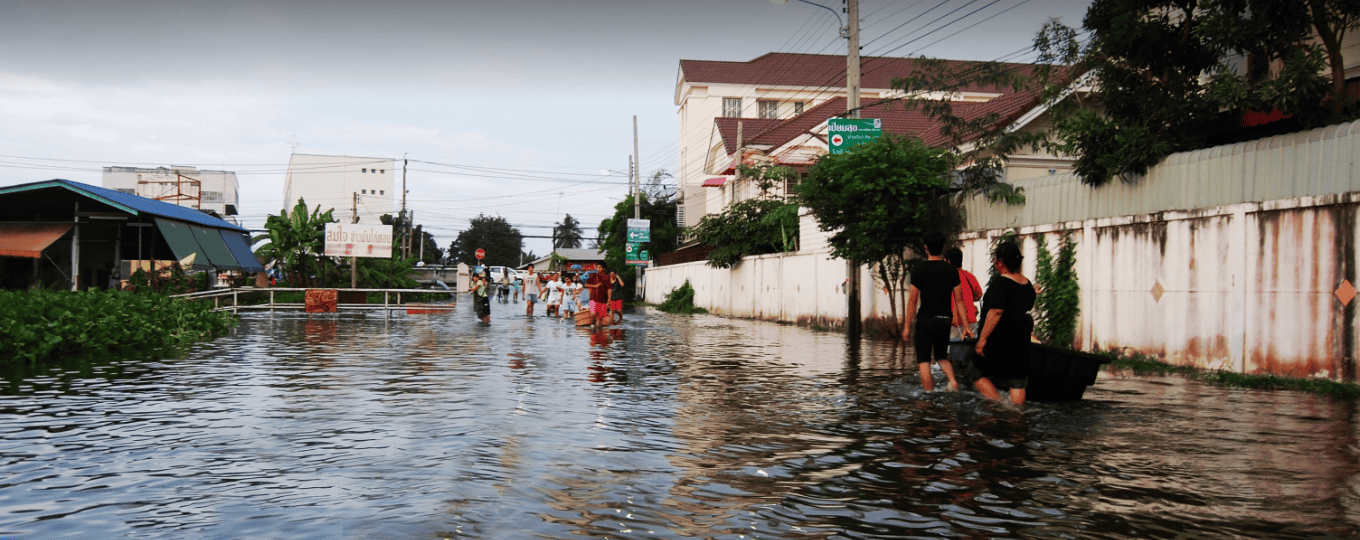
نظام الإنذار المبكر للفيضانات
نظام الإنذار المبكر بالفيضانات: التطبيقات والحالات الرئيسية - الإنذار المبكر بالفيضانات...
تعرّف على المزيد →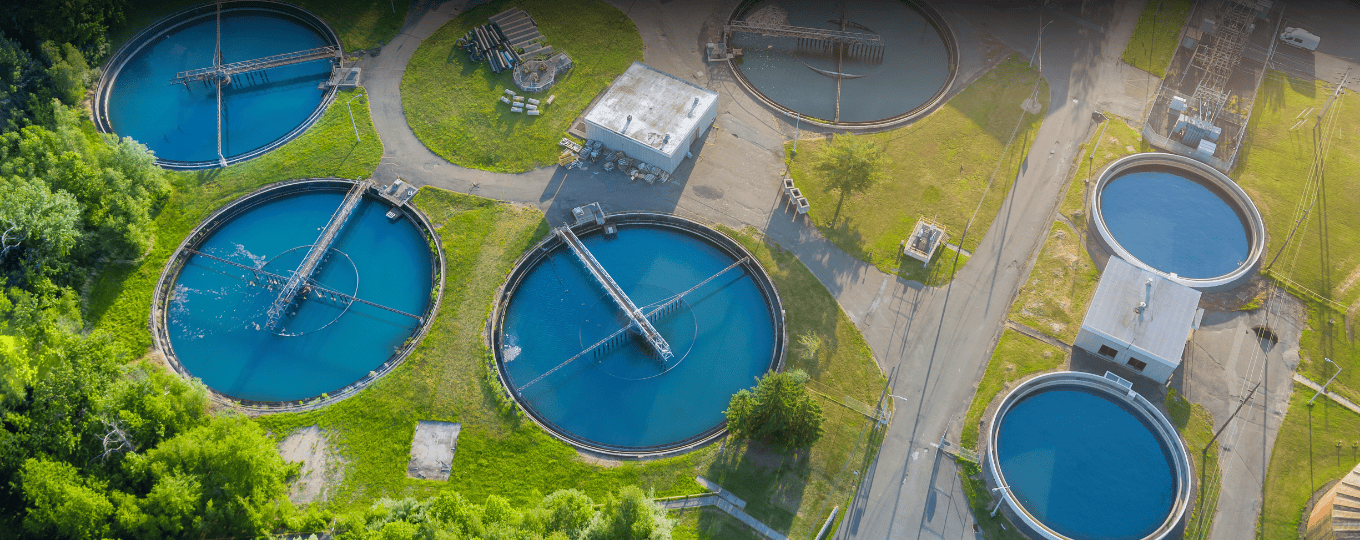
معالجة مياه الصرف الصحي
تطبيقات وحالات معالجة مياه الصرف الصحي - أهم النقاط الرئيسية: معالجة مياه الصرف الصحي لتحقيق معالجة عن بعد...
تعرّف على المزيد →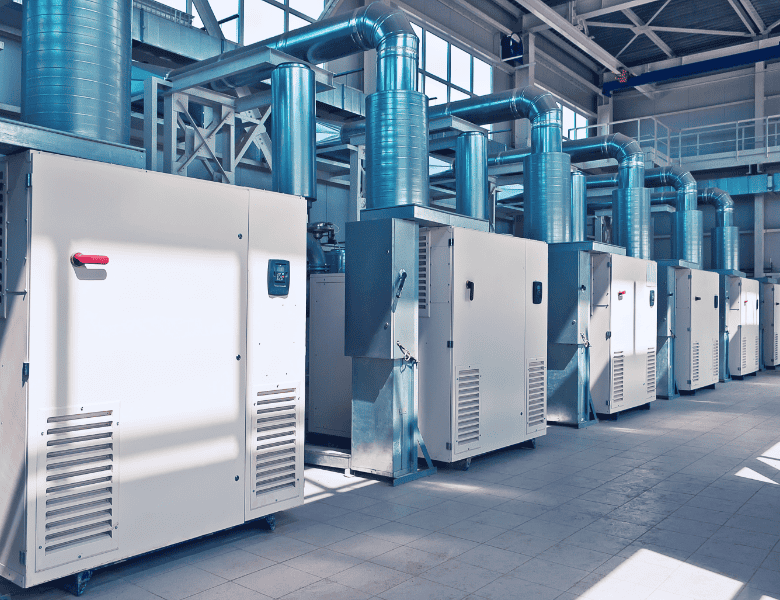
المراقبة عن بعد لضواغط الهواء
المراقبة عن بُعد لضواغط الهواء: التطبيقات والحالات - النقاط الرئيسية - المراقبة عن بُعد...
تعرّف على المزيد →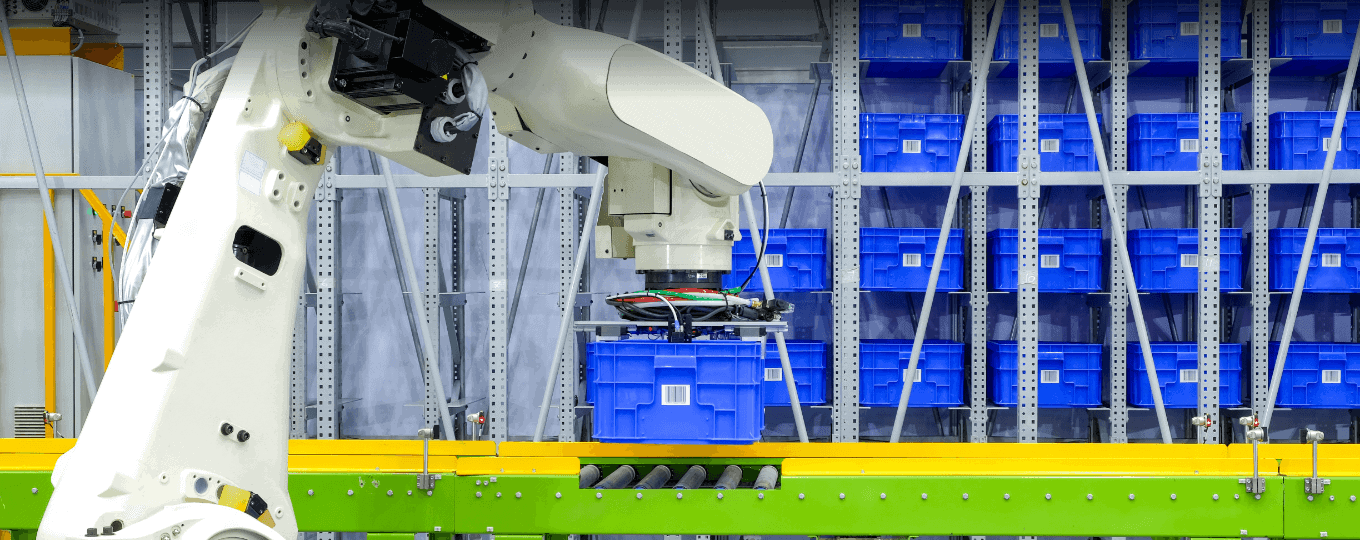
حلول المراقبة عن بعد للروبوتات
حلول المراقبة عن بُعد لتطبيقات الروبوتات وحالاتها - أهم النقاط الرئيسية - المراقبة عن بُعد...
تعرّف على المزيد →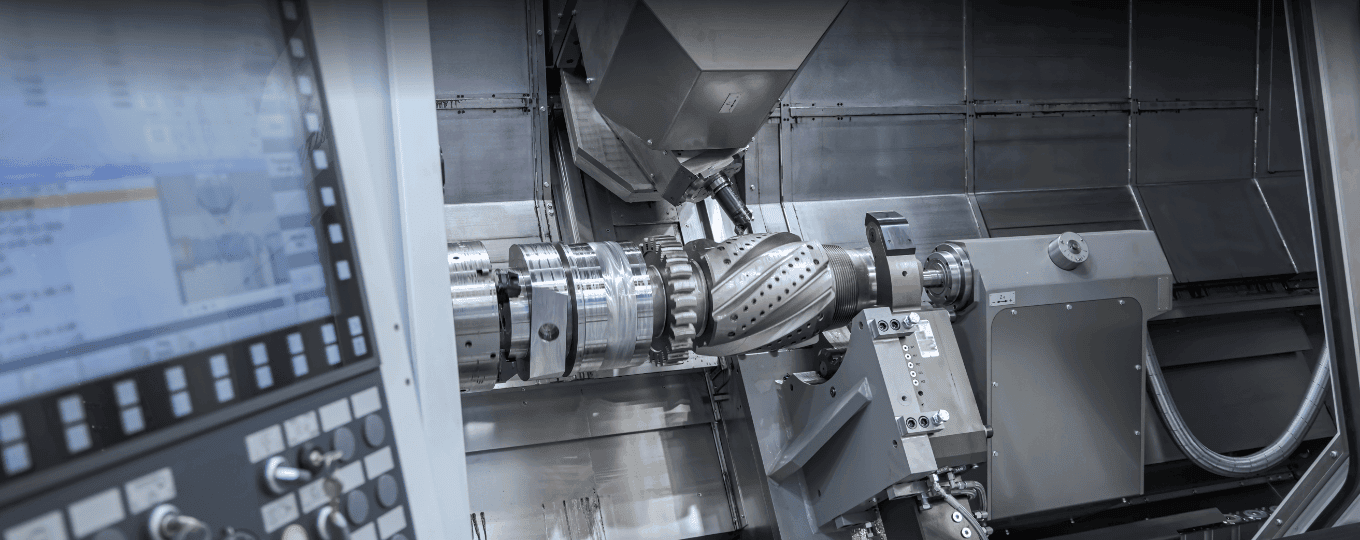
المراقبة عن بعد لآلات قولبة الحقن
المراقبة عن بُعد لآلات قولبة الحقن: التطبيقات والحالات الرئيسية
تعرّف على المزيد →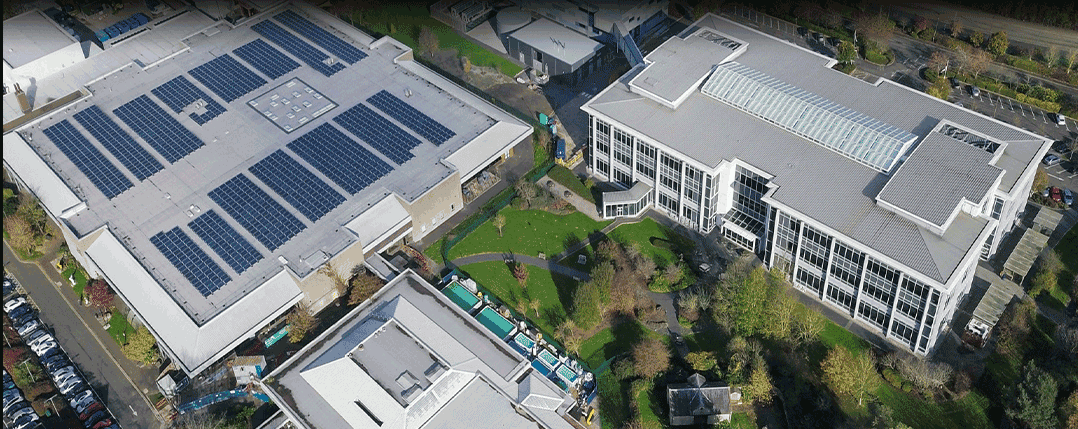
حلول متكاملة لمراقبة استهلاك الطاقة في المصانع
تطبيقات وحالات حلول مراقبة الطاقة المتكاملة في المصانع - أهم النقاط الرئيسية - العمليات الروتينية في المصانع...
تعرّف على المزيد →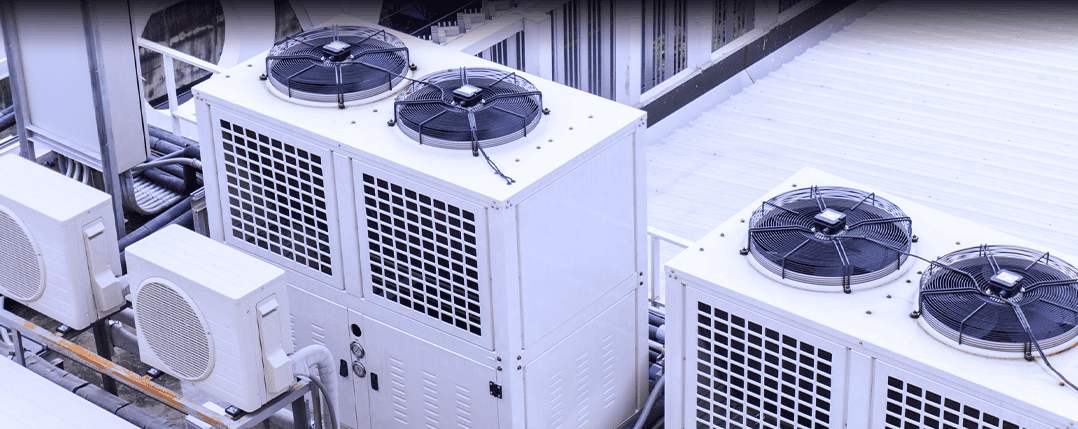
توفير الطاقة وخفض الانبعاثات لأنظمة التدفئة والتهوية وتكييف الهواء في المصانع
توفير الطاقة وخفض الانبعاثات لتطبيقات وحالات التكييف والتهوية في المصانع - أهم النقاط الرئيسية أ...
تعرّف على المزيد →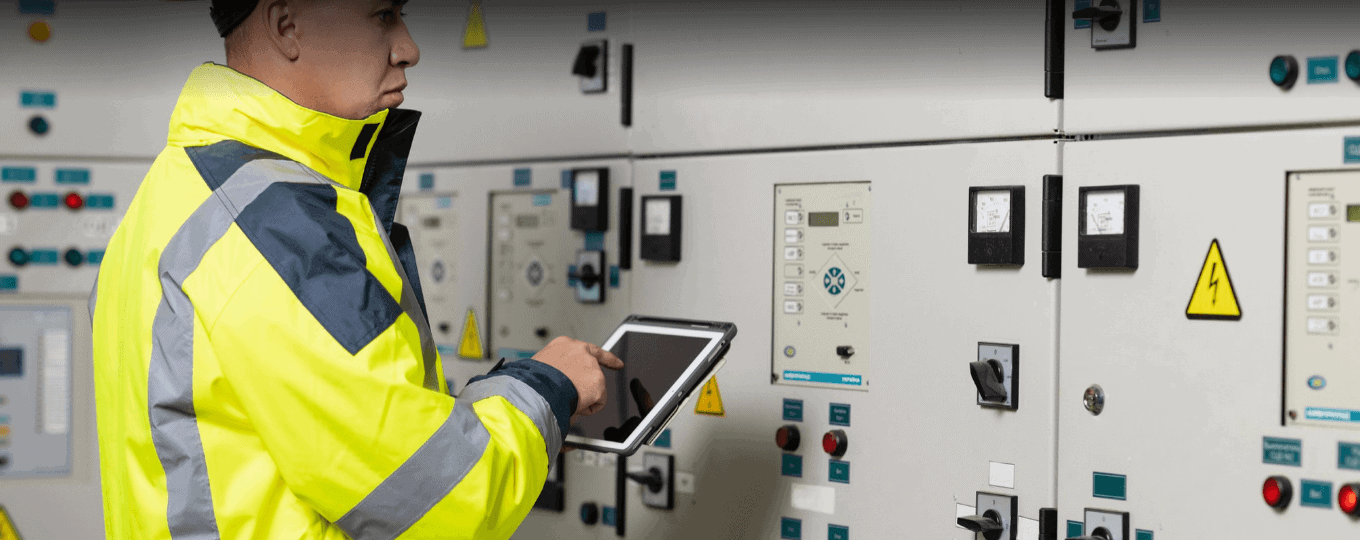
توزيع ذكي للطاقة ذات الجهد المنخفض
تطبيقات وحالات توزيع الطاقة الذكية ذات الجهد المنخفض - أهم النقاط الرئيسية: أنظمة الجهد المنخفض الذكية...
تعرّف على المزيد →
روبوتات التنظيف الكهروضوئية
تطبيقات وحالات روبوتات التنظيف الكهروضوئية - أهم النقاط الرئيسية - حلول إنترنت الأشياء للأنظمة الكهروضوئية...
تعرّف على المزيد →الأسئلة الشائعة
ما هي الميزات الاختيارية التي يمكن تهيئة جهاز IG502 بها؟
يأتي جهاز IG502 مزودًا بـ منفذ تسلسلي واحد RS-232 + منفذ تسلسلي واحد RS-485 كمعيار قياسي لاكتساب البروتوكولات الصناعية (Modbus RTU وأكثر من 80 بروتوكولًا آخر). أربع وحدات اختيارية يتم تحديدها عند الطلب:
-D485: يستبدل منفذ RS-232 بمنفذ RS-485 ثانٍ (2 × RS-485 إجمالاً)-IO4 مخارج رقمية + 4 مخارج رقمية مع عزل 3000 فولت تيار مستمر-Wواي فاي بتردد 2.4 جيجاهرتز + بلوتوث 4.2-Gتحديد المواقع عبر نظام الملاحة العالمي عبر الأقمار الصناعية (GNSS)
نموذج رقم القطعة: IG502- [-D485][-IO][-W][-G]. ال
كيف أقوم بإعداد جهاز IG502 وتسجيل الدخول إليه لأول مرة؟
قم بتركيب هوائيات الاتصال الخلوي والواي فاي، وأدخل بطاقة SIM، وقم بتوصيل محول الطاقة. قم بتوصيل جهاز الكمبيوتر عبر الإيثرنت — يحتوي جهاز IG502 على عناوين IP افتراضية خاصة بكل منفذ. منفذ WAN/LAN = 192.168.1.1; منفذ الشبكة المحلية = 192.168.2.1اضبط محول الشبكة على DHCP أو عنوان IP ثابت من النطاق 192.168.2.x. افتح متصفحًا وانتقل إلى https://192.168.2.1 (اقبل الشهادة الموقعة ذاتيًا). سجّل الدخول باستخدام اسم المستخدم إدارة وكلمة المرور الموجودة على لوحة اسم الجهاز.
كيف أقوم بتوصيل جهاز IG502 بشبكة الجوال وتعيين نقطة الوصول (APN)؟
بعد إيقاف تشغيل الجهاز، أدخل بطاقة SIM. شغّل الجهاز - سيكتشف IG502 شركة الاتصالات تلقائيًا ويطبق نقطة الوصول (APN) المطابقة في معظم الحالات، لذا لا حاجة إلى إعداد يدوي. إذا لم يتم الاتصال بشبكة الجوال، فسجّل الدخول، ثم انتقل إلى الشبكة > الخلويةقم بضبط إعدادات نقطة الوصول (APN) وفقًا لمتطلبات شركة الاتصالات الخاصة بك، ثم انقر فوق يتقدمتحقق من ذلك عن طريق التحقق من شبكة LED وثلاثة مؤشرات ضوئية للإشارة: إضاءة ثابتة لشبكة الإنترنت = تم الاتصال بنجاح؛ وميض سريع لشبكة الإنترنت = جارٍ الاتصال. تشير إضاءة مؤشرات الإشارة (1 / 1+2 / 1+2+3) إلى ضعف / متوسط / جودة إشارة الشبكة الخلوية.
أين أقوم بضبط إعدادات VPN على جهاز IG502؟
في جهاز IG502، توجد إعدادات VPN ضمن متقدم القائمة — انتقل إلى خيارات متقدمة > VPN (ليس الشبكة > VPN، كما هو الحال مع أجهزة التوجيه من سلسلة IR). حدد نوع VPN (IPsec أو OpenVPN أو GRE)، وقم بتكوين معلمات النفق وفقًا لسياسة VPN الخاصة بك، ثم انقر فوق يتقدم.
—