

EC942
Lightweight
人工智能边缘计算机
Lightweight RK3568-based AI edge computer for industrial IoT, with a 2.0GHz quad-core ARM Cortex-A55, 4GB RAM, and 16GB eMMC for stable, efficient edge computing.
PHOTO
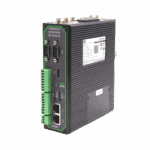
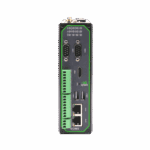
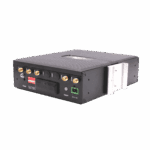
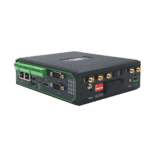
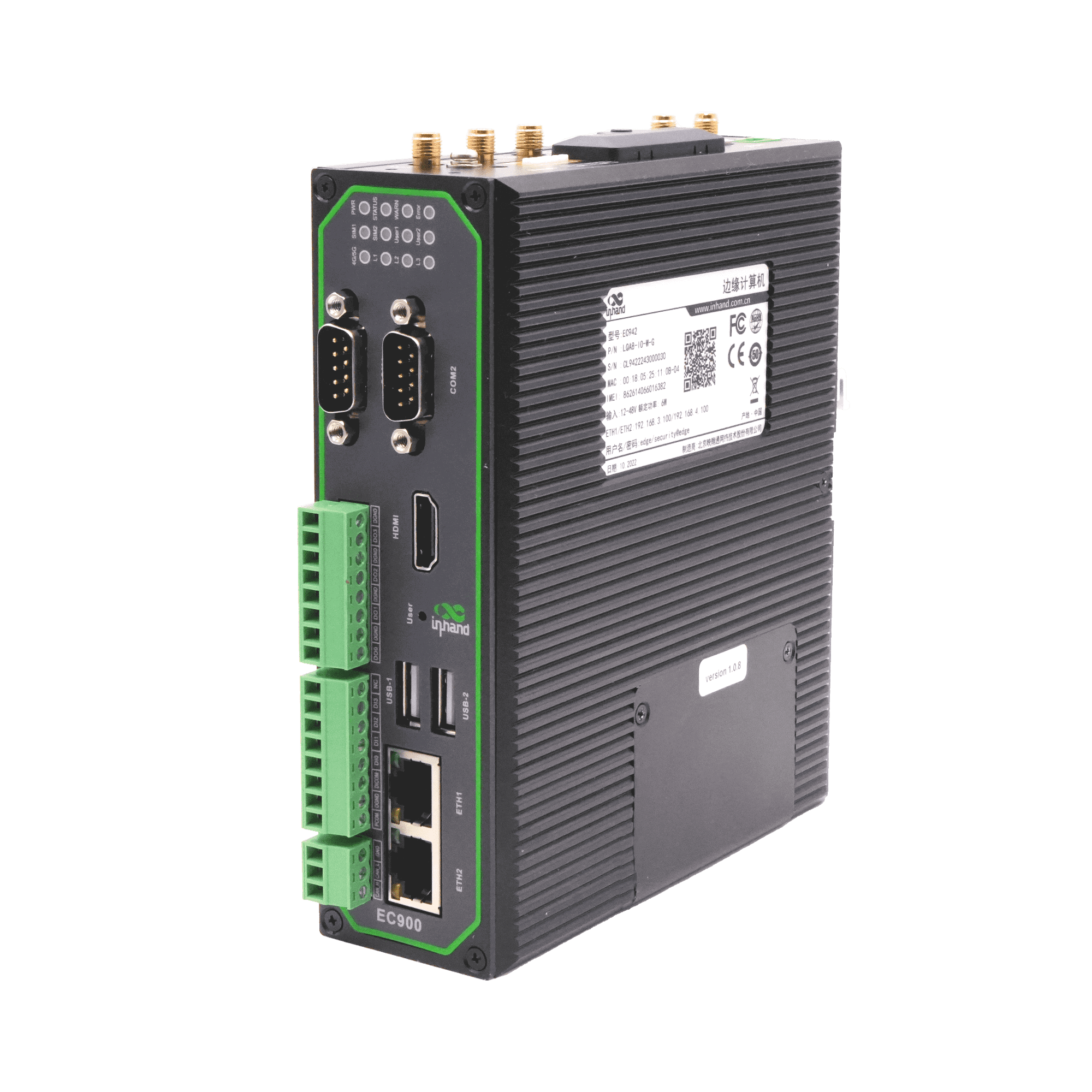
Lightweight Industrial AI Edge Computer


-
Core Technical Specifications
Cellular Network 5G SA/NSA or LTE Cat4/Cat6 (model-dependent)Cloud Management DeviceLive, HTTP/HTTPS/SSH remote managementCPU/GPU Quad-core [email protected] / Mali-G52 2EEData Acquisition Modbus RTU/TCP, EtherNet/IP, OPC UA, DNP3.0, BACnet, CNCDimensions (W × D × H) 47.3 × 162.7 × 148.3 mmInterfaces 2×GE, 2×RS-232/485/422, USB2.0, HDMI2.0, mSATA, MicroSDNetwork Features APN/VPDN, CHAP/PAP, ARP/Ethernet, static IP/DHCPOpen Platform Yocto/Linux and Debian 10, Debian package managerPower Input DC 12~48V (8W)Protection Rating IP30RAM/Storage 4GB / 16GB eMMCSecurity (TPM2.0 Optional) Secure Boot, TPM2.0, firewall, VPN
-
Hardware Platform
CPU Quad-core [email protected]FLASH 16GB eMMCGPU Mali-G52 2EENPU RKNN AI acceleration engineRAM 4GB
-
Connectivity & Interfaces
Buttons Pinhole reset buttonCAN (Optional) CAN2.0A/BEthernet Ports 2×10/100/1000Mbps GEI/O Ports (Optional) 4×DI + 4×DOLED Indicators 4G/5G, Signal Strength (L1, L2, L3), SIM1, SIM2, User1, User2, PWR, STATUS, WARN, ERRSerial Ports 2×RS-232/485/422 (DB9)SIM Card Holders 2×MicroSIMTF Supports MicroSD cards up to 32GB (recommended maximumUSB USB2.0 (2×Type-A + 1×Type-C)
-
Operating System
File System Debian core root filesystemOperating System Yocto/Linux, Debian 10 (Kernel 4.19)Package Manager Debian package manager
-
Network Features
Access Authentication APN, VPDN, CHAP/PAPLAN Protocols ARP, EthernetNetwork Access 5G / LTE Cat4 / LTE Cat6 (model-dependent), EthernetWAN Protocols static IP, DHCP
-
安全
安全启动 SupportedTrust Zone Supported
-
可靠性
Backup Mechanism Dual SIM backupBuilt-in Watchdog Embedded watchdogDual SIM Switchover SupportedLink Detection Multi-level link detection and auto-redial
-
Data Acquisition Protocols (DSA)
Electricity Protocols DLT645-2007, IEC101/104, DNP3.0Industrial Protocols Modbus RTU Master/Slave, Modbus TCP Master/Slave, EtherNet/IP, ISO on TCP, OPC UA, Mitsubishi family, FINSUDP, HostLink, PPIOther Protocols BACnet, CNC
-
Network Management
DeviceLive Cloud Supports cloud-based parameter configuration, container management, application and firmware managementLog Functions Local/remote logs with power-off persistenceRemote management DeviceLive / HTTP / HTTPS / SSH remote managementUpgrade Method Local/remote firmware upgrade
Standard package*
- EC942 AI Edge Computer *1
- 4G天线*1
- 5G Antenna *4
- Wi-Fi Antenna *2
- GNSS Antenna *1
- 以太网线 *1
- Optional accessories
- Power Supply *1
* Standard package contents vary by standard order codes.
Contact us directly to learn more about our packaging options.
DeviceLive
物联网设备管理平台
Device management, remote monitoring, edge app management, and remote maintenance to help industrial enterprises build intelligent edge networks.
相关案例

Safety Monitoring Solution for Vehicle Gas Cylinders
Safety Monitoring Solution for Vehicle Gas Cylinders Applications and Cases Key Takeaways…
Learn More →Frequently Asked Questions
What AI workloads is the EC942 designed for?
The EC942 is a Lite AI Edge Computer with a quad-core ARM Cortex-A55 @ 2.0 GHz CPU and a 1 TOPS NPU (RKNN). Designed for industrial IoT applications — lightweight edge AI inference and industrial data acquisition via the optional DSA service. OS options at ordering: IEOS (default — InHand’s edge runtime with web GUI, container management, and DeviceLive cloud integration) or Debian Linux ( -D suffix). Hardware variants: B is the entry-level config; H adds Wi-Fi, GPS, CAN, Bluetooth, and TPM. Cellular options span LTE Cat 4, 5G NR, regional EU/APAC, and no-cellular SKUs. For heavier vision analytics, step up to the EC3320 (6 TOPS) or EC5350/EC5550 (40 / 100 TOPS).
How do I set up and access the EC942?
The EC942 is a Debian-based edge AI computer with 1× HDMI 2.0 + USB ports — three access methods are supported.
Direct (HDMI): Connect HDMI display + USB keyboard/mouse. Power on and log in with the System User credentials printed on the device nameplate. Use the Linux desktop directly.
Remote — SSH: Connect to the default ETH1 ( 192.168.3.100 ) or ETH2 ( 192.168.4.100 ) IP using an SSH client. Log in with the System User credentials from the nameplate. Note: root SSH login is disabled by default; use sudo -s after logging in as the system user.
Remote — IEOS web: Open https://192.168.4.100:9100 (HTTPS only, port 9100). Log in as username adm with the nameplate password.
Should I choose IEOS or Debian Linux on the EC942?
IEOS (default, no OS suffix) is InHand’s edge operating system. It bundles the web GUI, cellular dialing, VPN, firewall, container management, and DeviceLive cloud integration as a pre-configured stack. Choose IEOS for fastest time-to-deploy and out-of-the-box integration with InHand’s cloud platform.
Debian Linux ( -D suffix) is a standard Debian distribution without InHand’s edge applications. Choose Debian for custom application stacks, third-party runtimes, or your own DevOps tooling — you take on cellular dialing and remote management yourself.
How do I manage the EC942 remotely with DeviceLive?
The EC942 uses InHand DeviceLive for cloud management. Registration is done in the DeviceLive portal — no configuration is needed on the device’s web GUI. Log in to your DeviceLive tenant, click Add Device, and enter the EC942’s serial number and credentials from the device label. Once the device has internet, it auto-connects to DeviceLive. From there, manage the fleet via remote container management and remote firmware/application management across distributed sites.
—