

ES620
Managed
企业交换机
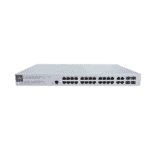
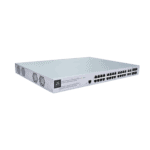
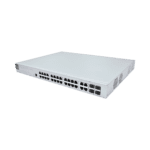
ES620 is a high-performance cloud-managed PoE Layer-2
switch with InCloud management, ideal for enterprise, campus, and branch network deployments.
PHOTO
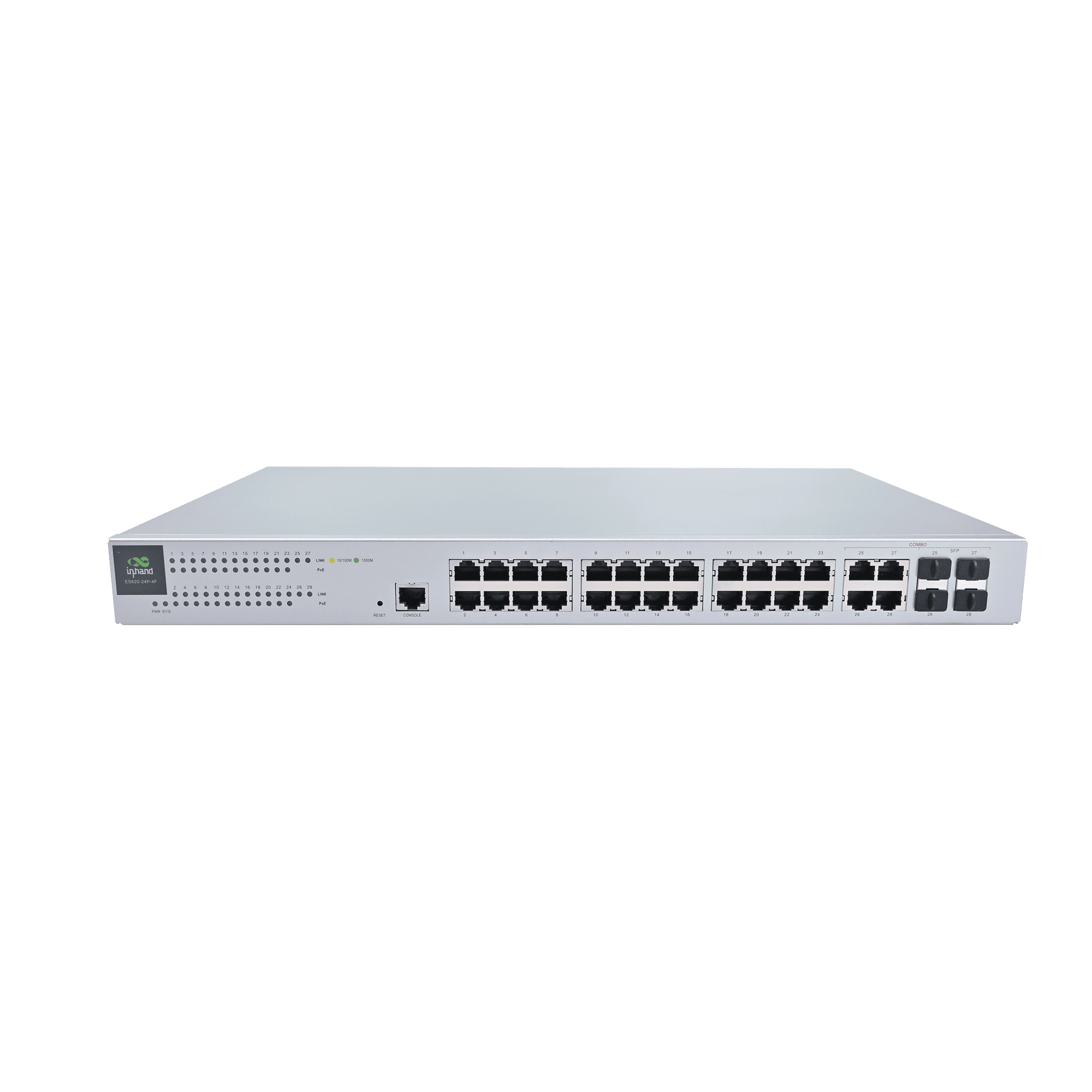
Smart PoE Switch for Reliable Enterprise Networking

High-Performance Switching
Offers 24 Gigabit RJ45 ports and 4 combo optical/electrical ports with high switching capacity and forwarding performance.

Cloud-Managed Control
Integrates with InCloud Manager for centralized policy, zero-touch provisioning, batch config, and remote maintenance.

Intelligent PoE Power Delivery
All 24 ports support IEEE 802.3af/at PoE with up to 30W per port and a large total power budget for APs, cameras, and phones.

易于部署
Offers intuitive Web UI for VLAN, STP, and port settings while enabling easy plug-and-play installation

Network Visibility & Diagnostics
Cloud dashboard offers topology views, traffic monitoring, status alerts, and logs for improved operational visibility

Reliable Power & Stable Operation
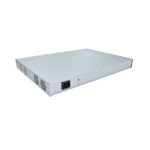
Built-in fans and metal chassis with AC power support ensure stable performance under sustained or heavy loads.
-
Core Technical Specifications
Cloud Management InCloud Manager: unified device access, zero-touch remote deployment, batch upgrades and configuration deployment, cloud-connected remote maintenance, two-factor authenticationCompliance In planning: CE, FCC, IC; EMC Level 2Cooling & Indicators 4 × built-in fans; Power, System, 24 × PoE status, 28 × Link status LEDsDashboard Device statistics, connectivity status, connection quality analysis (latency, packet loss, throughput); traffic statistics, interface status, client statistics analysisEnvironment Operating 0 °C ~ +45 °C; storage -40 °C ~ +70 °C; humidity 95 % RH @ 40 °CInterfaces & PoE 28 × GbE RJ45; 24 × 802.3 af/at PoE; 1 × Console; 1 × ResetMaintenance Scheduled upgrades; operation and diagnostic logs; user login, connection/disconnection, device restart events; SMS and email alerts; ICMP, Tracert, TcpdumpMechanical 440 × 315 × 44 mm; metal; 1U rack; IP20Network Features IPv4; VLAN, STP, RSTP, port management, traffic control, PoE management; 802.1X, link aggregation, loop detection, broadcast storm; MAC address table 8K表现 Switching capacity 56 Gbps; packet forwarding 41 Mpps; RAM 128 MB; Flash 32 MBPower 100–240 V AC, 50–60 Hz; 400 W total consumption (370 W PoE)
-
Performance Metrics
Flash 32 MBMAC Address Table 8KModel ES620Packet Forwarding Rate 41 MppsRAM 128 MBSwitching Capacity 56 Gbps
-
Interfaces
Console 1 × ConsoleEthernet 28 × GbE RJ45POE 24 × 802.3 af/atReset 1 × Reset button
-
LEDs
LED 1 × Power, 1 × System, 24 × PoE status, 28 × Link status
-
Cooling
Fan 4 × Built-in fans
-
Power
Input 100–240 V AC, 50–60 HzPower Consumption 400 W total (370 W PoE)
-
Mechanical
Dimensions 440 × 315 × 44 mmInstallation 1U RackMaterial MetalProtection IP20
-
Environment
Humidity 95 % RH @ 40 °COperating Temperature 0 °C ~ +45 °CStorage Temperature -40 °C ~ +70 °C
-
Certification
Certification In planning: CE, FCC, ICEMC EMC Level 2
-
Cloud Management
Dashboard Device statistics, connectivity status, connection quality analysis (latency, packet loss, throughput); traffic statistics, interface status, client statistics analysisFeatures Unified device access, zero-touch remote deployment, batch upgrades and configuration deployment, cloud-connected remote maintenance, two-factor authenticationPlatform InCloud 管理器
-
Network Features
IP Protocol IPv4Protocols VLAN, STP, RSTP, port management, traffic control, 802.1X, PoE management, link aggregation, loop detection, broadcast storm
-
Maintenance
Alerts SMS and email alertsDiagnostic ICMP, Tracert, TcpdumpEvents User login, connection/disconnection, device restart, and other operational eventsLogs Operation logs and diagnostic logsUpgrades Scheduled upgrades
Standard package*
- ES620 Enterprise Switch *1
- Power Supply *1
- Serial Cable *1
- PGND cable *1
- Mounting Kit *1
* Standard package contents vary by standard order codes.
Contact us directly to learn more about our packaging options.
InCloud 管理器
Cloud-based Network Management Platform
AI-driven network platform for chain stores and SMEs, enabling centralized monitoring and management of routers, APs, and switches.
相关案例

酒店网络解决方案
Hotel Networking Solution Applications and Cases Key Takeaways With 24-port PoE and…
Learn More →Frequently Asked Questions
What does the ES620 offer?
The ES620 is a cloud-managed Layer 2 Gigabit PoE switch for enterprise sites — managed entirely from InCloud 管理器, the same platform used by InHand’s ER routers and EAP access points. Highlights:
| — | — |
| Ports | 28× GbE total — 24× RJ45 PoE + 4× combo uplink |
| Switching capacity | 56 Gbps; 41 Mpps packet forwarding |
| PoE | 802.3af/at, up to 30 W per port, 370 W total budget |
| MAC table | 8K |
| Form factor | 1U rack-mount, 4× internal fans, 100–240 V AC |
| Operating temp | 0 to +45 °C |
Single orderable SKU: ES620-24P-4F. Cloud features include zero-touch deployment, batch firmware/config push, dashboard analytics (link quality, traffic, client stats), event/alert pipelines (SMS / email), and remote diagnostics (ping, traceroute, tcpdump). Standard switching features include VLAN, STP/RSTP, port management, traffic control, and PoE management.
How do I install the ES620?
- Mount the ES620 in a standard 19″ rack with the supplied 1U brackets. Leave airflow clearance — four internal fans pull air front-to-back.
- Connect the AC power cord (100–240 V, 50/60 Hz). The total power draw including PoE can reach 400 W; size the rack PDU accordingly.
- Connect the upstream router or core switch to one of the 4× combo uplink ports.
- Plug PoE devices (APs, cameras, IP phones) into ports 1–24. Each port supplies up to 30 W under 802.3af/at, with 370 W available across all ports.
- The Power and System LEDs light during boot. Per-port Link and PoE indicators come up as devices connect.
How do I add the ES620 to InCloud Manager?
- Sign in (or create an account) at
https://star.inhandcloud.com. - Click Add Device and enter the ES620’s serial number from the chassis label.
- Connect the ES620 to the internet via any uplink port. Once it reaches the platform, it appears online in the dashboard.
You can then create the network/site, push port and PoE configuration, schedule firmware upgrades, and view dashboards covering connectivity, traffic, and per-port status. Two-factor authentication and operation/diagnostic logs are built in.
How does the ES620 differ from the ES220 series?
| ES220 | ES620 | |
| — | — | — |
| 管理 | Unmanaged, plug-and-play | Cloud-managed via InCloud Manager |
| Max ports | 9 (ES220-8P-1T) | 28 (24 PoE + 4 combo) |
| Switching capacity | 10–16 Gbps | 56 Gbps |
| PoE budget | 52 W or 120 W | 370 W |
| MAC table | 2K | 8K |
| Form factor | Desktop / wall | 1U rack-mount |
| Target | Small retail / SMB | Enterprise / campus / hotel |
Pick the ES220 for a single small site that just needs Ethernet ports and optionally a few PoE drops, with no admin overhead. Pick the ES620 when the site has many PoE devices, requires VLAN segmentation, or sits inside a multi-site fleet you want to manage from one cloud dashboard alongside your routers and APs.
—